Servicing 5-7
•
Gear Shift
Switch off power to the VGM. Unlock and remove the rear door. Disconnect the two cables from the
back of the shifter. At the front of the shifter, remove shift plate mounting screws. Lift the shifter up
and out of the player panel.
•
Hard Disk Drive
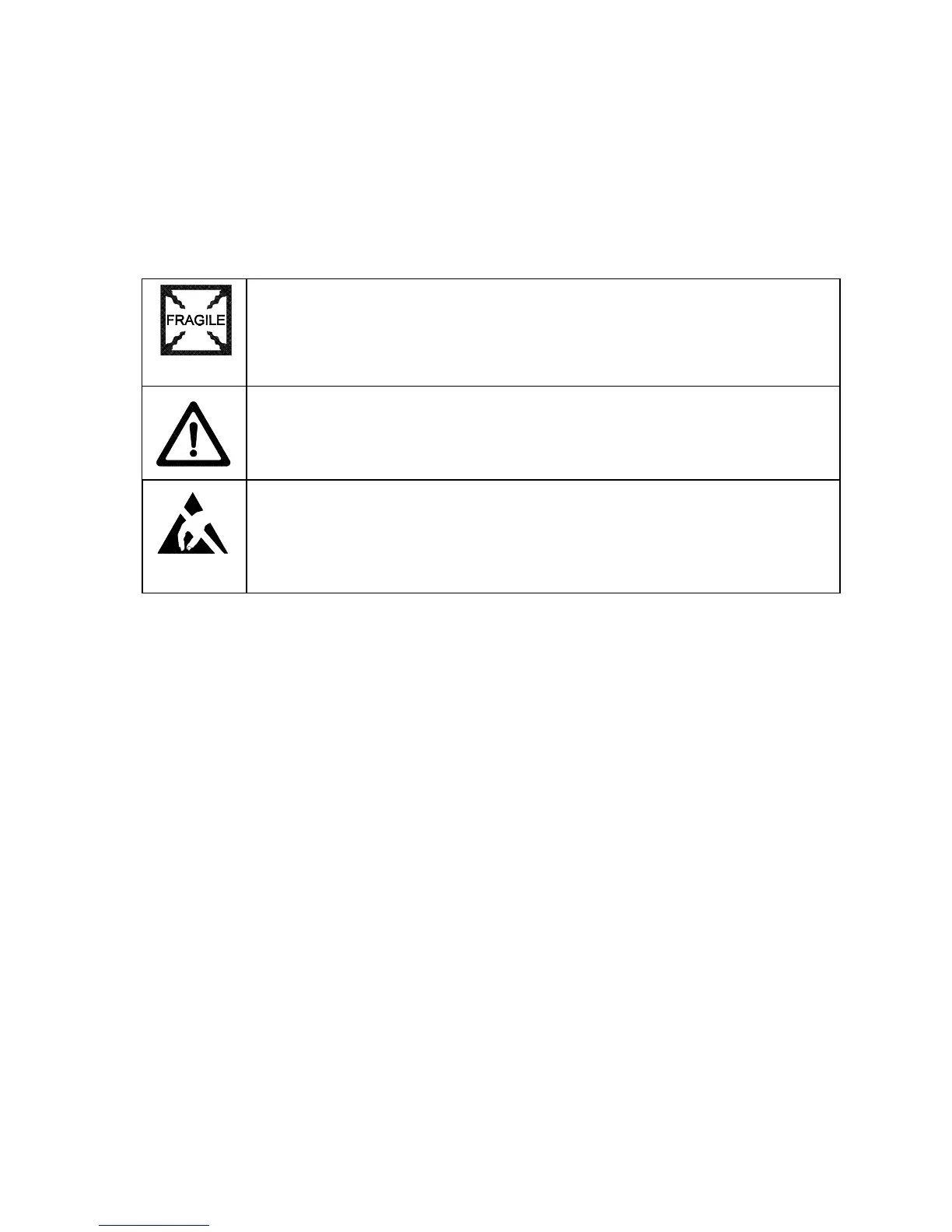
CAUTION:
Hard disk drives are very fragile! Handle them with care. Keep disk
drives away from magnets, heat and vibration. Don’t move a VGM with the power
on.
CAUTION:
Don’t stack or drop hard disk drives. Use an anti-static bag and an
approved shipping container to return the drive to your distributor.
CAUTION:
Static electricity builds up on your body. This static can damage or
destroy sensitive circuits. Before touching or handling electronics, discharge static
electricity by touching the power supply chassis.
Switch off power to the VGM. Unlock and remove the rear door. Remove the back of the Arcade
Computer. Disconnect the DC power cable from the hard drive. Unplug the ribbon cable from the hard
drive. Leave the other end of the cable attached to the CPU Board. Remove the drive mounting
screws. (Don’t remove the drive-mounting bracket.) Lift the drive out of the cabinet. Save the
mounting screws for reuse in future hard drive installations. When returning a hard drive to your
distributor, pack it in an anti-static bag. Box the drive in approved shipping container 08-8068.
REINSTALLATION.
Before mounting the hard drive in its bracket, install the drive mounting screws.
To avoid damage during installation, mount the hard drive in the brackets before connecting cables.
After a driver plays one game, the new drive copies data from other linked VGMs. Important! The
data won’t copy if players are actively driving. Files transfer only when all VGMs return to Attract
Mode.
•
MagicBus
Interface Board
Switch off power to the VGM. Unlock and open the rear door. Extract the harnesses from the board
connectors. The MagicBus Board mounts to the left cabinet wall. Remove mounting screws from the
board. Lift the board out of the cabinet. During reinstallation, tighten the screws: Start at the board’s
center and work toward the outer edge. If you aren’t reinstalling the board, store it in an anti-static bag
and protective container.
•
Marquee Glass and Fluorescent Tube
Switch off power to the VGM. Unscrew and remove the marquee glass retainer. Lift off the glass
panel and artwork to expose the interior of the light box. The fluorescent lamp requires a quarter turn
for removal.












 To Next Page