Operation tips
19
Operation
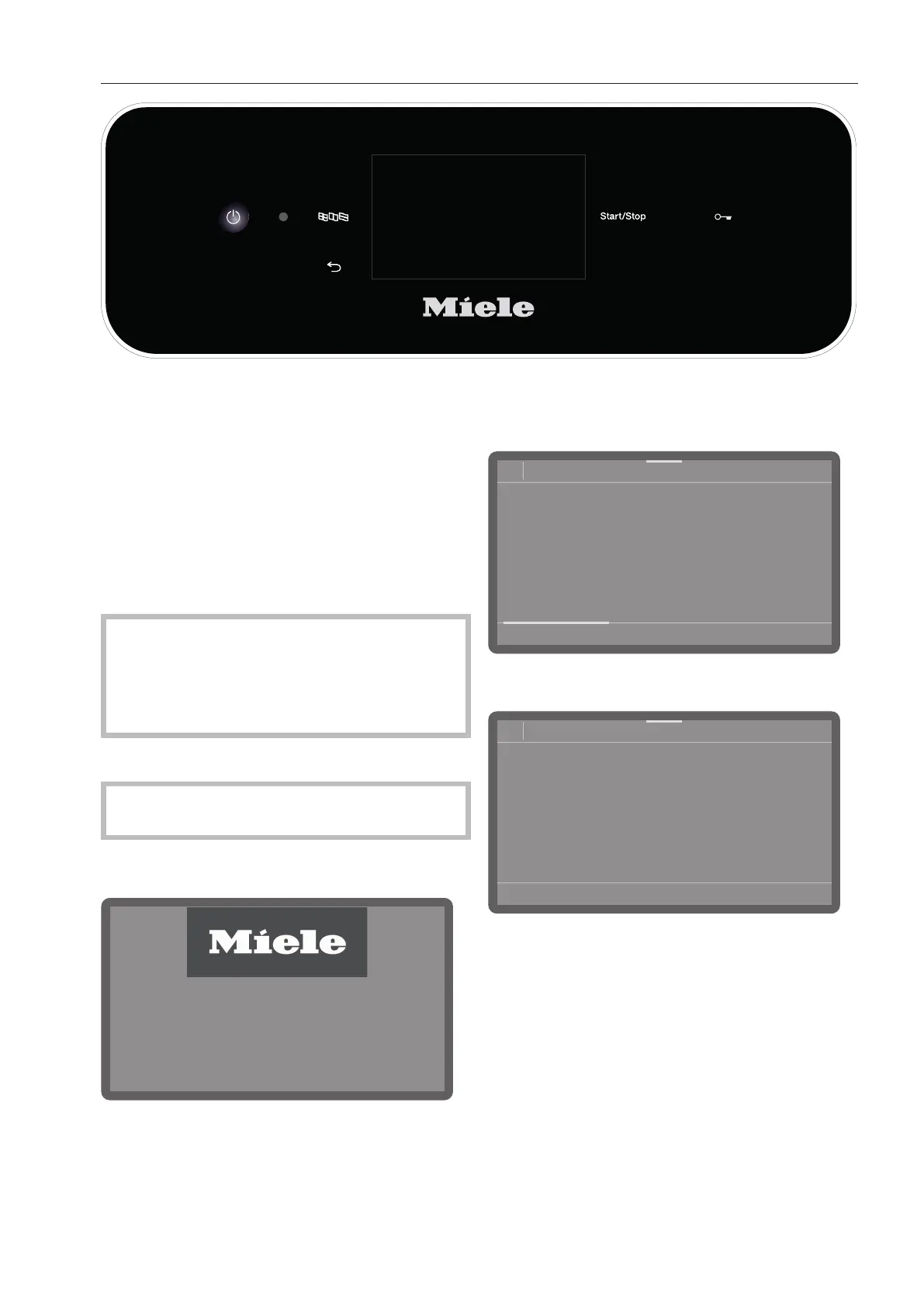
Operation is carried out via the touch display
as well as via the buttons on the control
panel.
The sensor controls on the control panel and
the buttons on the display react to finger tip
contact. Every touch on the sensor controls
is confirmed by a keypad tone. You can ad-
just the volume of the keypad tone or switch
it off (see “Settings/Volume”).
The control panel with sensor controls
and the touch display can be scratched by
pointed or sharp objects, e.g., pens.
Only touch the control field with your fin-
gers.
Switching on
The dishwasher needs to be connected to
the electricity supply.
Press and hold the button until the fol-
lowing appears on the display:
As soon as the dishwasher is ready for oper-
ation, the display message changes to show
the program selection screen, e.g.:
08:15
Programs
Normal
66°C
0:13 h
Normal plus
66°C
0:19 h
Intensive
66°C
0:21 h
Rapid
55°C
0:05 h
If the Memory function is activated, the most
recently started program is displayed, e.g.:
08:15
Program
Normal plus
66°C
AutoOpen
0:19 h
Timer
Dry+
Switching off
Press the button.
The dishwasher remains in standby mode
for about one minute before it switches off
completely.



 To Next Page