Additional settings
71
Reactivation notification
In order to plan wash phases more effec-
tively, you can have the remaining number of
wash cycles before the next reactivation dis-
played as a notification.
When the set number of cycles before the
next reactivation has been reached, a notifi-
cation is displayed after each completed
program.
You can set the number of cycles from 0–20
cycles; at 0, no notification is displayed.
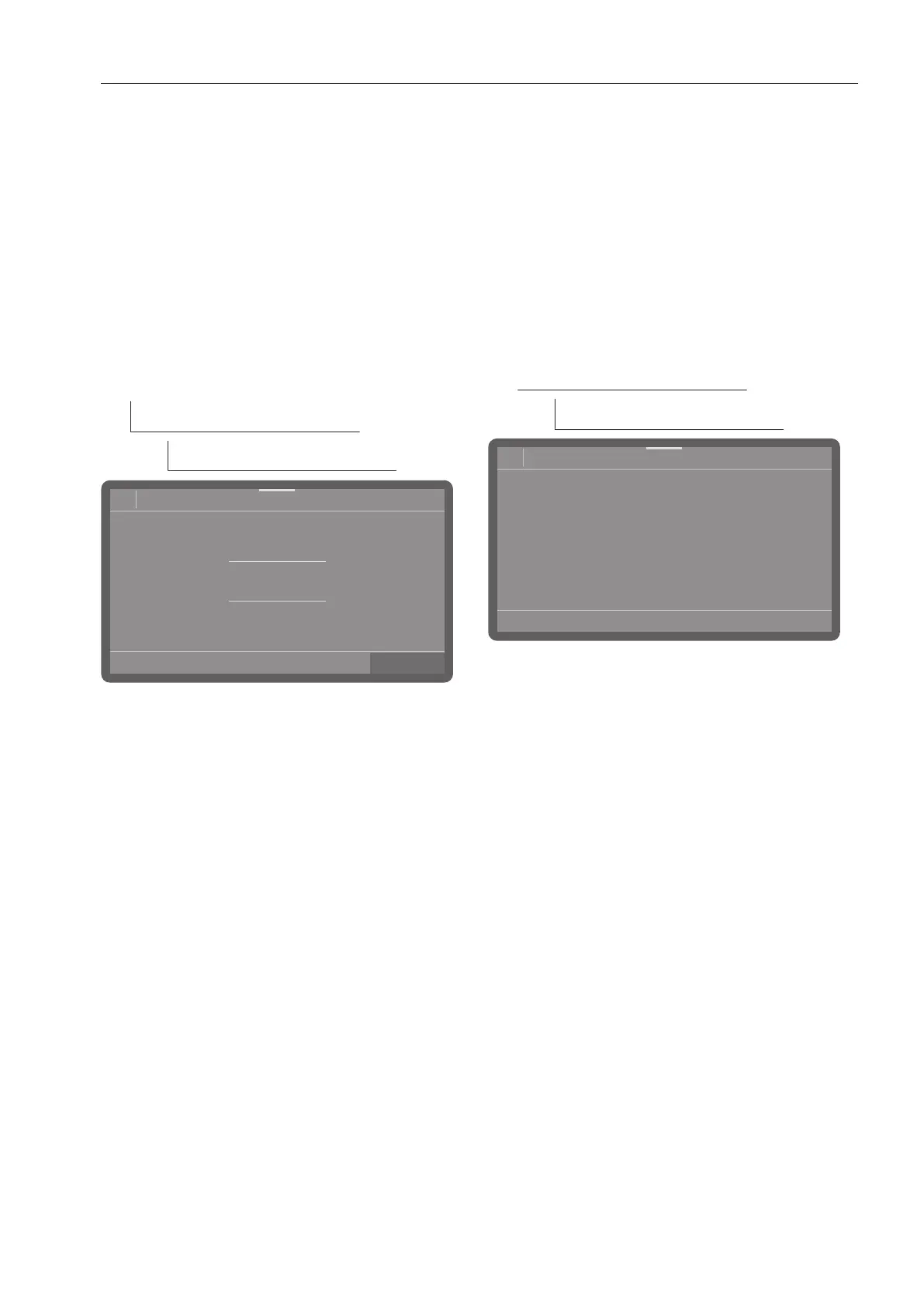
The menu is saved under the following input
path.
Extended settings
Cycles bef. reactivation
OK
08:15
3
2
1
0
20
Cycles bef. reactivation
Set the number of cycles.
Press OK to save the setting.
Memory
If you are always using the same program in
a continuous sequence, you can use the
memory function. This automatically sug-
gests the most recently selected program so
that you can start the program immediately
after loading. The program selection screen
is therefore not displayed, but it is still avail-
able.
The menu is saved under the following input
path.
Extended settings
Memory
- On
The most recently selected program is
pre-selected before the next program
starts.
- Off
The programs need to be selected via the
program selection screen.
Select an option.



 To Next Page