Using the machine
19
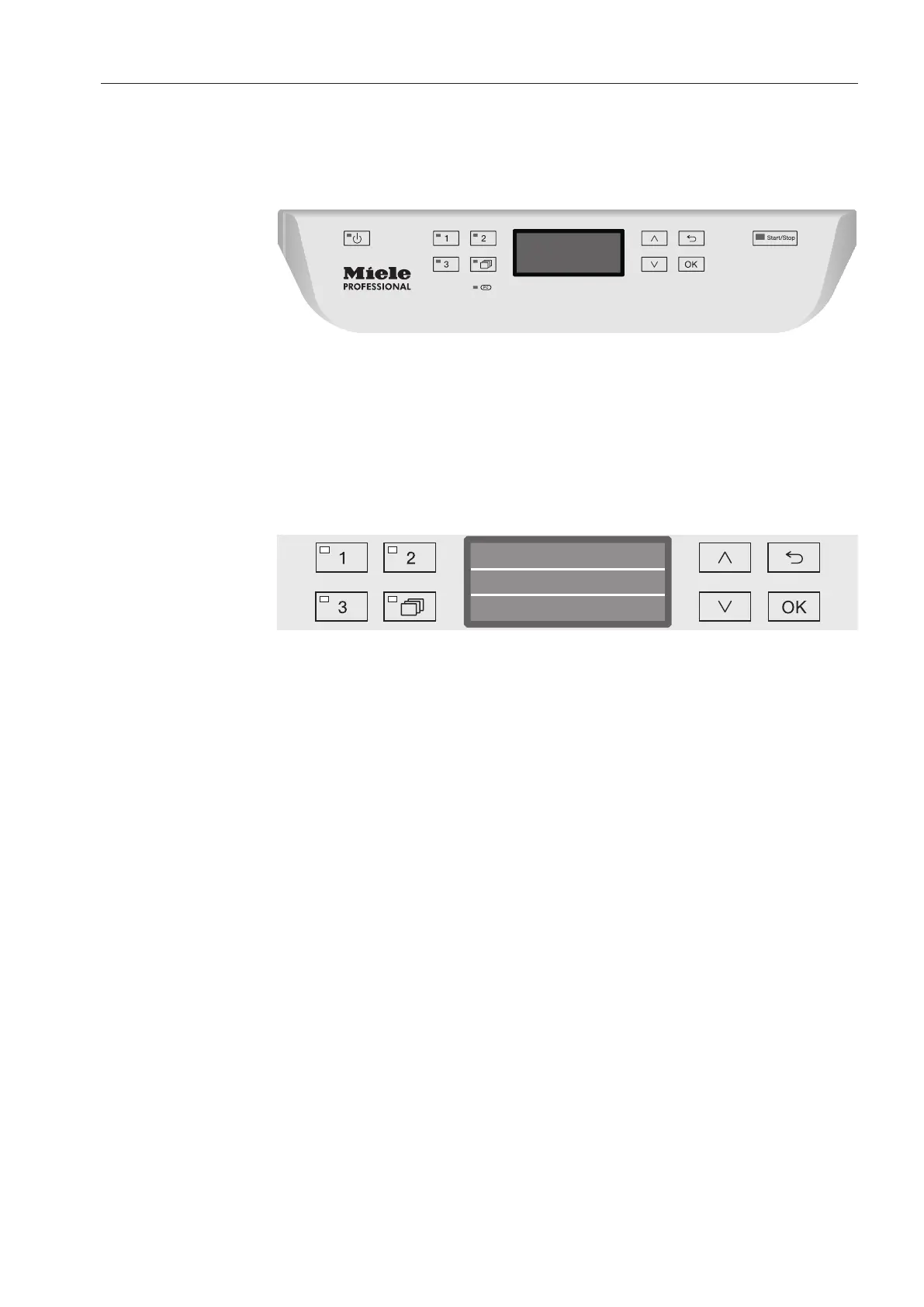
Control panel
The machine is operated exclusively by the buttons located on the
stainless steel surfaces either side of the display. The display is not a
touch screen.
A light touch on the relevant button is sufficient to operate the
functions. The buttons can also be pressed and held for approx. 20
seconds.
Display illustrations
All display illustrations shown in these operating instructions are
examples which can be different from the actual display screens
shown.
Short
Temperature
Duration
Min20
60 °C
The control buttons, with the exception of the and the Start/Stop
buttons, are shown next to the display.



 To Next Page