Further settings
72
Release
The following function can be used to restrict access to the Further
settings menu via a code or to take the restriction off.
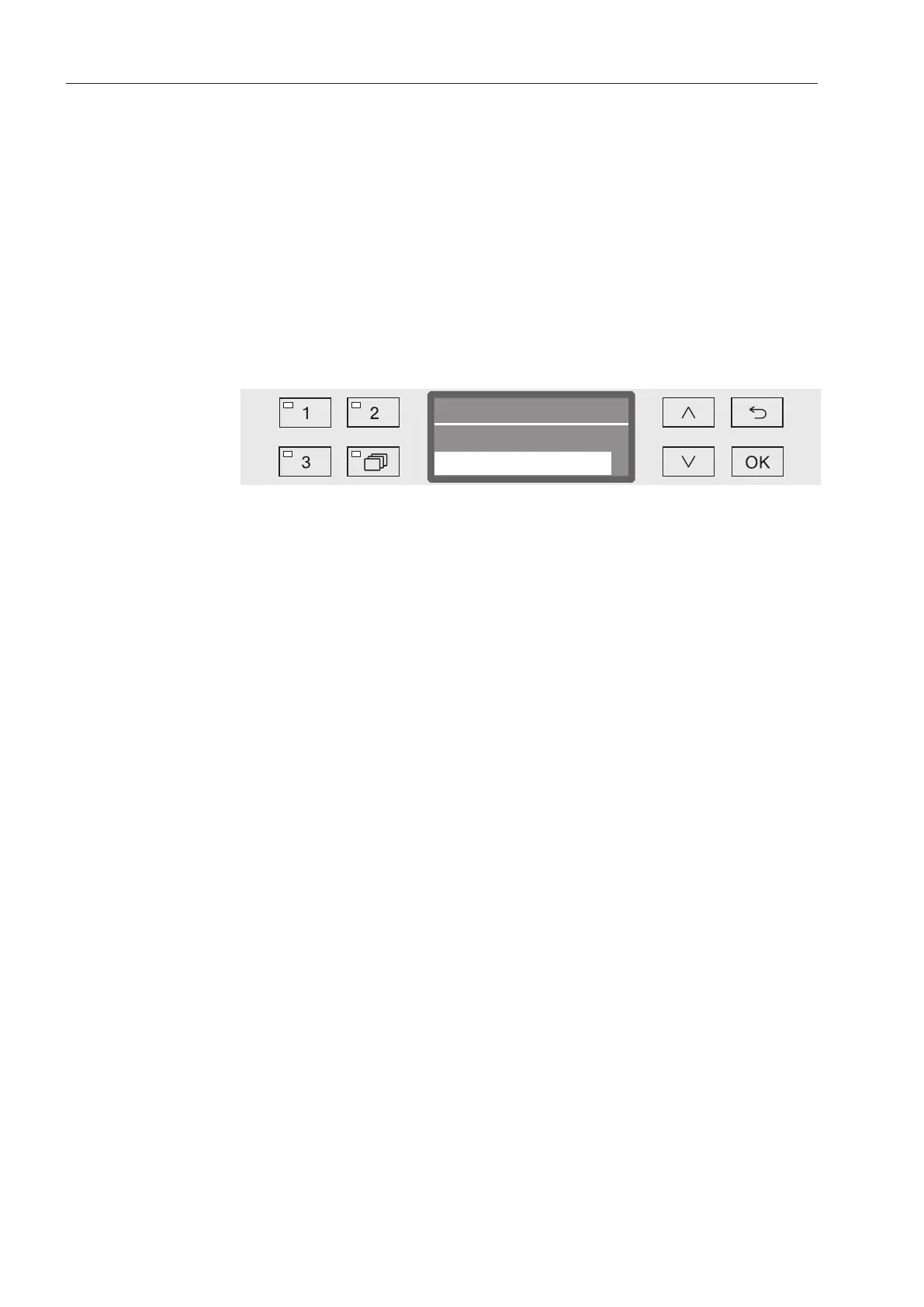
Open the Further settings menu by switching the machine off with
the button and then switch it on again with the button whilst
keeping the button held in.
Open the menu as follows:
Further settings
Code
Release
Further settings
- Block
The menu is only accessible by using a code.
- Yes
The menu is available to all users.
Select an option using the and arrow buttons.
Press OK to save the setting.



 To Next Page