Further settings
86
Release programme
It is possible to block access to individual programmes. Blocked
programmes are not available for selection, so for example it can be
ensured that only validated programmes are used.
Open the Further settings menu by switching the machine off with
the button and then switch it on again with the button whilst
keeping the button held in.
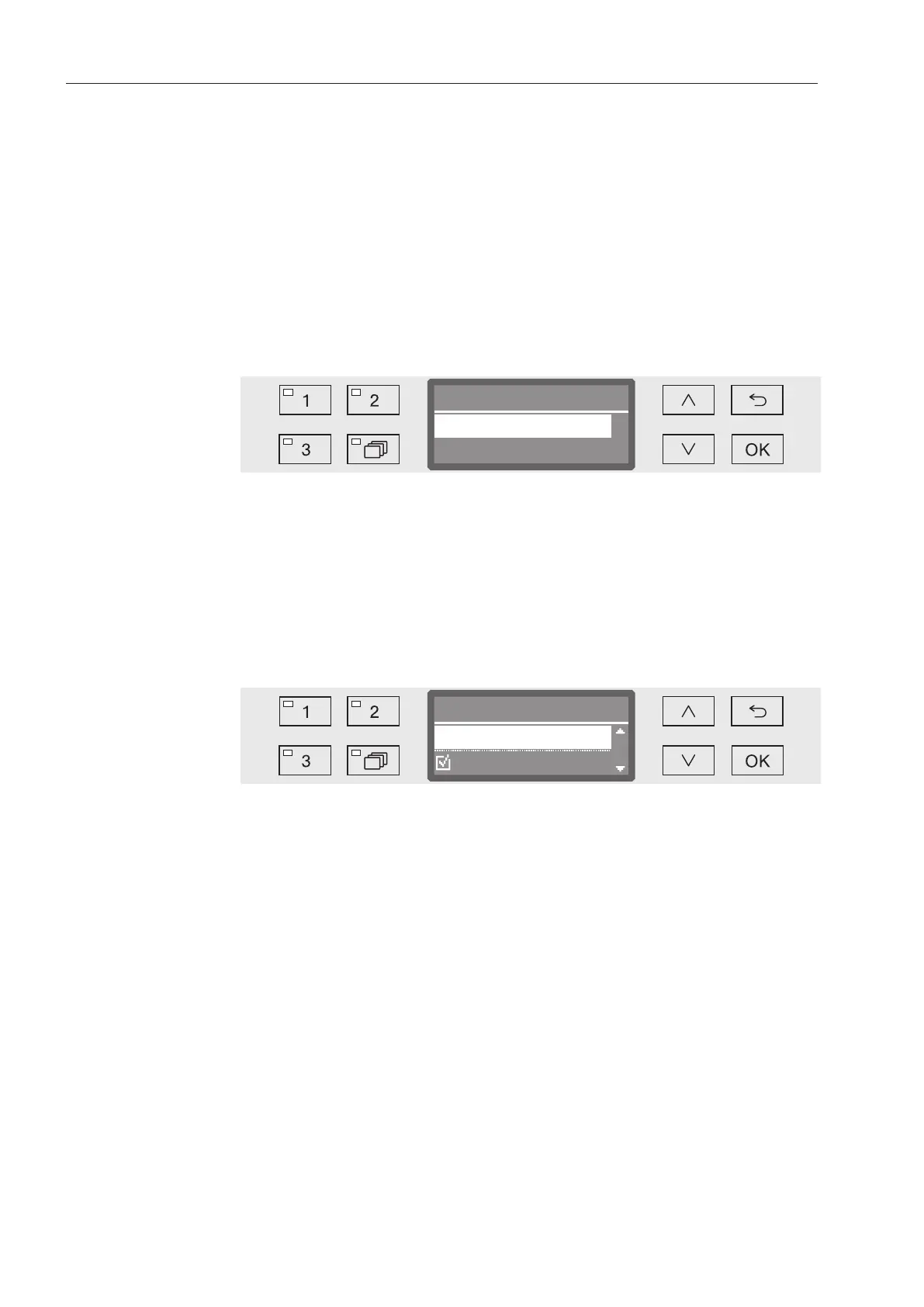
Open the menu as follows:
Further settings
Release programme
Release programme
Selection
All
- All
All programmes are released for use.
- Selection
A selection of programmes are available for use.
Select an option using the and arrow buttons and confirm your
selection with OK.
The Selection option displays a list of all programmes.
Release programme
Short
Accept
Programmes are selected by multiple choice. A box is shown next to
all programmes in the list. If a programme is released, there is a tick
in the box. An empty box indicates a blocked programme.
Programmes can be released or blocked using the arrow buttons
and and by confirming with OK.
To save the selection select the Accept option at the end of the list
and confirm with OK.
Water hardness
You can use this menu to set the water softener to the water
hardness of the mains supply.
For more information see “Water softener”.



 To Next Page