Operation
57
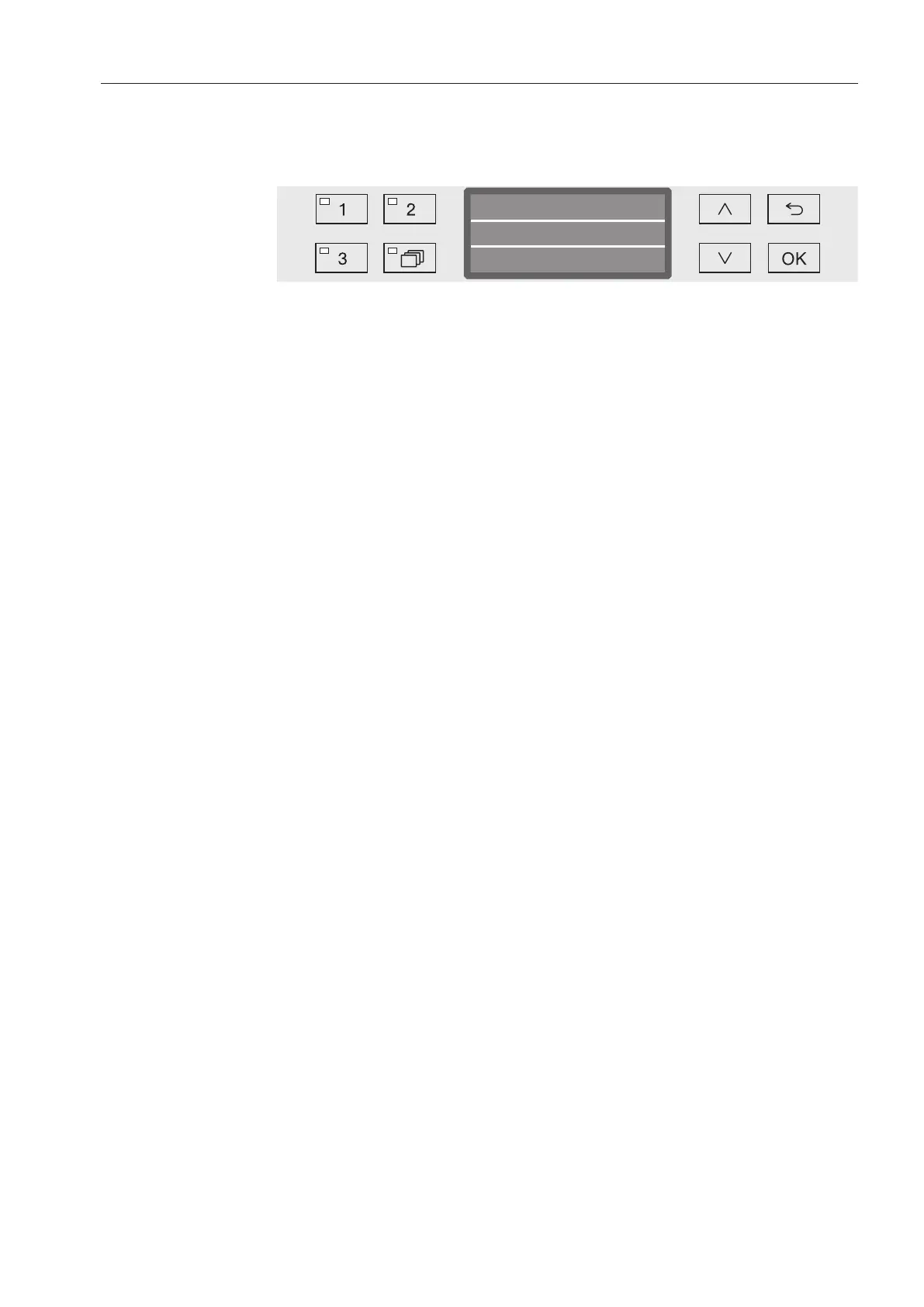
Programme sequence indicator
After the programme has started, the programme sequence can be
followed on the three-line display.
Short
Main wash
Time left
Min15
Top line
- Programme name.
Middle line
The following parameters can be checked using the and arrow
buttons:
- Current programme block, e.g. Main wash
- Actual or required temperature
(depending on the display set, see “Further settings/Display:
Temperature”)
Bottom line
- Time left (in hours; under an hour, in minutes).
At the end of the programme
The following messages and parameters appear at the end of a
programme:
Top line
- Programme name.
Middle line
- Temperature
(required temperature of the final wash phase)
Bottom line
- Programme finished.
The LED in the Start/Stop button goes out. In the factory default
state, an acoustic tone also sounds for approx. 10 seconds (see
“Settings/Volume”).
Ending the
programme
Open the door to end the programme. The machine must be
switched on when you do this.



 To Next Page