Further settings
87
Display: Temperature
The wash cabinet temperature can be viewed during a programme.
Either the current actual temperature or the required temperature
which has been preset for the current wash block is displayed.
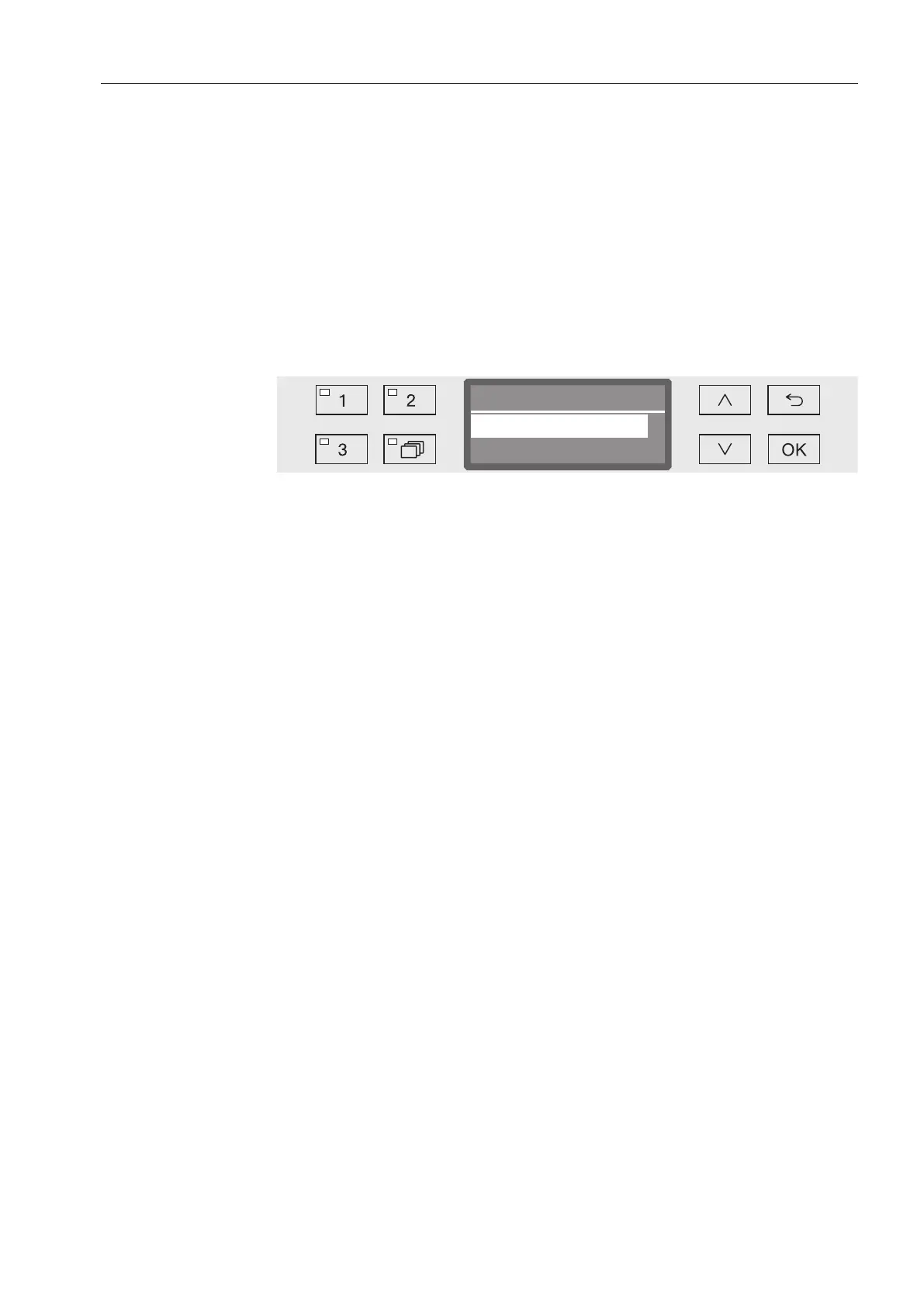
Open the Further settings menu by switching the machine off with
the button and then switch it on again with the button whilst
keeping the button held in.
Open the menu as follows:
Further settings
Display view
Display view
Actual temperature
Required temperature
- Actual temperature
Display the current actual temperature in the wash cabinet.
- Required temperature
Display the required temperature which has been preset for the
current wash block. If a temperature has not been set, a dotted line
--- is shown.
During a programme both settings are displayed together as
Temperature. There is no breakdown of actual and required
temperature.
Select an option using the and arrow buttons.
Press OK to save the setting.



 To Next Page