How the display works
Depending on the operating level, the following choices are
available in the display:
–
a program / the program overview
–
the programming menu
–
the settings menu J
In the menu Settings J, you can adjust the Profitronic
control system to suit various requirements. For additional
information, please see the "Programming manual".
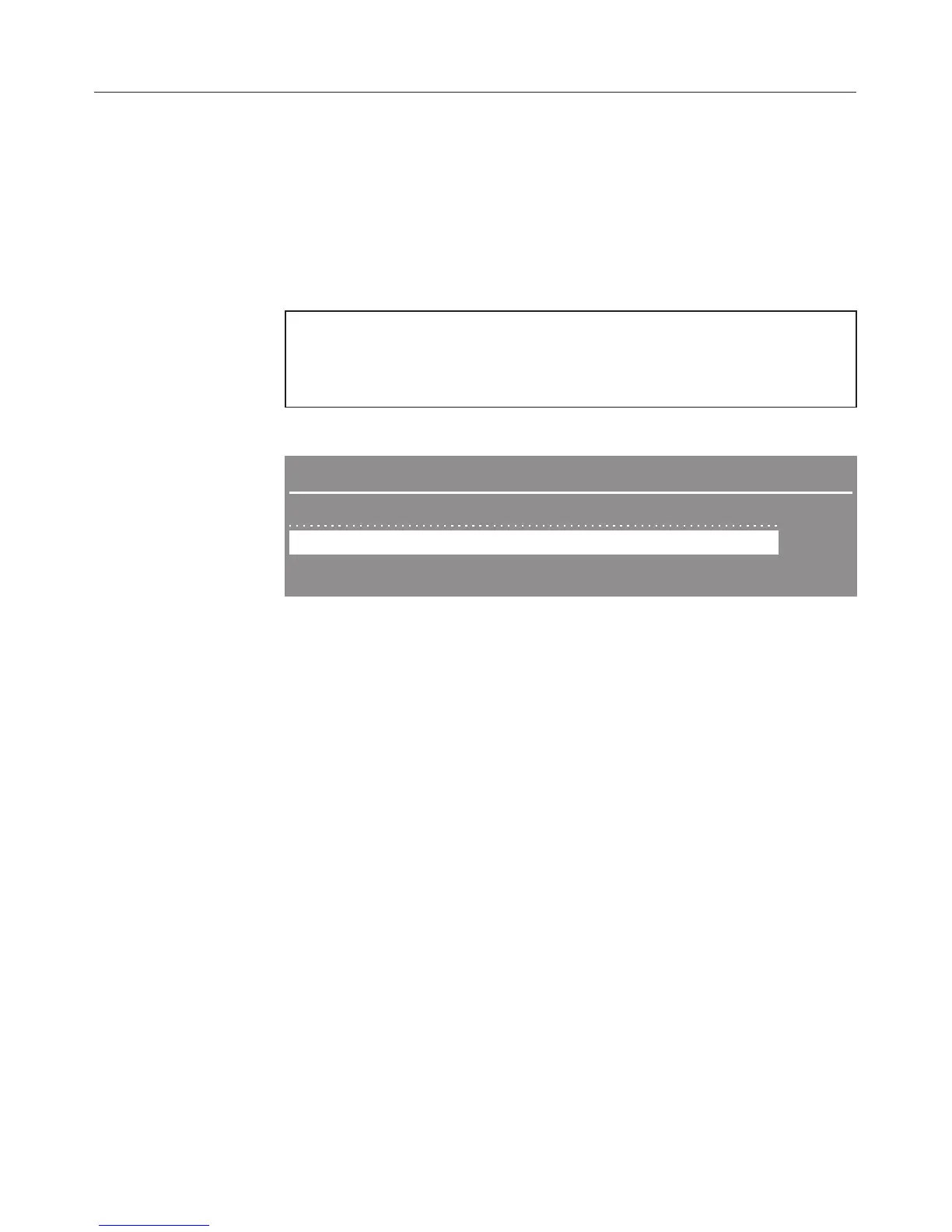
Example for a selection list
Main menu B
CHANGE TA-COARSE
DIS-VAR-TD
DIS-VAR-TD-IN
#
Use the buttons -eto move through the menu items.
The marking in the display can be moved using the buttons
-e.
Use the OK button to confirm messages or settings and
change to the next menu or another menu level.
To select a menu item, mark it using the selection buttons
-e, then confirm with the OK button.
A maximum of three menu items or selections can be shown
in the display. A scroll bar at the right of the display shows
that additional menu items or selections are available. Use
the selection buttons -e to display them.
A dashed line signals the end of the list. The last entry on the
list is above the line, the first entry is below it.
Guide to the appliance
16



 To Next Page