^
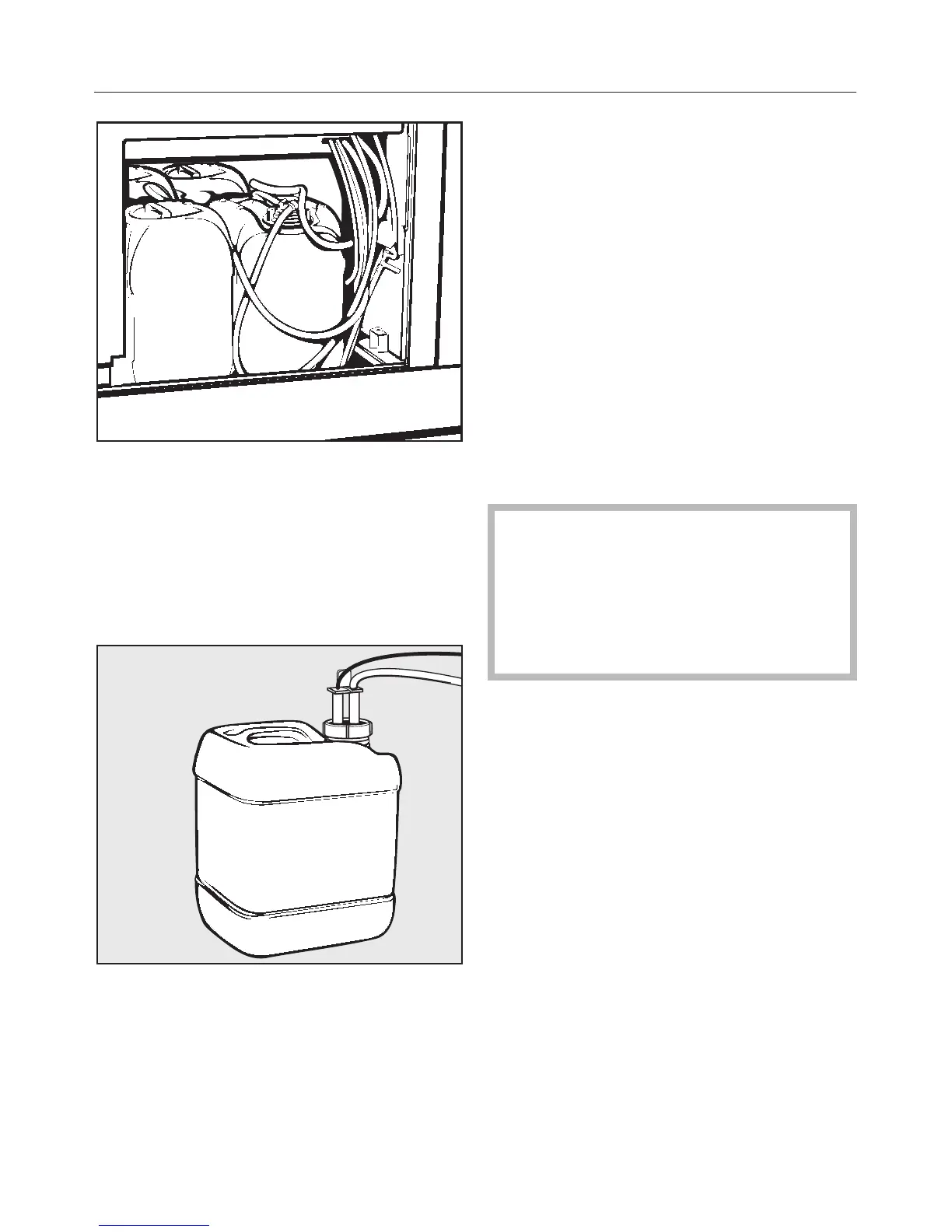
Remove the container from the
washer-disinfector.
^ Unscrew the siphon tube and remove
it.
^ Fill the container with the required
product.
^
Insert the siphon tube into the
container opening and screw it back
into place.
Once the containers have been filled,
the message clears from the display.
Message "Check dispensing system
[X]"
The currently running program pauses.
^
Check the container(s) and
dispensing hoses shown in the
display.
[x] Instead of an X, the number of the affected
dispensing system will appear.
^
Refill or replace the container(s)
shown in the display.
^
Use the appropriate service program
to prime the affected dispensing
system (clear it of air).
The refill function for containers and
dispensing systems that are not in
use can be shut off, to avoid fault
messages in the display (see the
"Programming manual", "Machine
function / Dosage").
Priming the dispensing system
Whenever a container has been
allowed to completely empty, it must be
primed (cleared of air) after refilling.
^
Select the corresponding service
program, e.g.,
DOS1-FILL.
^
Press the h start button.
Adding liquid detergents and neutralizers
36



 To Next Page