Operation
20
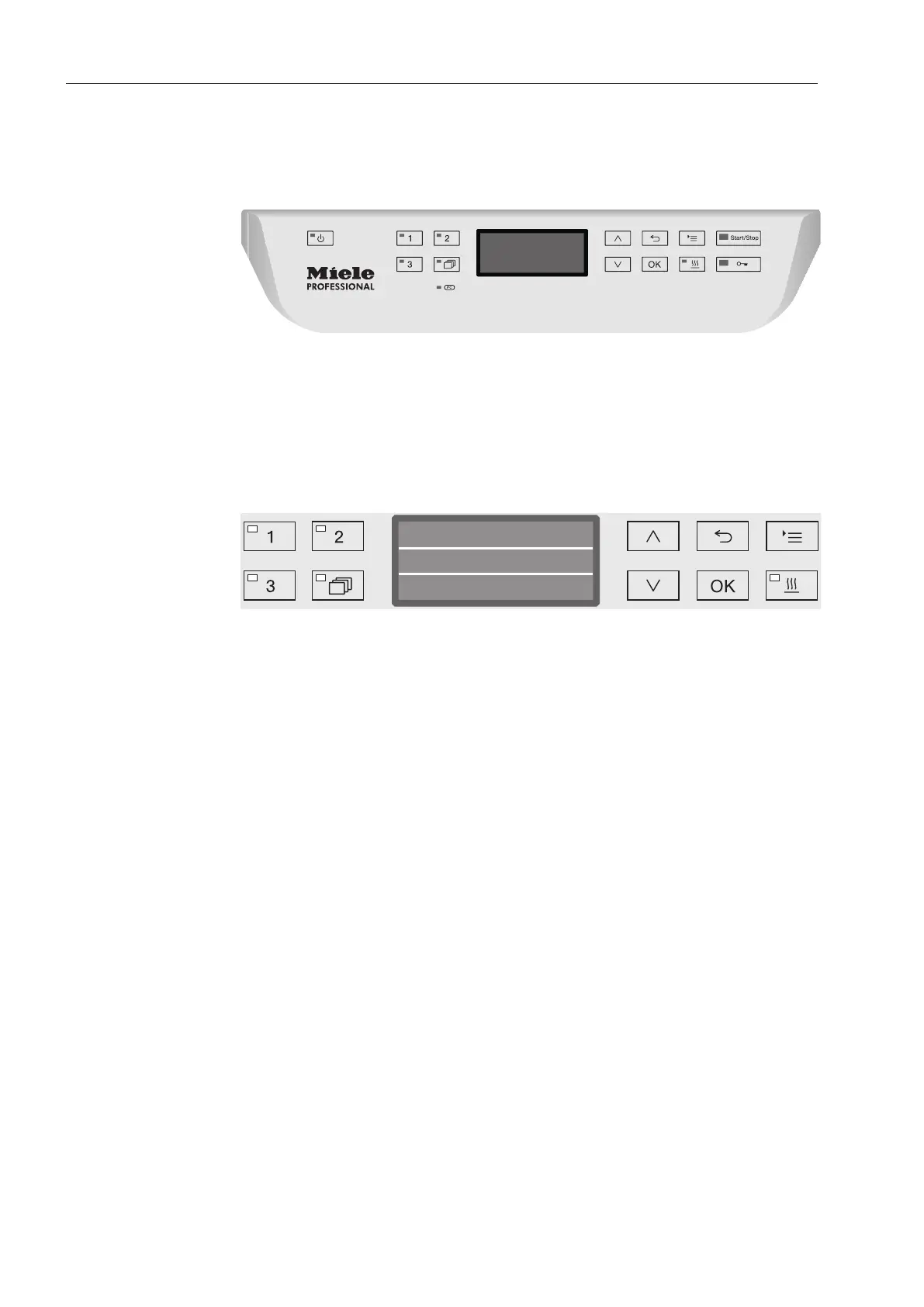
Control panel
The machine is operated exclusively by the buttons located on the
stainless steel surfaces on either side of the display. The display is
not a touch screen.
A light touch on the relevant button is sufficient to operate the func-
tions. The buttons can also be pressed and held for approx. 20sec-
onds.
Display illustrations
All display illustrations shown in these operating instructions are ex-
amples which can be different from the actual display screens shown.
Vario TD Dental
Temperature
Duration
Min50
55 °C
The control buttons are shown next to the display. The , and
Start/Stop buttons are not shown.



 To Next Page