Operation
56
Program cycle display
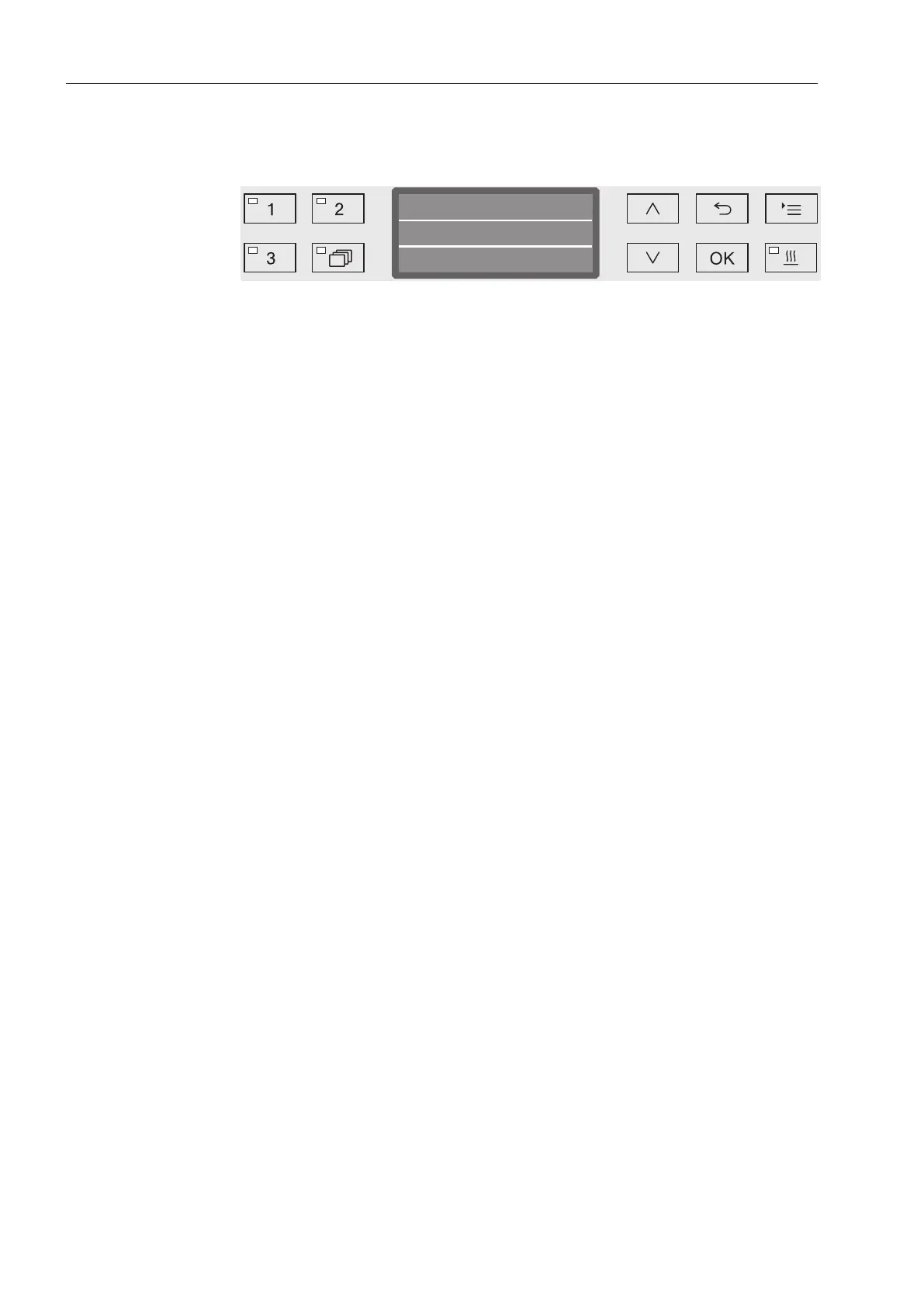
After the program has started, the program sequence can be followed
in the three-line display.
Vario TD Dental
Main wash 1
Time left
Min45
Top line
- Program name.
Middle line
The following parameters can be checked using the arrow buttons
and :
- Current program block, e.g.Main wash 1
- Actual or required temperature
(depending on the display set, see “Additional settings/Display:
Temperature”)
- A
0
value,
- Cycle number,
Bottom line
- Time left (in hours; under an hour, in minutes).
Program end
A program is usually finished when the following parameters and
messages are shown in the display:
Top line
- Program name.
Middle line
Continuously alternating between:
- Parameter met/not met,
- A
0
value,
- Cycle number,
Bottom line
- Program finished.
In addition, the LED in the Start/Stop buttons goes out and the LED in
the button begins to flash. In the factory default state, an audible
tone also sounds for approx. 10 seconds (see “Settings/Volume”).



 To Next Page