Operation
22
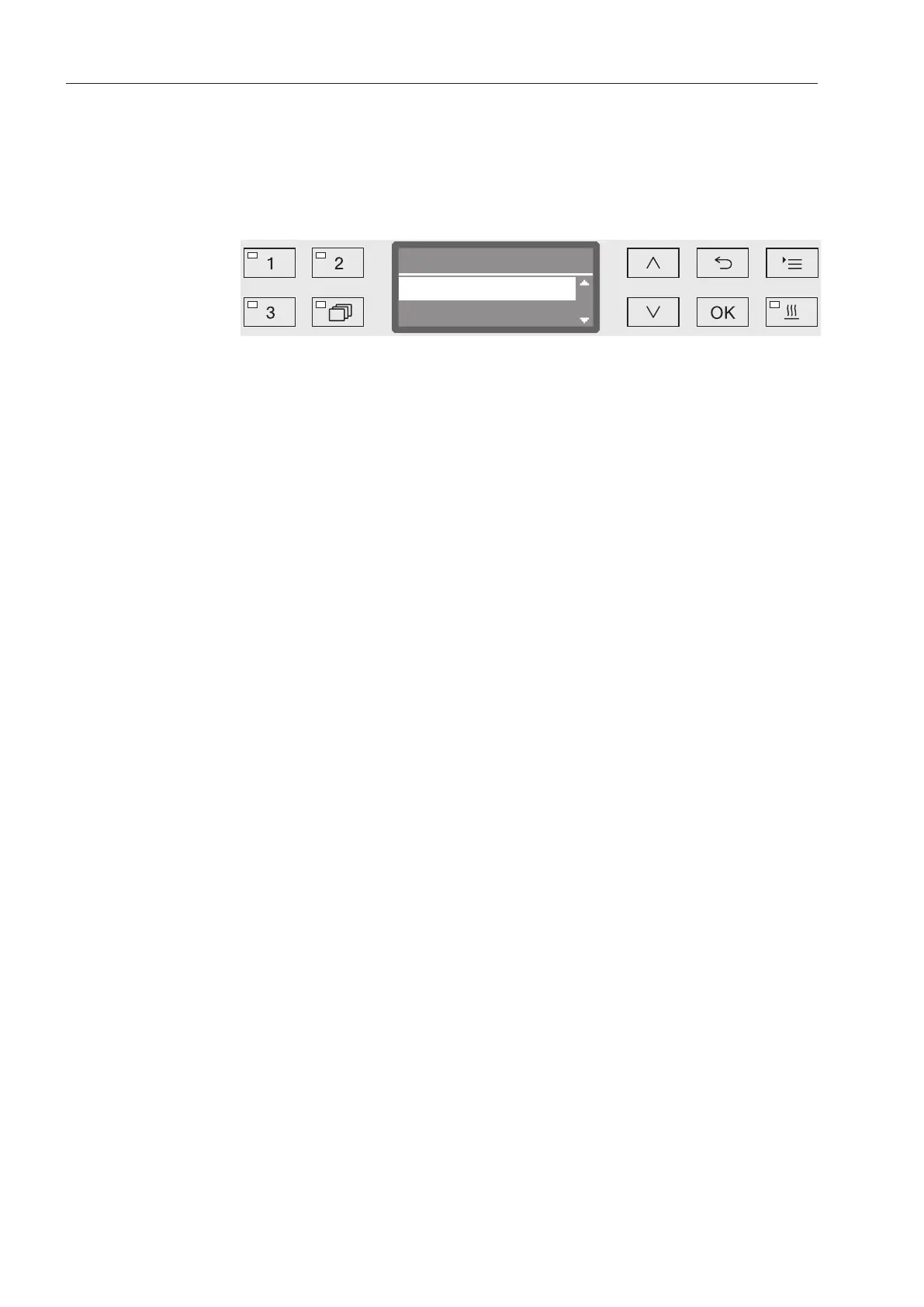
Display interface
The machine is controlled by menus. The menus are displayed in a 3-
line display on the control panel.
The name of the menu (top line) and up to two options are shown.
The currently selected option is highlighted, e.g.
Menu operation
Settings button
For accessing the system settings menus.
and
Arrow buttons
The arrow buttons are used to navigate up and down by row within a
menu. Press and hold the button to automatically scroll through the
list to the end of the menu. Press the button again to continue navi-
gating.
Parameter values can also be altered in defined increments using the
arrow buttons. Instructions for this can be found in the relevant sec-
tions.
OK
OK button
The OK button is used for confirming (acknowledging) a selection or
for saving input. The display then moves to the next menu or, when
entering parameter values, to the next input position. Instructions for
this can be found in the relevant sections.
Cancel button
Before the OK button has been pressed, a process can be canceled
at any time by pressing the button. The display changes to the
next menu level up. Any setting changes made will not be saved.



 To Next Page