Program settings
92
Altering a program
A program is changed in two steps:
- The program change begins with a list of all wash blocks assigned
to the program. This list must be confirmed first.
- Then individual program parameters can be changed.
Use this option to document all changes to factory settings in case
of a subsequent Miele Service call requirement.
Program and dispensing changes must be documented for vali-
dated processes according to local regulations.
The processes must be validated again as necessary.
...
Program settings
Change program
Change program
Vario TD Dental
Vario TD Intensive
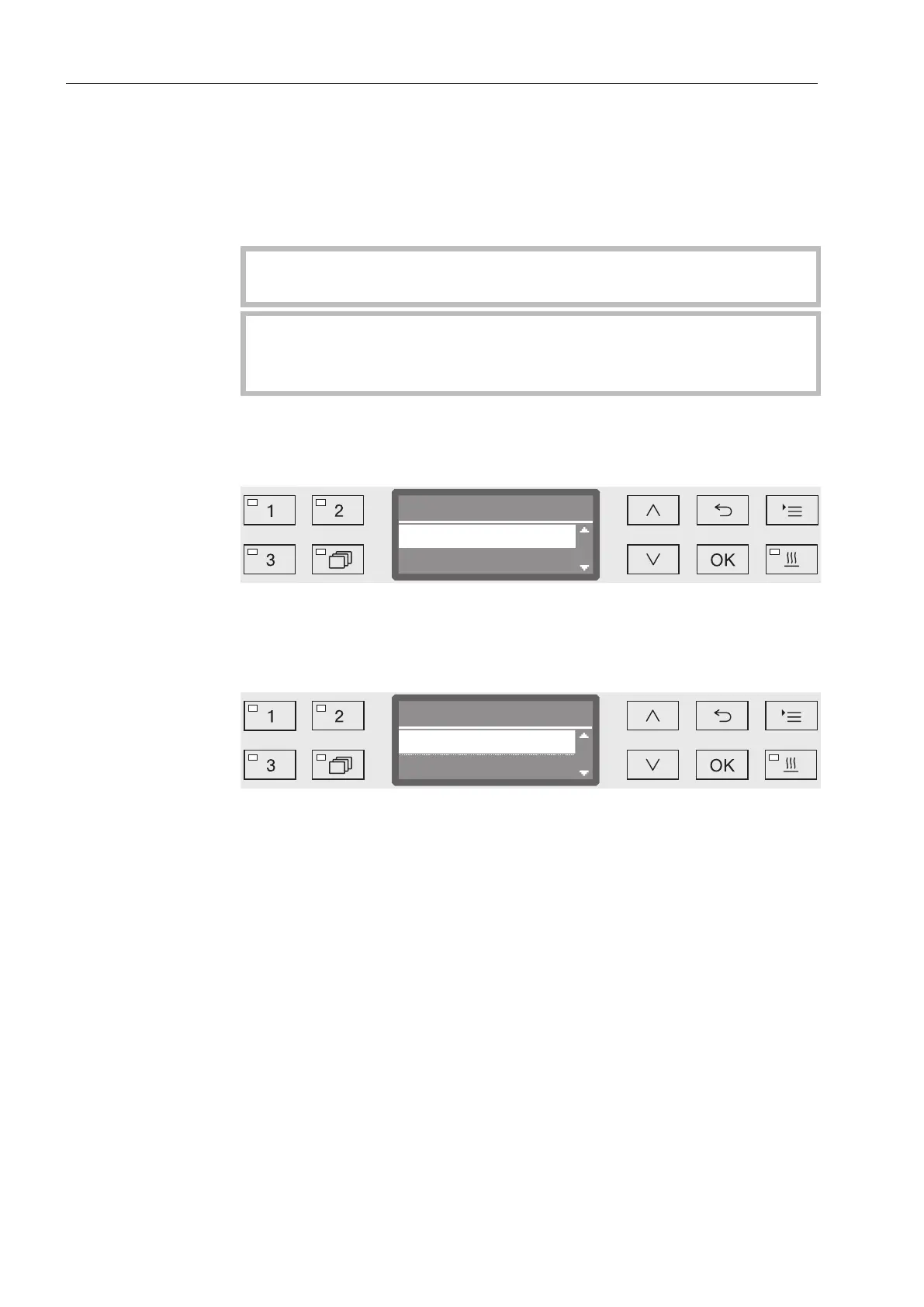
Select the program you want to alter.
For more information, see “Allocating wash blocks.”
Allocating wash
blocks
Every program change starts with a list of the wash blocks.
Vario TD Dental
Pre-rinse 1
Accept
All wash blocks which are allocated to the program are listed in the
display. The allocation can be adapted as necessary by Miele Ser-
vice.
Select the option Accept and confirm with OK.
The additional setting options will then follow. You can edit these in
any order you want.



 To Next Page