Operation
54
Setting the start
time
Select a program.
Press the OK button before starting the program.
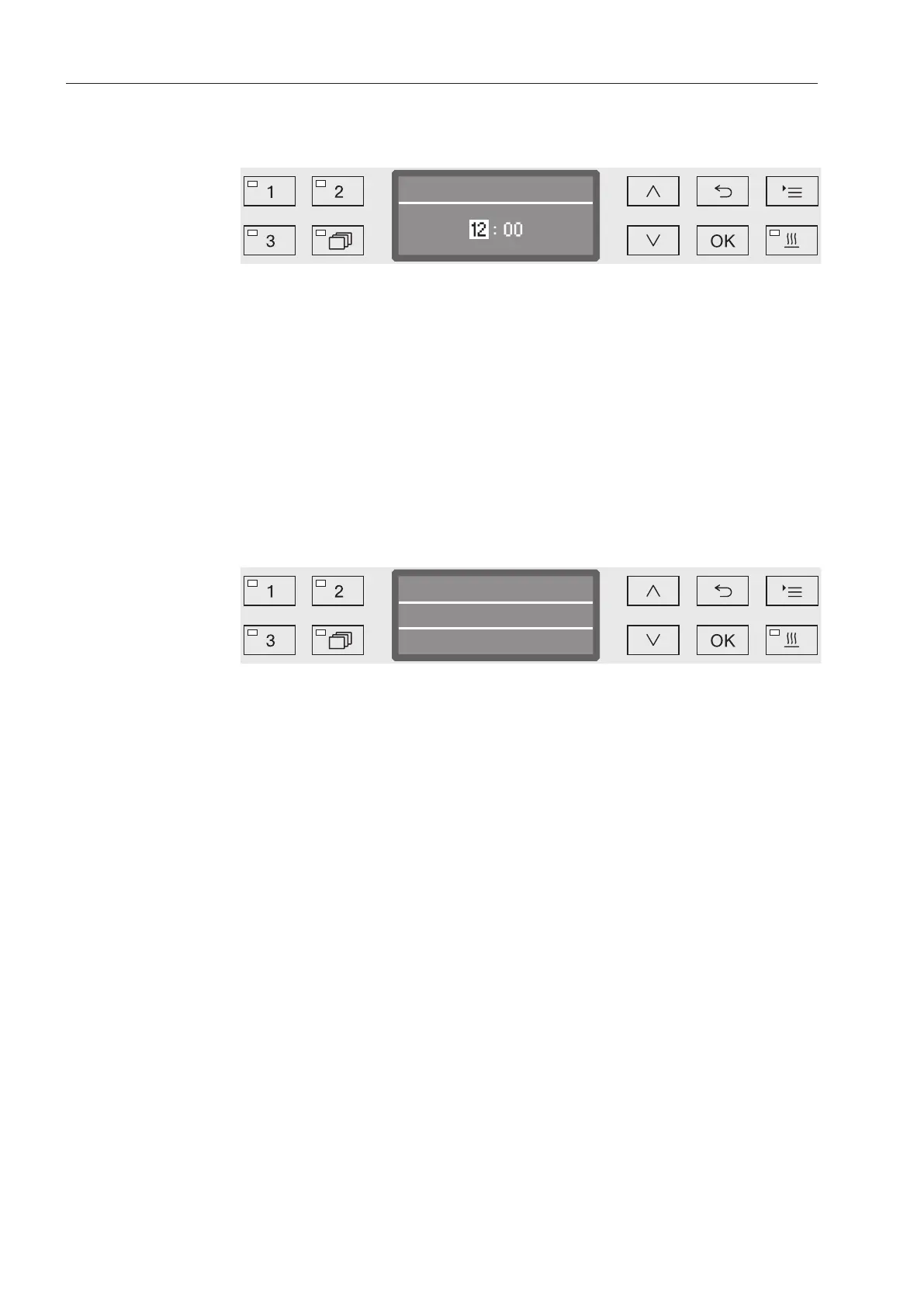
Use the arrow buttons(higher) and(lower) to set the hours,
and confirm your selection with the OKbutton.
When the OKbutton is pressed, the display jumps automatically to
the next input position. You cannot go back to the previous entry. If a
mistake is made, the process must be canceled using the button
and repeated.
Set the minutes using the arrow buttons(higher) and(lower),
and save your entry with OK.
The start time is now saved and can be changed as described at any
time up to activation of delay start.
Activating Delay
Start
Delay start is activated with the Start/Stopbutton.
Vario TD Dental
Temperature
Turn on at
12:30
55°C
The selected program with the set start time set is then shown on the
display. If automatic deactivation has been selected (see “Additional
settings/Switch off after”), the machine will switch itself off after the
set time until the program start time is reached.
Deactivating Delay
Start
Press the button or switch the machine off using the button.



 To Next Page