Additional settings
80
Resetting the
counter
The counter for the cleaning interval may be reset only after clean-
ing has been completed.
Tubular filter
Filter combination
Reset
Interval
Reset
Interval
- Reset
The counter is reset.
- Interval
Select an option using the and arrow buttons and confirm your
choice with OK.
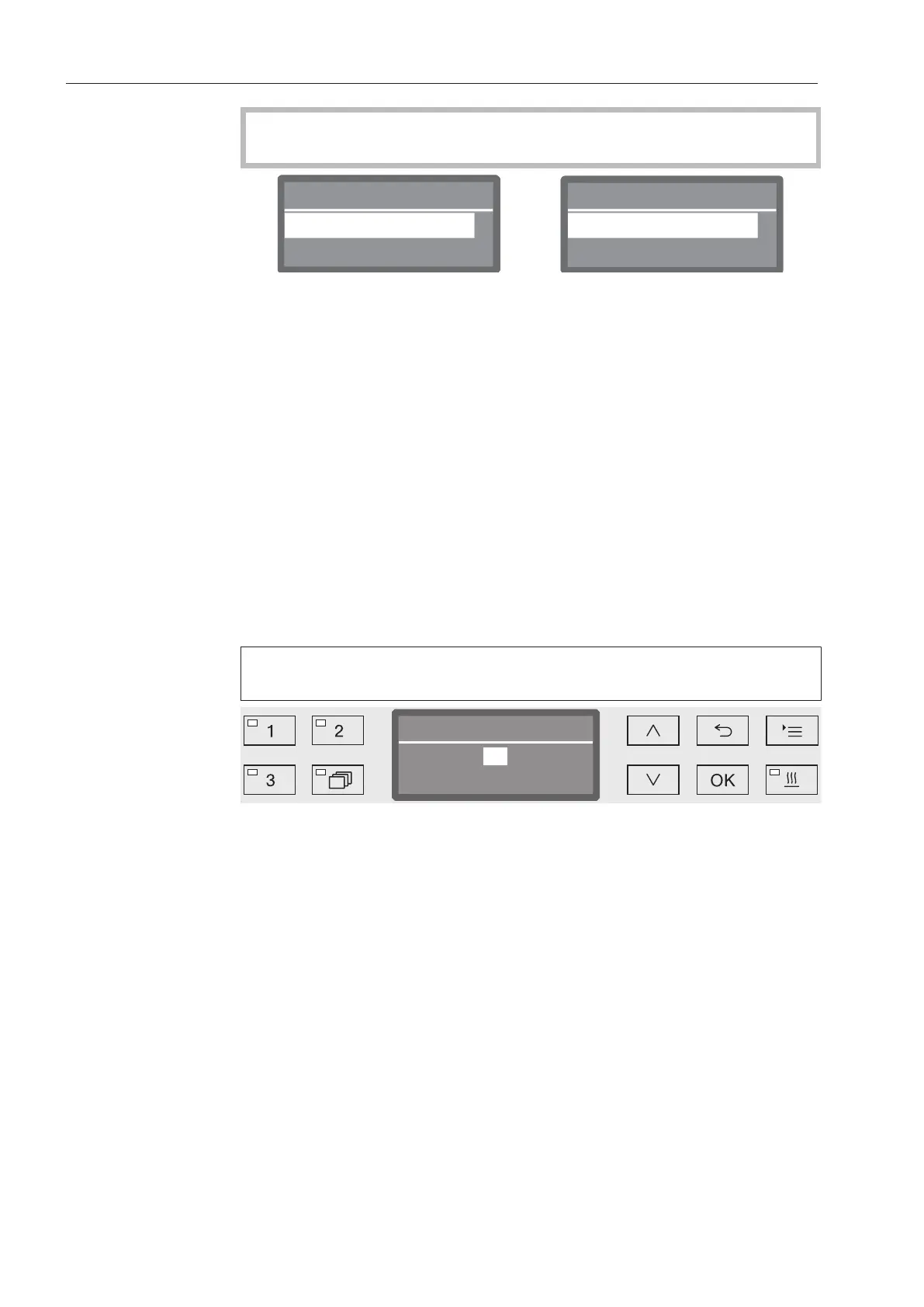
Setting the interval
The interval depends on the number of programs sequences and
must be set on the basis of usage and the expected number of parti-
cles/solids in the soiling.
Example of tubular filter:
For weekly cleaning with 2program sequences per day and 5work-
days in the week, this yields an interval of 10 (2x5 = 10). With a
higher incidence of particles, a shorter interval should be selected in
order to clean the tubular filter several times weekly. With a lower inci-
dence of particles, weekly cleaning is sufficient.
We recommend cleaning the tubular filter after every 10program se-
quences.
The setting value is entered in increments of 5. The possible range is
shown in the bottom line of the display.
Use the arrow buttons (higher) and (lower) to set the Interval.
Press OK to save the setting.



 To Next Page