Additional settings
82
Configuring the
interface
The interface must only be configured by suitably qualified and
competent persons.
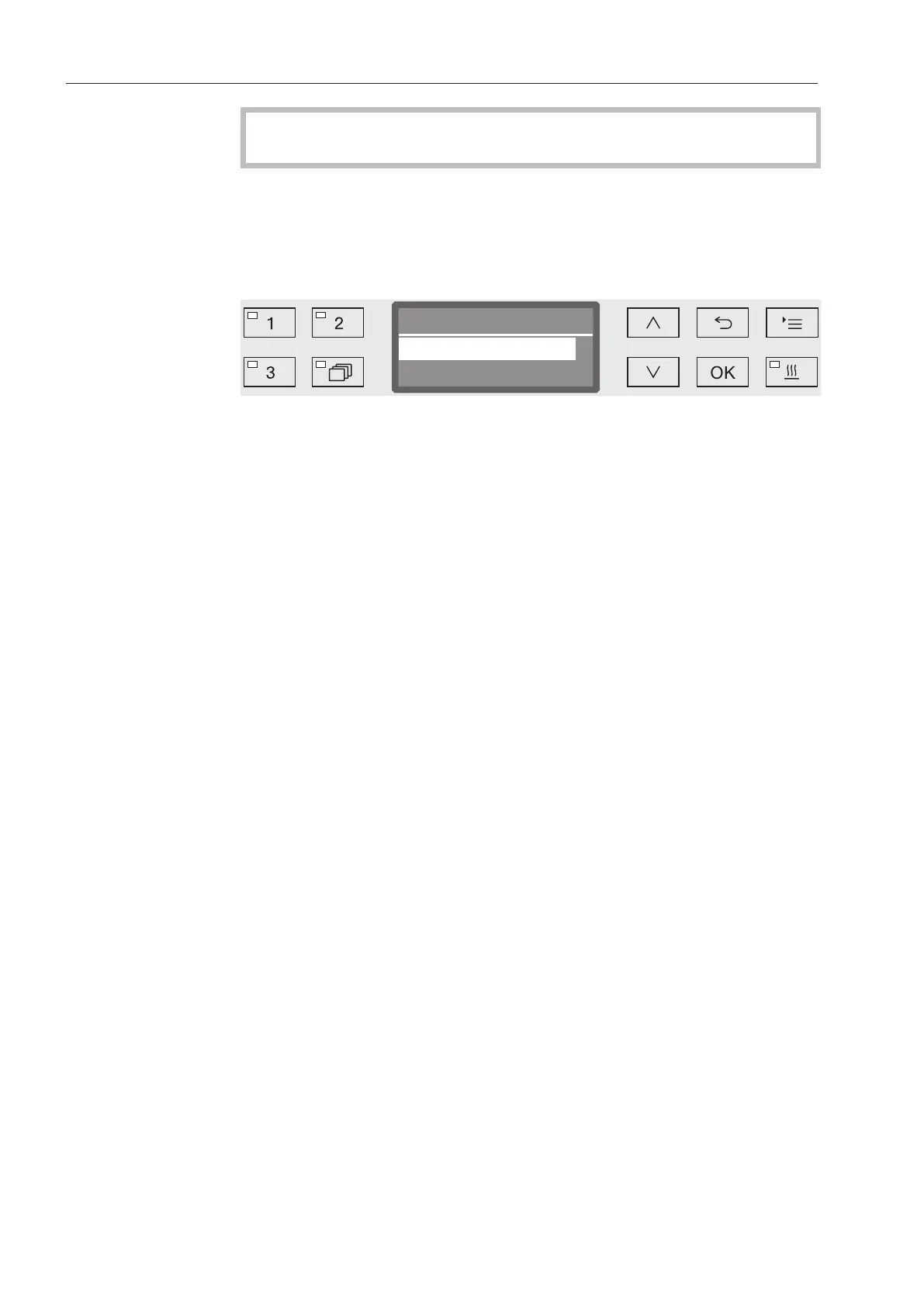
Open the menu as follows:
button
Additional settings
Interface
- Ethernet
Configuration of an Ethernet interface.
- RS232
Configuration of a serial RS232 interface.
Select the type of interface and press OK to confirm your selection.
The parameters for the interface must be configured next.
Ethernet
- Module status
Connection status displayed (Active/Inactive).
- Address status
List of interface parameters, e.g. IP address, Subnet mask etc.
- DHCP
The Ethernet interface can either be implemented via a Dynamic
Host Configuration Protocol (DHCP) or by setting the following pa-
rameters:
– IP address
– Subnet mask
– Standard gateway
– DNS Server - automatic
– DNS Server 1
– DNS Server 2
– Port type
– Port



 To Next Page