Before using for the first time
21
Reference to external appli-
ances
A reference to external hardware ap-
pears.
Confirm with the OKsensor control.
Connect the XCI box or adapter before
initial commissioning. The washing
machine must be disconnected from
the mains. Then start the commission-
ing process.
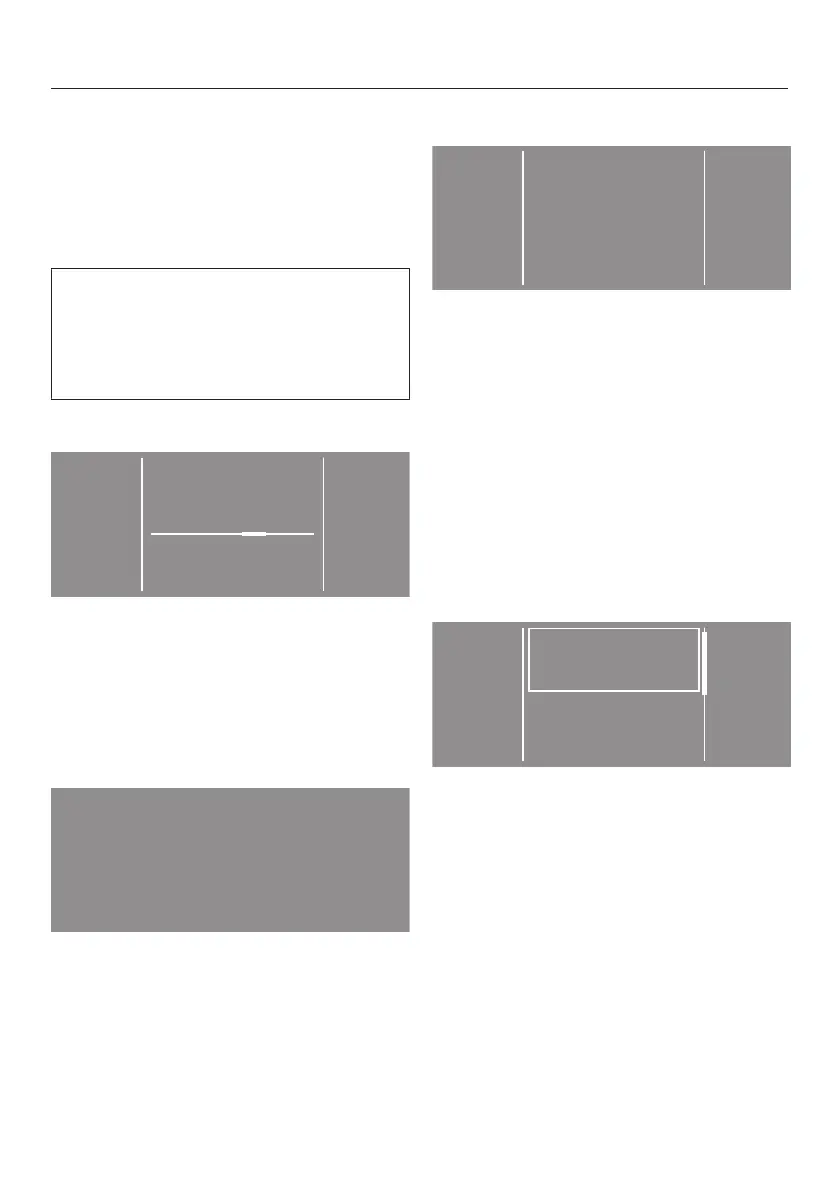
Setting the display brightness
Set the brightness you want with the
– and + sensors and confirm your se-
lection with the OKsensor.
The display will change to the next set-
ting.
Confirm time request
Yes No
Should the clock display not
be shown?
Touch the yes or nosensor.
If you select yes, the system will skip
the Clock displaysetting.
If you select no, the display will switch
to the Clock displaysetting.
Setting the time of day
Use the andsensors to enter the
time and confirm your entry with the
OKsensor.
The display will change to the next set-
ting.
Setting up a payment system
If you wish to set up a payment system,
read “Payment system” under “Super-
visor level”.
If you do not wish to set up a payment
system, you can skip this stage.
Payment
system
No payment
system
Programme
control
Touch the No payment systemsensor.
The display will change to the next set-
ting.



 To Next Page
 Loading...









