MM571W / MM572W Installation Instructions 21
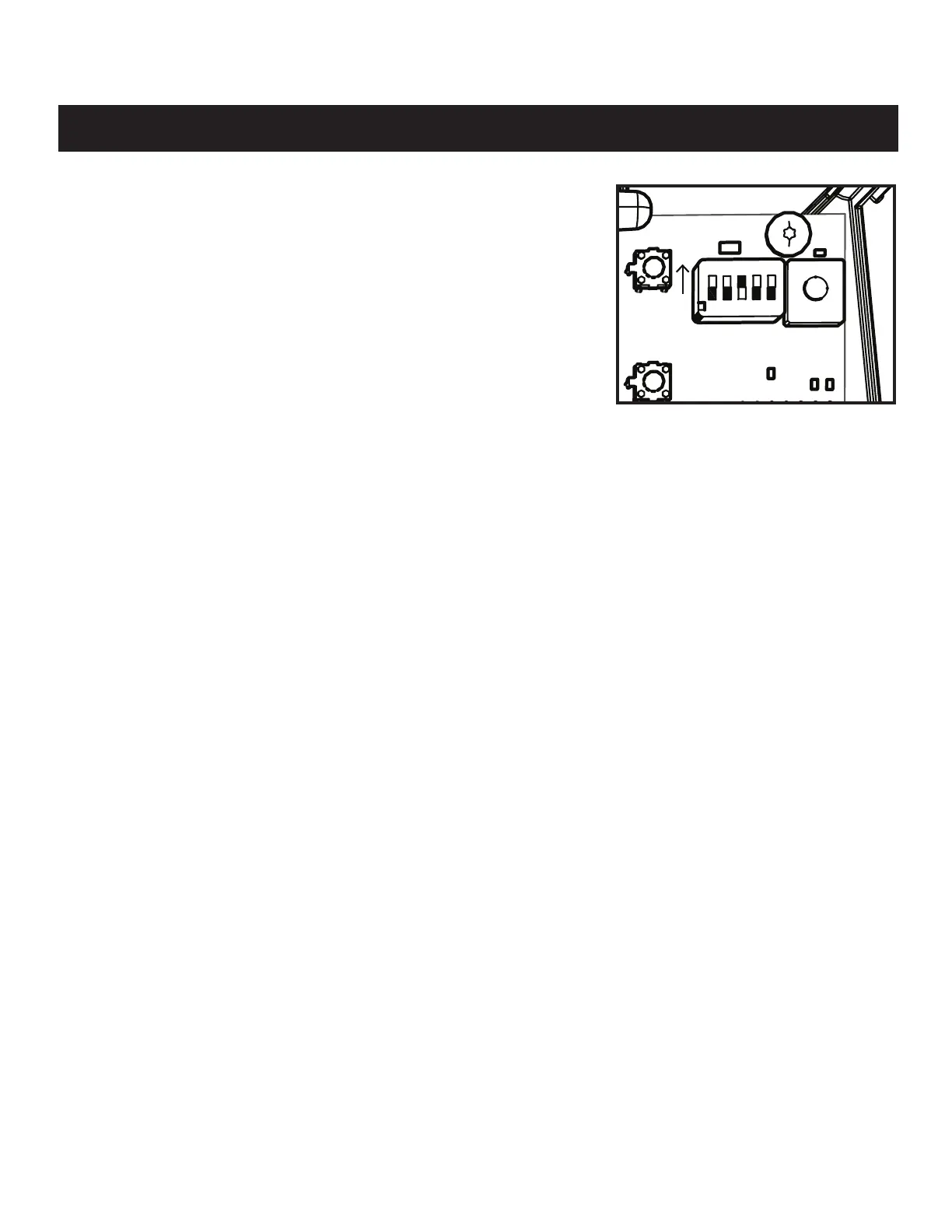
DIP SWITCHES SETTINGS
Electrical Installation and Setup
Push/Pull-to-Open
● On � = Push
● Off
❚
= Pull
For changes to this switch to take effect, the unit must be reset or power cycled.
Stagger
● For dual gate installations (MM572W),
● OFF - Gates will open simultaneous, but close staggered.
● ON - Gates will stagger while opening and closing for compatibility with gate
locks.
Warning
● The WARNING DIP switch toggles a movement alarm ON or OFF.
Powering the System
● Locate the ON/OFF switch on the bottom left of the control box.
● Toggle the switch to the ON position.
● The system will take approximately 20 seconds to power up indicated by an audible tone and LED D17 will ash.
10017426-CtrlBox_CoverOFF.ai
GRN
WHT
BAT+
AUTO
CLOSE
PULL
STAGGER
WARNING
BAT–
GRN
WHT
BRN
ORG
BRN
ORG
RED
BLU
RED
BLU
COM
COM
CYCL
SAFE
EXIT
SHDW
AUX
V+
AUX
V-
LOCK
V+
LOCK
V-
CLOSE
EDGE
OPEN
EDGE
PRIMARY
SECONDARY
LOCK AUX
SW1
SW2
PUSH
S2
S5
ON
12345
+











 To Next Page