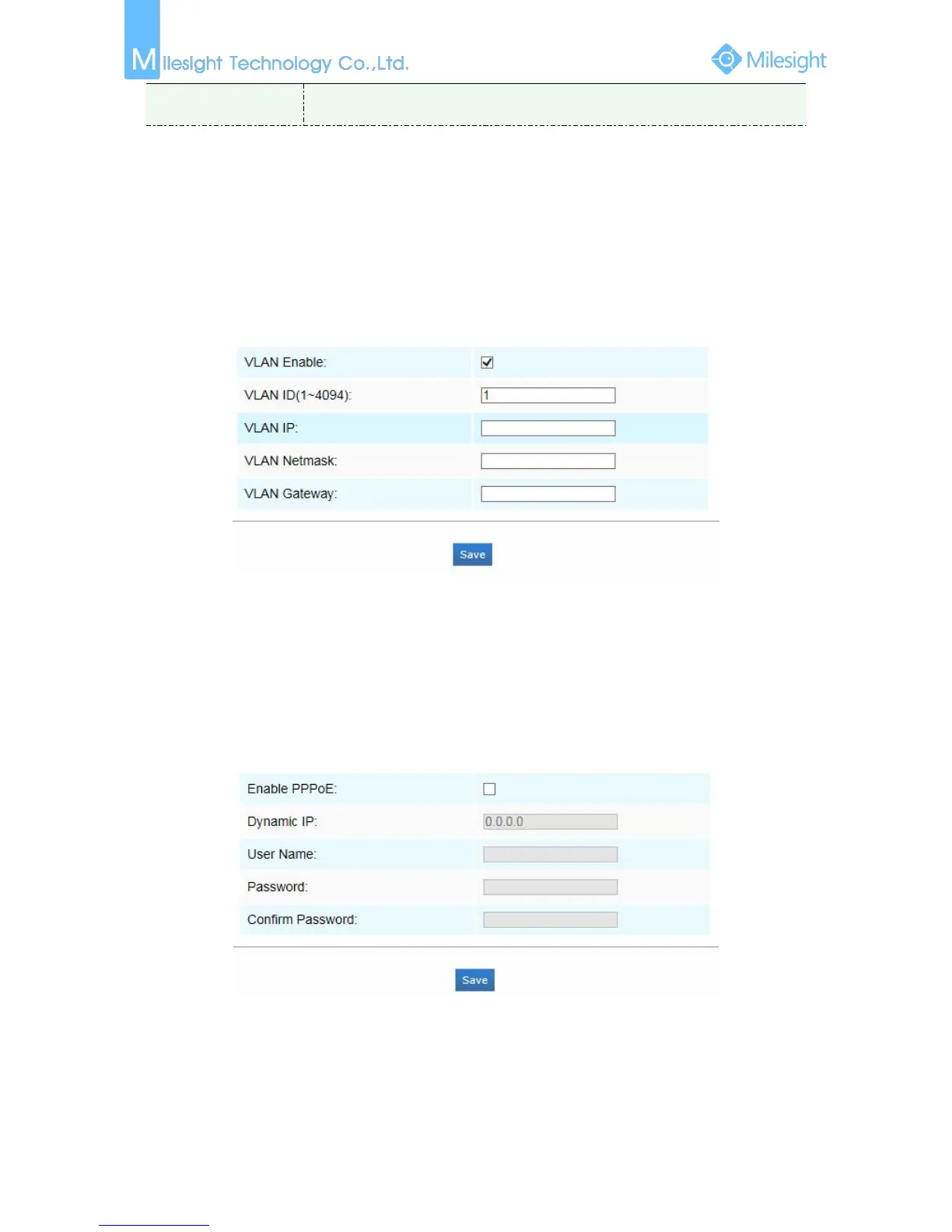
VLAN
A virtual LAN (VLAN) is any broadcast domain that is partitioned and isolated in a computer
network at the data link layer (OSI layer 2). LAN is an abbreviation of local area network. VLANs
allow network administrators to group hosts together even if the hosts are not on the same
network switch. This can greatly simplify network design and deployment, because VLAN
membership can be configured through software. Without VLANs, grouping hosts according to
their resource needs necessitates the labour of relocating nodes or rewiring data links.
Figure 4-4-7 VLAN
Note:
How to set up VLAN in switches, please refers to your switches user manual.
PPPoE
This camera supports the PPPoE auto dial-up function. The camera gets a public IP address by ADSL
dial-up after the camera is connected to a modem. You need to configure the PPPoE parameters of
the network camera.
Figure 4-4-8 PPPoE
Note:
after rebooting the camera. To solve the inconvenience of the dynamic IP, you need to get a
domain name from the DDNS provider (E.g.DynDns.com).











 To Next Page