MM063-010 – Operator Manual
17
2.3. Placement
HistosMATE unit can be positioned in its final place of use. Make sure it is firmly placed and the bench is
level.
During the setup, the HistosMATE must be disconnected from the main power supply.
A proper location of the HistosMATE is near and connected to any vapors extractor
system using the hose supplied. Make sure the unit is not placed against any back surface
limiting the air-cooling inlet/exhaust.
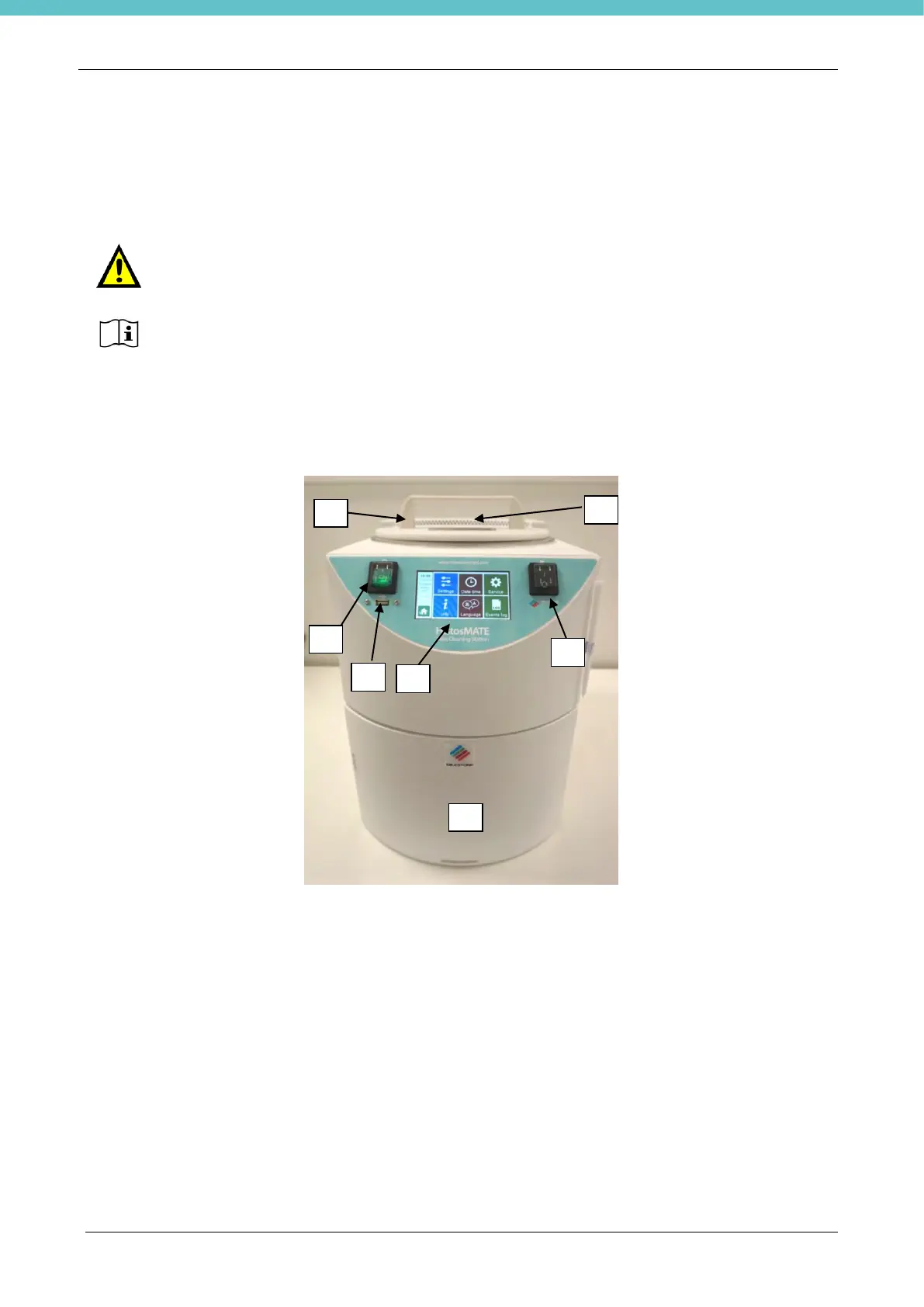
2.4. Unit overview
The picture shows the front view of the HistosMATE system.
1) ON/OFF button
2) USB port
3) Touch terminal
4) Ventilation button
5) Ventilation
6) Holder
7) Reagent substitution door



 To Next Page