MM063-010 – Operator Manual
35
4. REAGENT MANAGEMENT
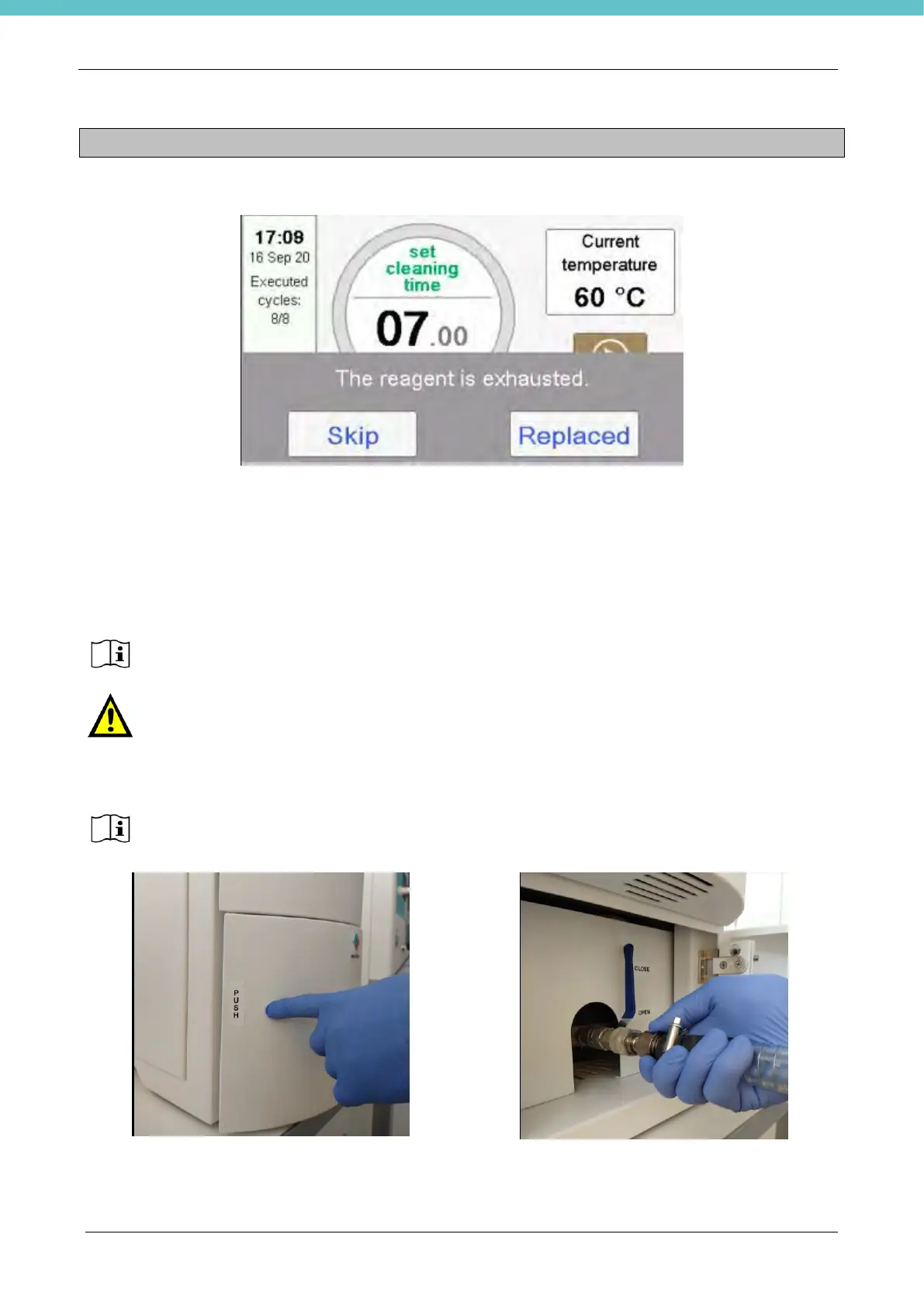
When the established number of cycles is reached the following message is visualize:
Milestone Suggest not to exceed 20 cleaning cycles
Skip: it is possible to use the instrument with the same reagent, in this case the count of the cycles
performed will continue progressively.
Replace: to be pressed only if the procedure indicated in the following chapter is carried out. The cycle
count will be reset.
4.1. How to change the reagent
Milestone recommends replacing the old reagent with a new one and press REPLACE.
DO NOT PRESS “REPLACE” WITHOUT changing the reagent, to perform a correct
cleaning cycle.
Milestone recommends making sure that the unit is turned ON before draining the exhaust
reagent, thus the paraffin remained will be melted.
1)Open the front door of the unit by pressing PUSH
label.
2)Insert the draining tube to the connector.



 To Next Page