MM063-010 – Operator Manual
29
3.2.3. Date and Time
A pressure on the Icon allows the user to modify the Date and time values.
When exiting the page, always press SAVE in order to maintain the modifications
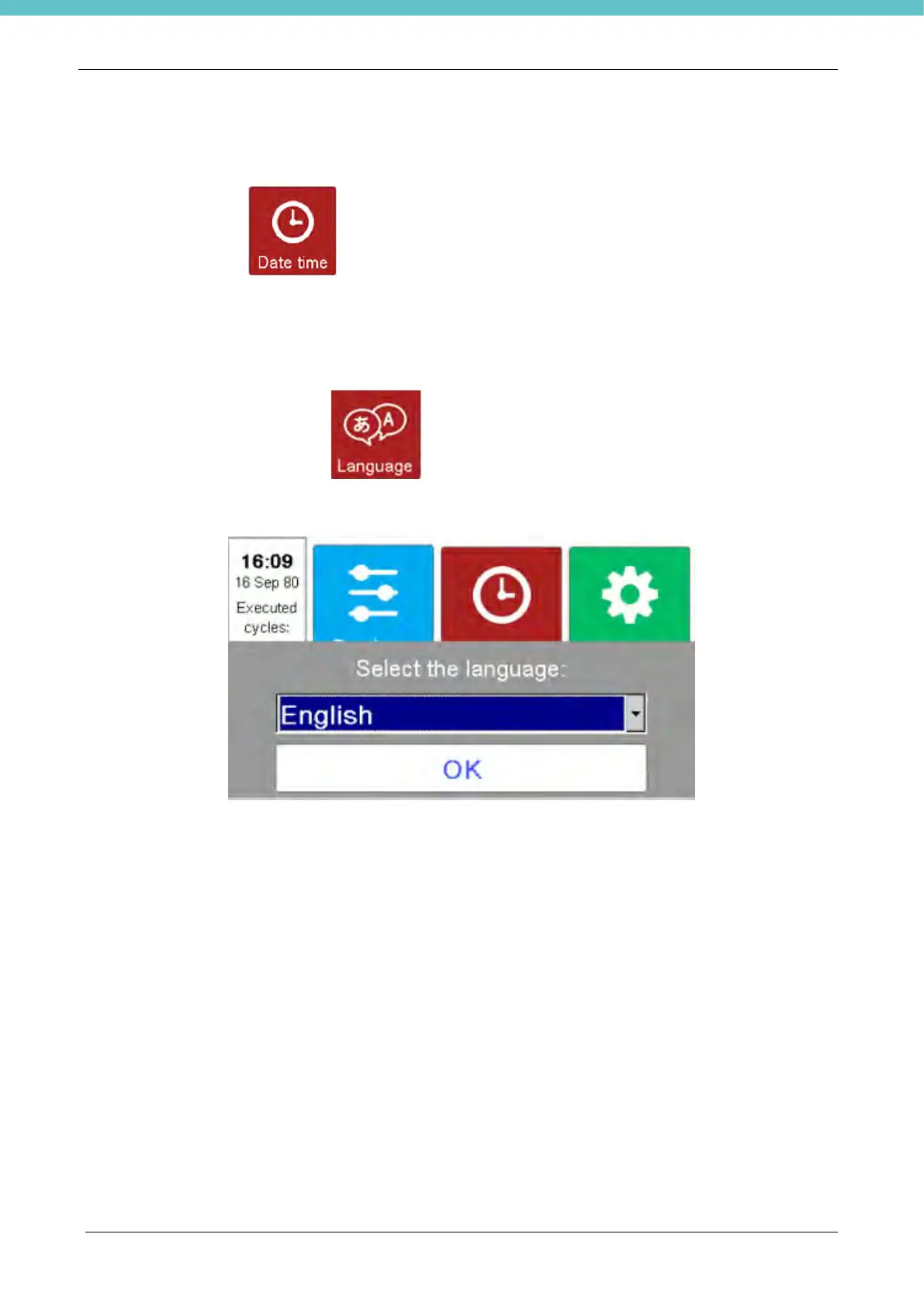
3.2.4. Languages
A pressure on the Languages icon allows the user to visualize a combo box with the available
languages
When exiting the page, always press SAVE in order to maintain the modifications



 To Next Page