MM063-010 – Operator Manual
37
5. DOCUMENTATION
5.1. Display logs in HistosMATE
It is possible to display events and temperature logs directly on the HistosMATE (see chapter 3.2.6)
5.2. Export logs from the terminal
HistosMATE provides the documentation necessary for the report activity of the laboratory. In fact, it is
possible to export the Events Log.
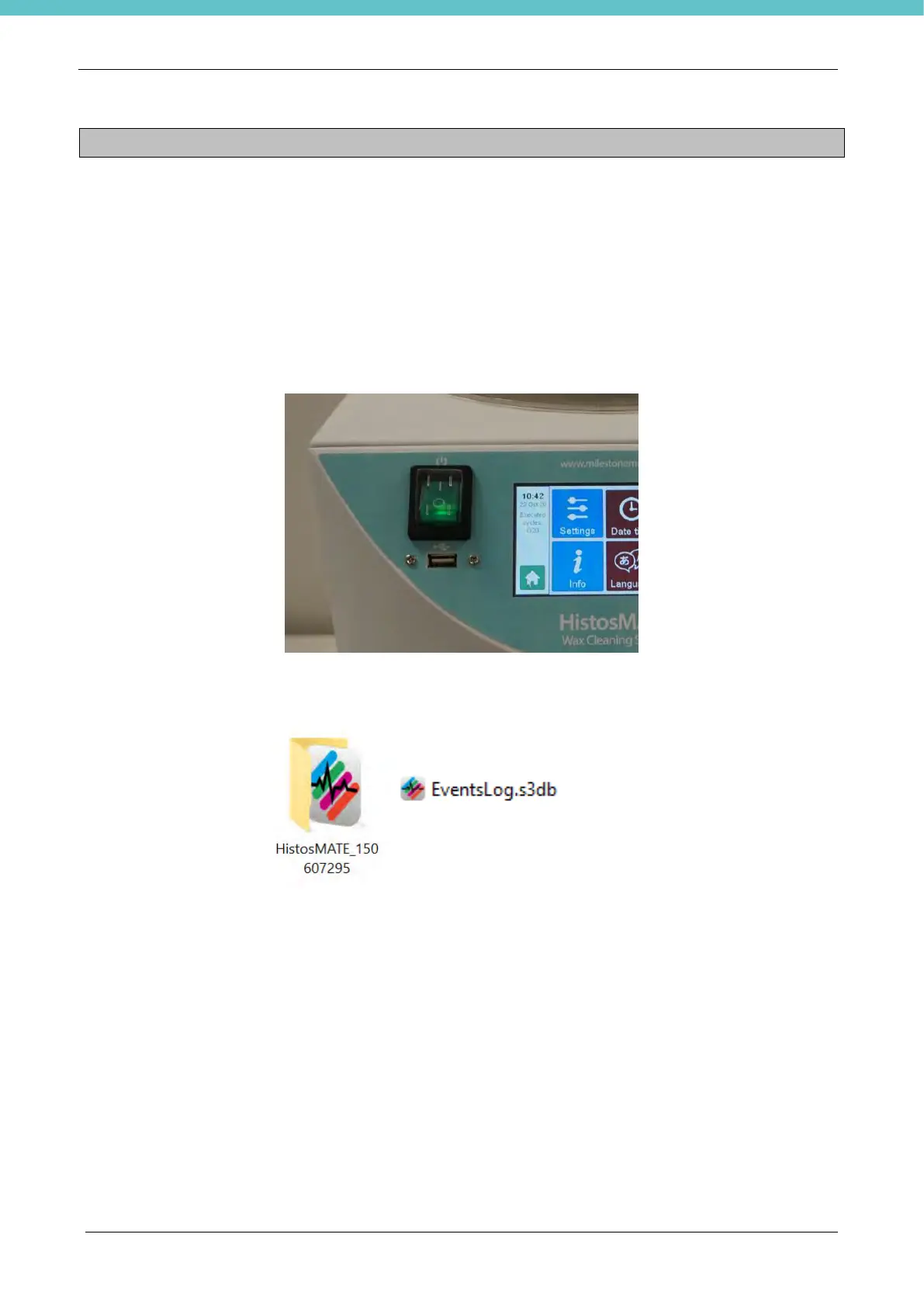
Insert the USB memory stick into its port placed on the Left side of the instrument (figure below).
After the export, insert the USB key on a PC: a folder named “HistosMATE S:N.” is present and contains the
files “LogEvents.s3db” and the “TemperaturesLog.s3db” if they have been downloaded.



 To Next Page