MM063-010 – Operator Manual
30
3.2.5. Service
Under the Service section, , there are features reserved for technical assistance personnel,
such as calibrations, factory settings and reserved settings.
3.2.6. Events Log
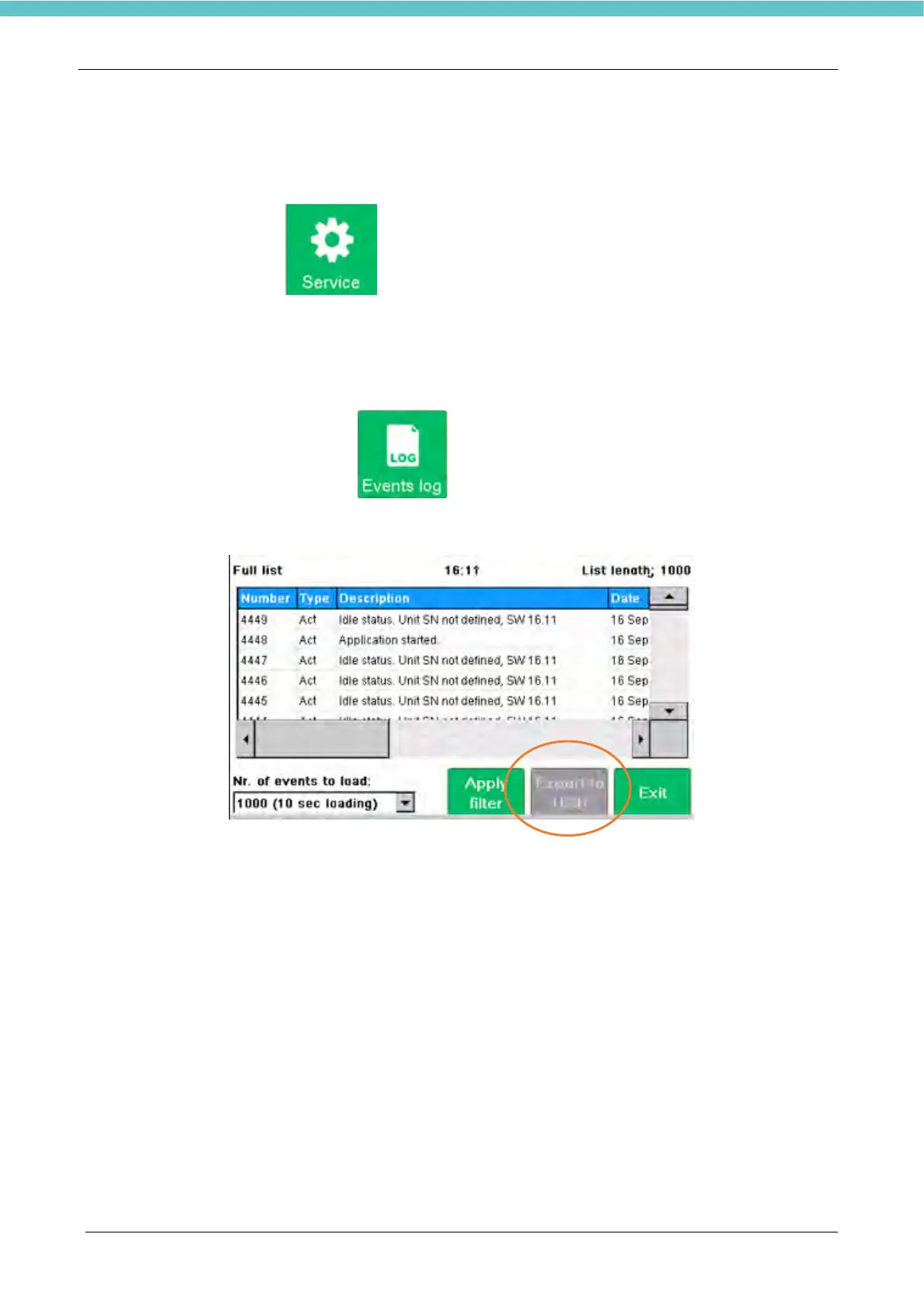
With a pressure on the Events log icon s it is possible to access at the following page:
From this screen, you can download all the data relating to the use of the HistosMATE; inserting a USB key
in the appropriate input, the "export to USB" button will turn green ". By pressing it, all data will be exported
to the USB stick.



 To Next Page