MM063-010 – Operator Manual
22
3. USING HistosMATE
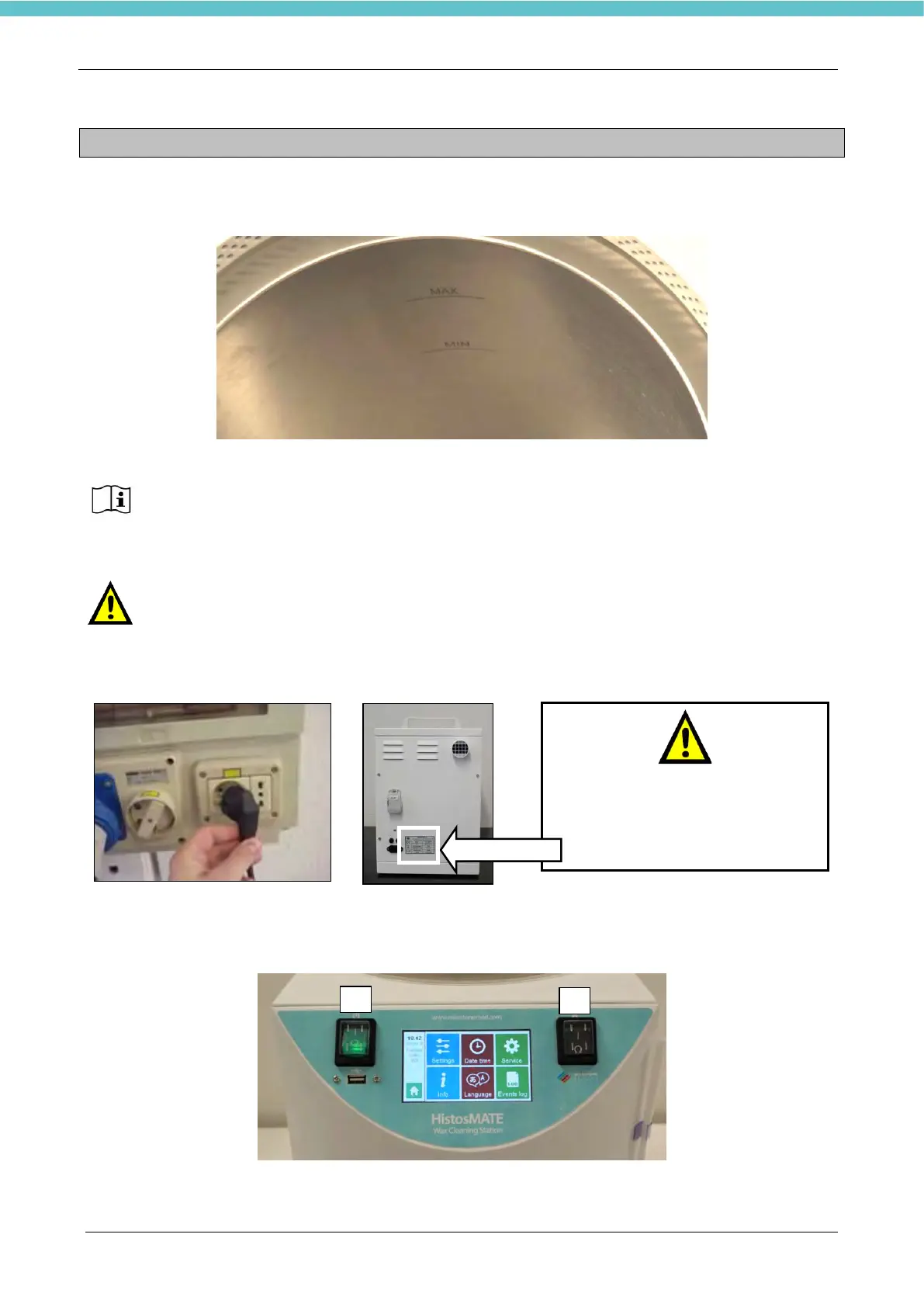
1. Load the reagent at a level between minimum and maximum marked with the letters MAX and MIN
inside the cavity: it is necessary to insert 13 liters of reagent for cleaning.
Load in the cavity the appropriate reagent for the racks, moulds and forceps cleaning
(Milestone MileGREEN, Milestone Rack Cleaning Solution, Isoparaffin).
Do not use XYLENE, acetone, benzene, or trichlorethane in the instrument.
The reagent level must be maintained between the MIN and MAX markers etched inside
the cavity.
If the level of the reagent falls below the MIN marker etched, add the new cleaning reagent
until the MAX marker etched.
2. Connect the power cord and the plug to power supply socket.
3. Switch on the HistosMATE using the green power switch (bright-1)) located on the left side of the
front panel of the unit. Switch the exhaust fan on using the black switch (not bright-2) located on the
right side.
Verificate che la tensione riportata
sull’etichetta posta sul retro
dell’HistosMATE corrisponda
all’alimentazione presente nel
vostro laboratorio.



 To Next Page