MM063-010 – Operator Manual
24
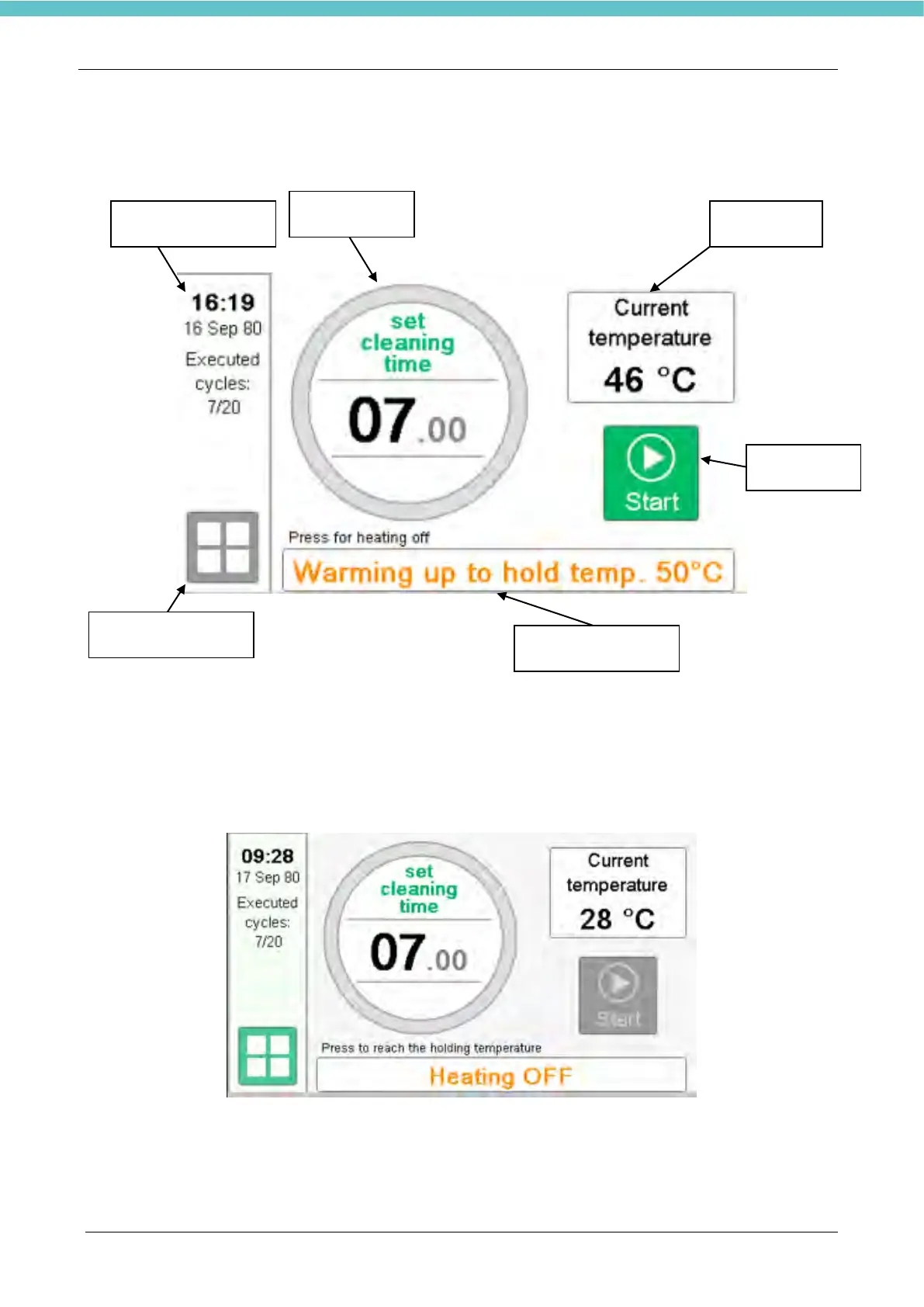
3.1. Main page
1. Button for main settings
2. Heating ON/OFF button. When pressed the heating will turn on until the holding temperature is
reached. In order to understand how to modify the Holding temperature refer to the chapter 3.2.1.
3. When the heating is OFF, the “Start” icon is grey, as shown in the image below.



 To Next Page