MM063-010 – Operator Manual
25
Once the heating has been activated, the Start key can be pressed directly even before the Holding
temperature is reached. In this way the instrument will bring the reagent to Holding temperature and will then
automatically start the cleaning cycle.
4. Box for displaying the temperature reached. Reaching the Holding temperature may vary according
to the environmental temperature. However, it is estimated that the temperature of 50 ° C suggested
by Milestone as the Holding temperature is reached approximately in 1 h.
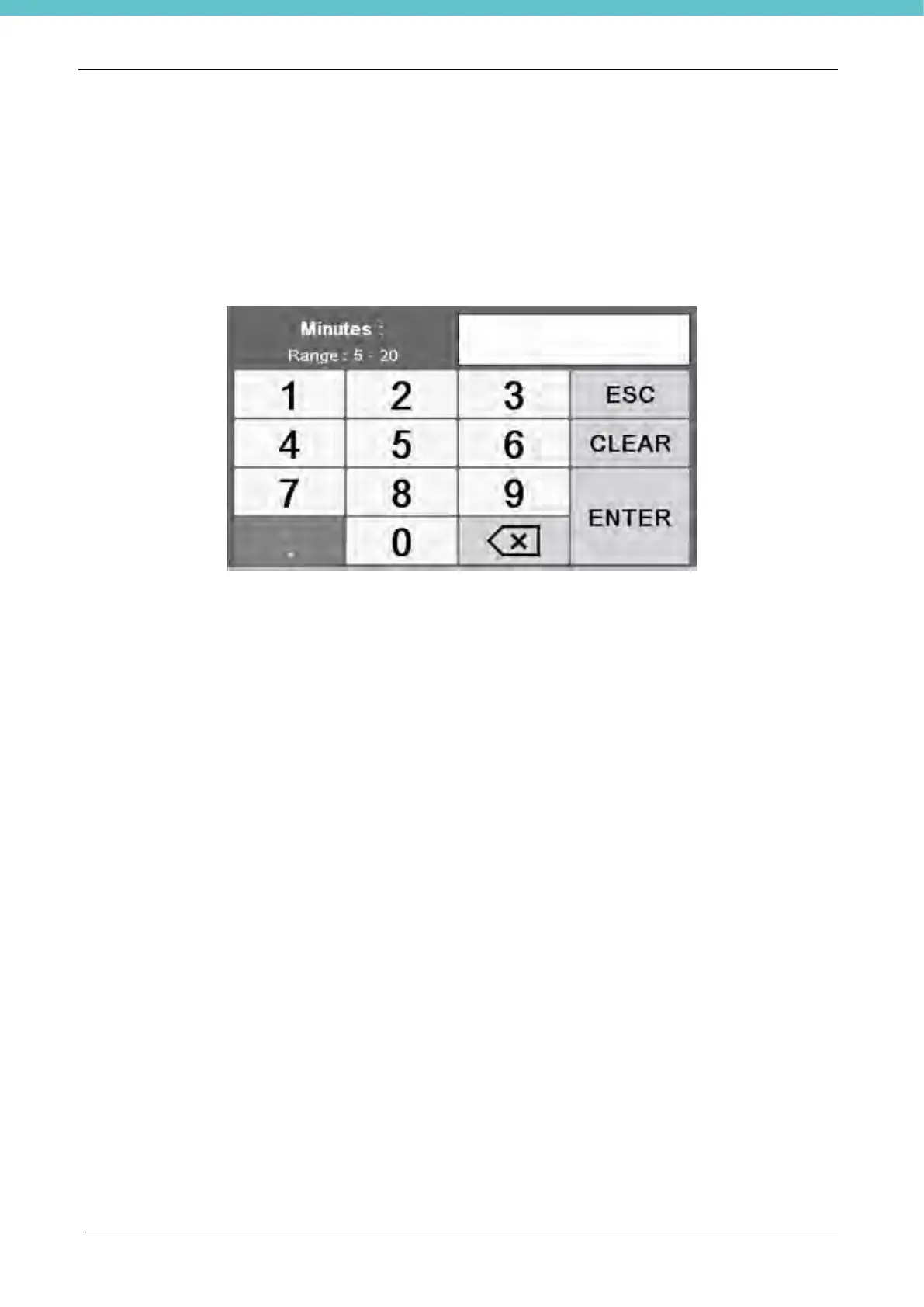
5. Area for selecting the cycle duration. By pressing on any part of the circular area, you access the
following screen where you can enter the cycle duration.
The cycle time cannot be less than 5 minutes as times less than 5 minutes might not guarantee a correct
cleaning. The cycle duration suggested by Milestone is 7 minutes.
6. General information; here the date, time and number of cycles performed are shown.



 To Next Page