MM063-010 – Operator Manual
32
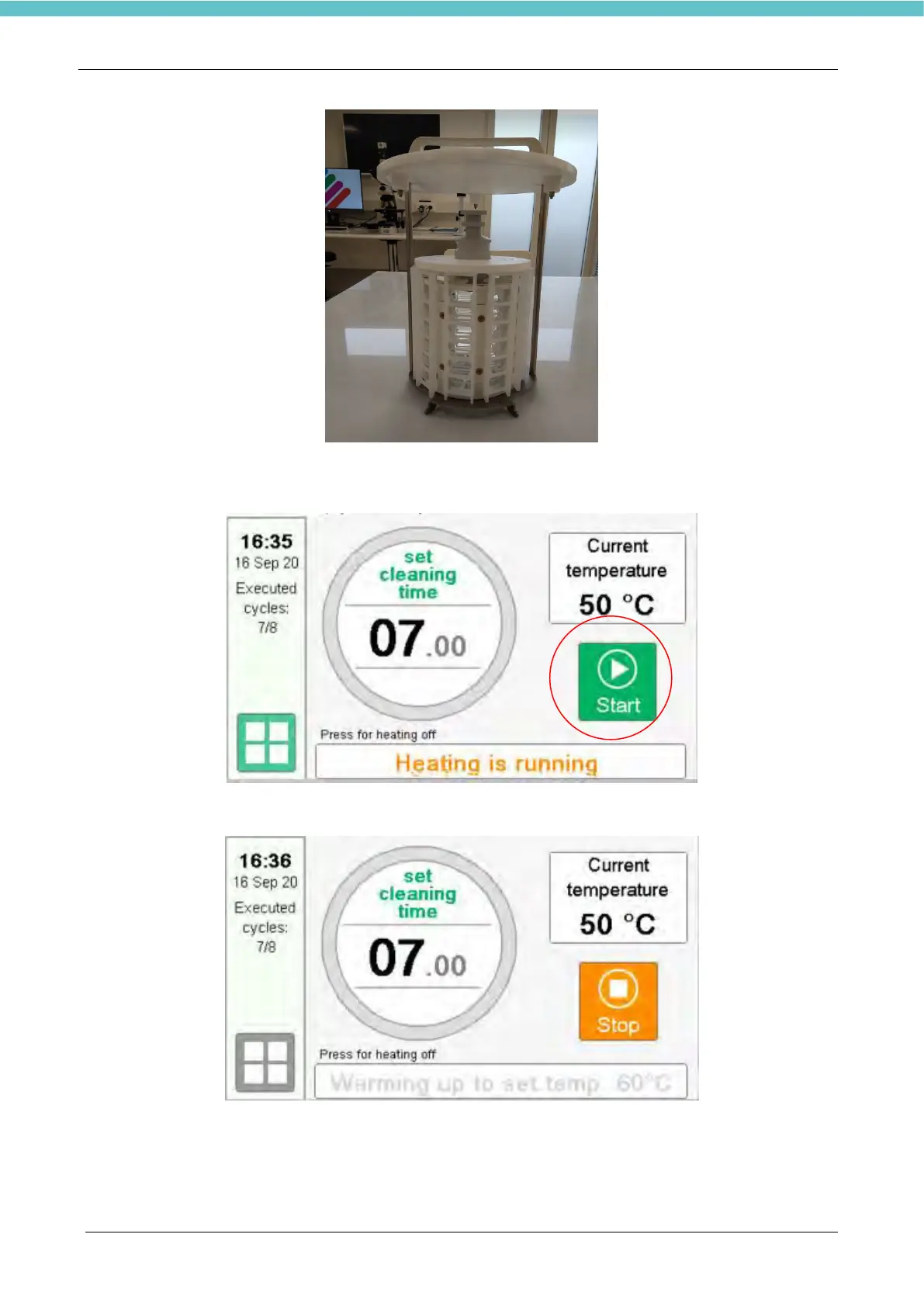
In order to run a cleaning cycle, when the instrument has reached the holding temperature it is possible to
press the green button “Start”.
When “Start” is pressed the instrument reach the cleaning temperature and the cleaning cycle starts
When the cleaning cycle begin, the remaining time is visualized in the middle part of the screen. By pressing
the “Stop” key within 20 seconds from the start of the cycle, this cycle will not be counted.



 To Next Page