. A complete Parts List is available at www.MillerWelds.com
OM-272989 Page 39
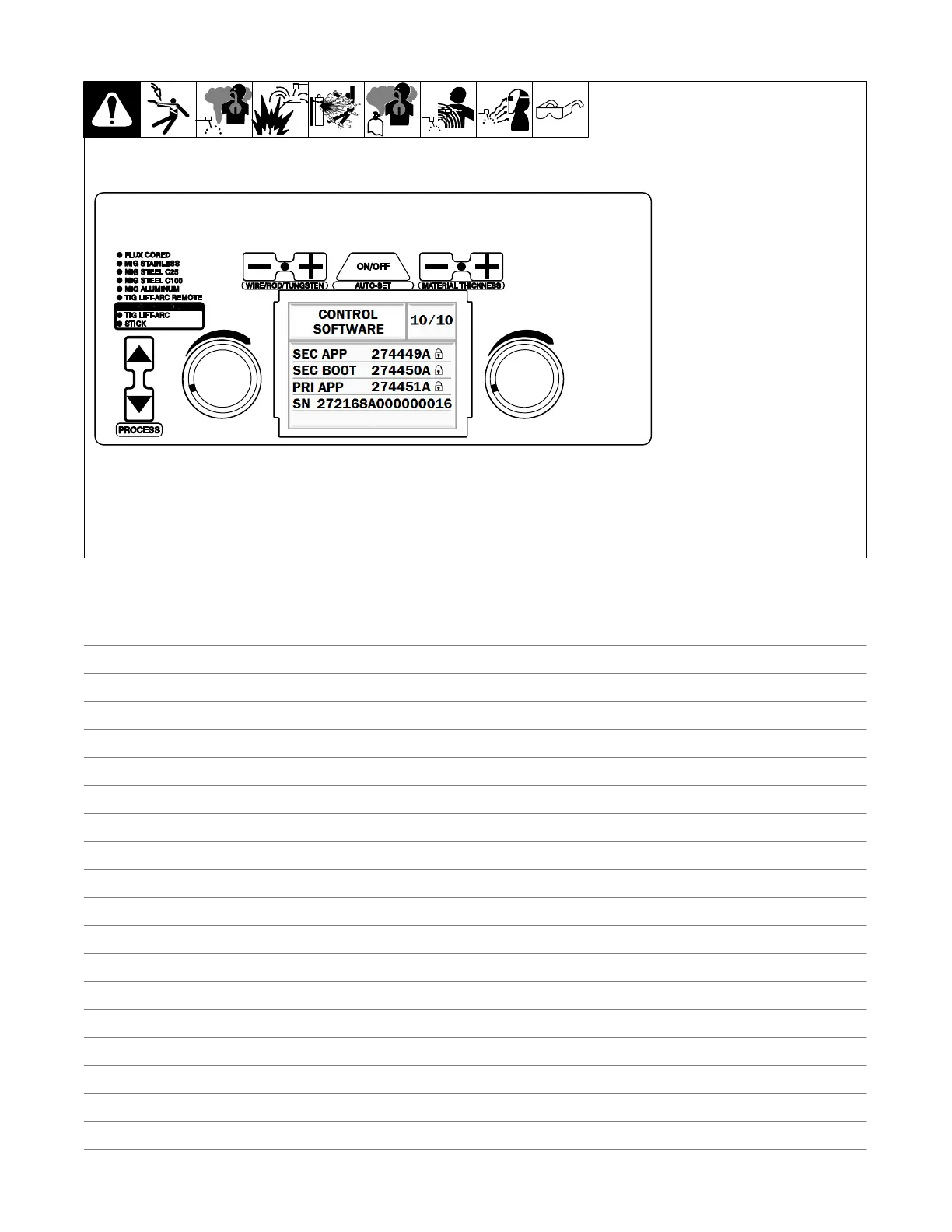
6-14. Control Software (Menu 10 Of 10)
. Control Software information is
for factory and service use
only.
Follow instructions in Section 6-4 to
enter the setup menu.
To exit menu, simultaneously press
and release the Wire/Rod/Tung-
sten Minus (−) button and Material
Thickness Plus (+) button, or turn
unit off and on.
Ref. 271491A
Notes










 To Next Page