OM-4422 Page 19
SECTION 5 − INSTALLATION
install3 6/04 − Ref. 800 652 / Ref. 800 477-A / 803 274
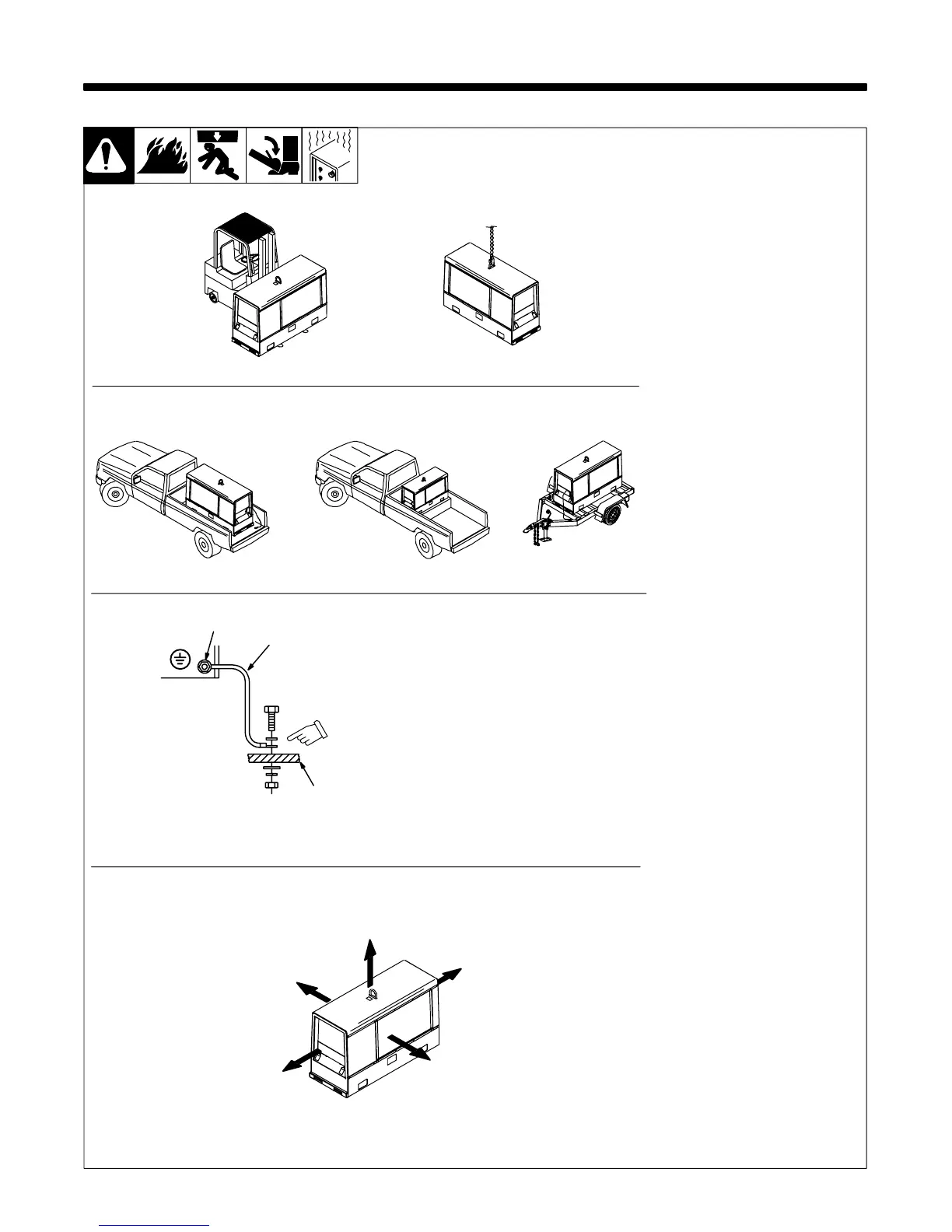
Always securely fasten weld-
ing generator onto transport
vehicle or trailer and comply
with all DOT and other applica-
ble codes.
Always ground generator
frame to vehicle frame to pre-
vent electric shock and static
electricity hazards.
If unit does not have GFCI re-
ceptacles, use GFCI-protected
extension cord.
See Section 5-2 for mounting in-
formation.
Grounding:
1 Equipment Grounding Terminal
(On Front Panel)
2 Grounding Cable (Not Supplied)
3 Metal Vehicle Frame
Connect cable from equipment
ground terminal to metal vehicle
frame. Use #10 AWG or larger insu-
lated copper wire.
Electrically bond generator frame to
vehicle frame by metal-to-metal contact.
GND/PE
1
2
3
18 in
(460 mm)
18 in
(460 mm)
18 in
(460 mm)
18 in
(460 mm)
18 in
(460 mm)
Movement
Airflow Clearance
-1. Installing Welding Generator
OR
Grounding
Bed liners, shipping skids, and some running
gears insulate the welding generator from the
vehicle frame. Always connect a ground wire
from the generator equipment grounding termi-
nal to bare metal on the vehicle frame as shown.
OR
Location
OR



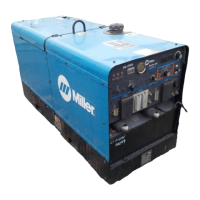

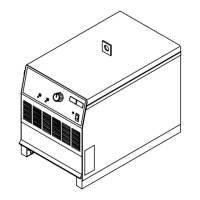

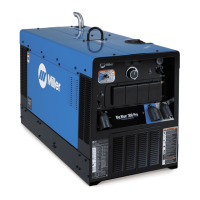

 To Next Page