OM-253893 Page 24
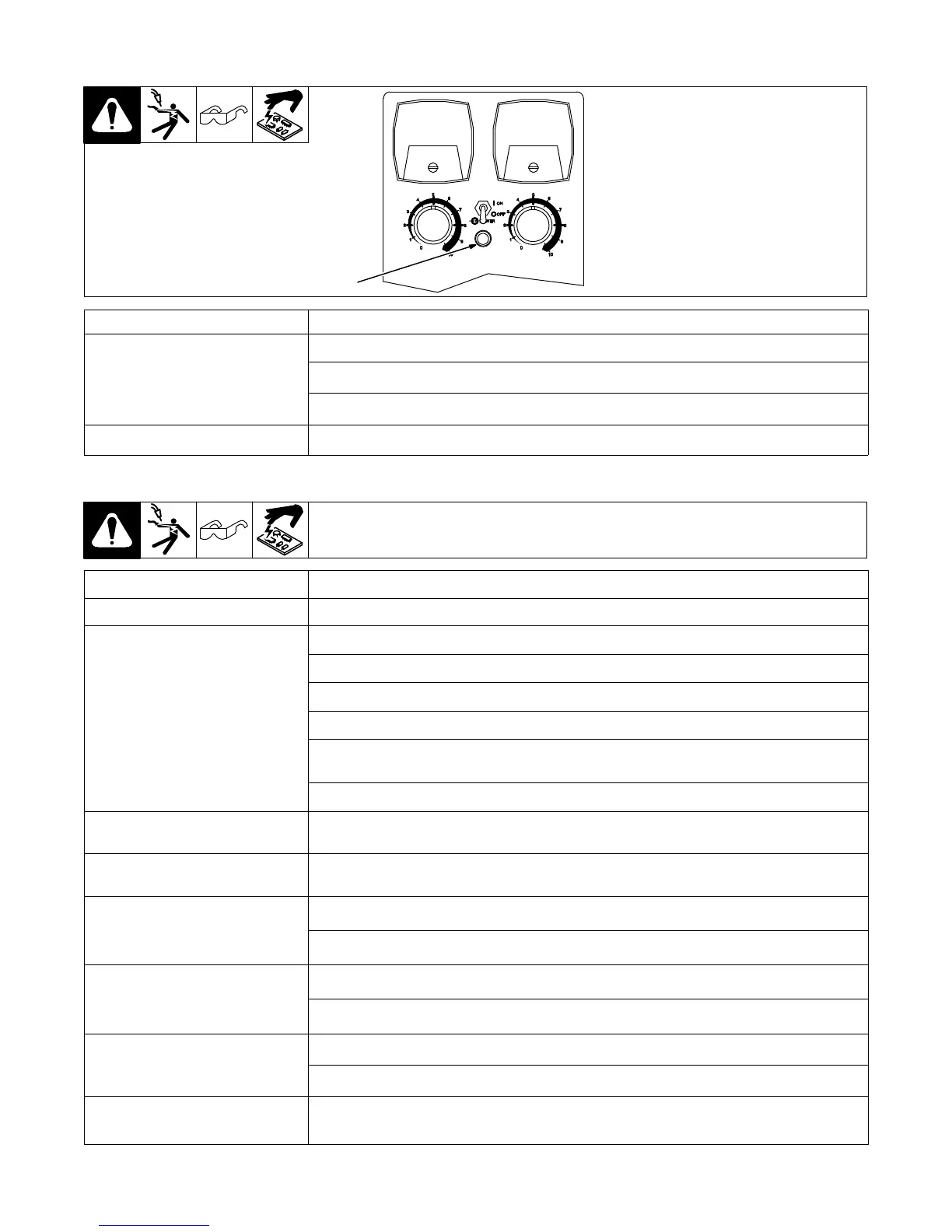
7-3. Status/Trouble Light
1 Status/Trouble Light
See Section 7-2 for flash sequence descrip-
tions.
1
Condition Status/Possible Cause
Off
Power switch is in off position.
Power source power switch is in the off position.
Bad cable connection between power source and SubArc interface analog.
On Controller is on. No fault present.
7-4. Troubleshooting Table
Trouble Remedy
Unit is completely inoperative. Check 24 VAC input power and be sure it is energized.
Wire does not feed during inching.
Place Power Switch S1 in On position (see Section 6-1).
Check 24 volts AC input power and be sure it is energized.
Jog Speed Control set too low; increase Jog Speed setting (see Section 6-2).
Check wire feed motor, and repair or replace if necessary.
Check Inch Up push buttons PB3 and Inch Down push button PB4, and replace if necessary
(see Section 6-1 and Parts List).
Have Factory Authorized Service Agent check control board PC1, and replace if necessary.
Wire feeds wrong direction during
inching.
To change direction, flip motor direction switch
Wire only feeds down whether Inch
Down or Up button is pressed.
Have Factory Authorized Service Agent check control board PC1, and replace if necessary.
Wire does not feed after Start button is
pressed (ensure that all wire feed inch-
ing functions are operating properly be-
fore checking this problem).
Check Start switch PB1, and replace if necessary.
Run-In speed control set to low; increase run-in speed (see Section 6-2).
No wire feed speed control with Wire
Speed control during welding, but
speed can be controlled with Run-In
speed control.
Check Output controls R9 and R10, replace if necessary.
Have Factory Authorized Service Agent check control board PC1, and replace if necessary.
No Crater mode.
Check to be sure Crater Output, Crater Speed, or Crater Time controls are not set to 0.
Verify volt sense leads are properly connected.
Erratic weld and no control of output. Check remote voltage sense lead polarity for correct sense lead connections (see applicable power
source Owner’s Manual).






 To Next Page