EasyManua.ls Logo

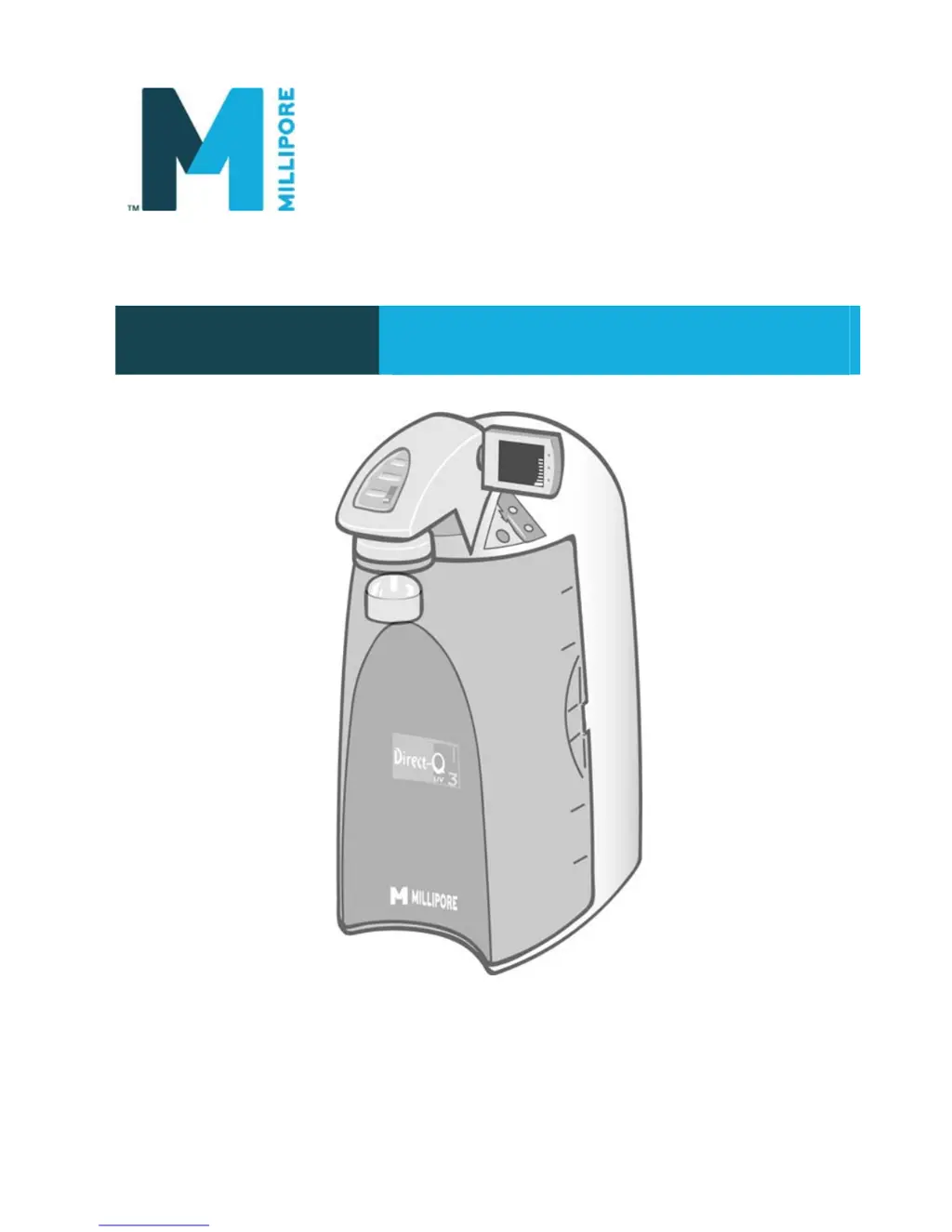
Millipore DIRECT-Q 3 SYSTEM - User Manual

Millipore DIRECT-Q 3 SYSTEM
73 pages
Print Icon
To Next Page IconTo Next Page
Loading...
User Manual
DIRECT-Q
®
3 SYSTEM
DIRECT-Q 3 UV SYSTEM

Table of Contents

Questions and Answers

  • E
    eugene35Aug 12, 2025
    Why is there low water flow from my Millipore DIRECT-Q 3 SYSTEM?
    • D
      David SteinAug 12, 2025
      If you experience low or no water flow when dispensing from your Millipore Water System, several factors could be the cause. First, ensure the water level in the tank is above 10%; if it's lower, allow the system to enter FILLING TANK mode. Next, verify that the Tank Outlet Valve is closed. An air-locked Millipak Filter can also cause this issue, so vent any trapped air. Lastly, a clogged Final Filter might be the culprit, requiring replacement.
  • J
    Jeremy SandovalAug 16, 2025
    How to fix a blank display screen on a Millipore DIRECT-Q 3 SYSTEM?
    • L
      Lori GalvanAug 16, 2025
      If the display screen on your Millipore Water System is blank, start by checking that the power cord is securely plugged in. Then, verify that the electrical power source is working correctly. If the issue persists after these checks, it is recommended to contact Millipore.
  • J
    Jordan MaddoxAug 20, 2025
    Why is the tank level not rising in my Millipore Water System?
    • N
      nelsondesireeAug 20, 2025
      If the Tank Level display on your Millipore Water System isn't rising in FILLING TANK mode, the Tank Outlet Valve might be open; make sure to close it. Also, check the Feedwater source. Replacing the SmartPak might also resolve this issue.
  • D
    David NicholsAug 23, 2025
    What to do if auto-dispensing mode is not accurate on Millipore Water System?
    • T
      Timothy AliAug 23, 2025
      If the AUTO-DISPENSING mode on your Millipore Water System isn't accurate, the Product Water flowrate might need calibration. Also, a clogged or airlocked Final Filter could be the cause; consider replacing it.
  • A
    Anna HullAug 27, 2025
    Why dispensing mode runs continuously on Millipore DIRECT-Q 3 SYSTEM Water System?
    • K
      Kelly WardAug 27, 2025
      If the DISPENSING mode on your Millipore Water System runs continuously even when the Tank Level display is below 10%, the water level might not be calibrated. Calibrate the tank level to resolve this issue.
  • T
    Tammy PrattAug 31, 2025
    What to do if Millipore DIRECT-Q 3 SYSTEM has been in standby mode for a while?
    • V
      vpenaAug 31, 2025
      If your Millipore Water System has been in STANDBY mode for an extended period, recirculate the water in the system. Replacing the SmartPak may also help.
  • L
    Luis JohnsonSep 3, 2025
    What to do if RO Permeate conductivity value is not displayed on Millipore DIRECT-Q 3 SYSTEM Water System?
    • B
      Brandy WilliamsSep 3, 2025
      If the last RO Permeate conductivity value is not displayed when you press the “+” button on your Millipore Water System, dispense water during FILLING TANK mode to initiate a new RO Permeate conductivity reading.
  • E
    eduardo79Sep 7, 2025
    How to fix exhausted UV timer on Millipore Water System?
    • J
      Joshua PotterSep 7, 2025
      If you are experiencing issues with the UV system on your Millipore Water System, and the UV Timer is exhausted, replace the UV Lamp. After installing a new UV Lamp, reset the UV Timer.

Summary

Notice and Disclaimers

Millipores Standard Warranty

Declaration of Conformity

Chapter 1: Introduction to the Direct-Q System

Using This Manual

Guidance on how to effectively use the user manual for installation and operation.

Safety Information

Essential safety precautions and hazard warnings for operating the Direct-Q system.

Contacting Millipore

Information on how to contact Millipore for support and inquiries.

Chapter 2: Product Information and Specifications

Direct-Q System Overview

An overview of the Direct-Q system components and their functions.

Product Water Specifications

Details on the water flow rates and quality parameters of the Direct-Q system.

Schematic of Main Components

Diagram illustrating the main components of the Direct-Q system.

Operating Principle

Explanation of how the Direct-Q water purification system functions.

Technical Specifications

Key technical data including dimensions, weight, noise level, and electrical requirements.

Chapter 3: Pre-Installation Requirements

Installation Requirements

Mandatory requirements for feedwater, connections, and environmental conditions.

Optional Equipment You May Need

Details on optional accessories that may be needed for installation.

Unpacking the Direct-Q System

Instructions for unpacking the Direct-Q system and checking its contents.

Chapter 4: System Installation Procedures

System Preparation

Steps to prepare the Direct-Q system for installation, including removing packaging.

Connection of Tubing

Detailed instructions for connecting feedwater, reject, overflow, and tank outlet tubing.

Power Cord Connection and System Power-On

Guide to connecting the power cord and turning on the system.

SmartPak Installation

Procedure for installing the SmartPak cartridge into the system.

Vent Filter Installation

Instructions for installing the vent filter.

Tygon Tubing Installation

Steps for installing the Tygon tubing for the POU dispenser.

Purging Air from the System

Procedure to remove trapped air from the system after installation.

Hydrating the System

Steps to hydrate the system after initial installation.

Final Filter Installation and Rinsing

Procedure for installing and rinsing the final filter.

Calibrate Flowrate

How to calibrate the product water flowrate from the Direct-Q system.

Show Resistivity or Conductivity Units

How to display water quality units (Resistivity or Conductivity).

Set Resistivity Setpoint

Procedure for setting the resistivity setpoint for the system.

Chapter 5: Using the Direct-Q Water System

Understanding the Display

Explanation of the system display indicators for modes, parameters, and alarms.

Getting Water from the Direct-Q

Methods for dispensing product water using the dispensing button and tank outlet.

Operating Modes

Description of different operating modes like Standby, Flush, Filling Tank, Pre-Operate, Dispensing.

View Product Resistivity and Temperature

How to view water resistivity and temperature in different modes.

View RO Permeate Conductivity

How to view RO permeate conductivity in filling tank or pre-operate modes.

Recirculate Water Manually

How to manually recirculate water to enhance product water quality.

Understand Direct-Q Messages

Interpreting system messages and alarms for Pack and UV Lamp.

Chapter 6: Maintenance Schedule and Procedures

Maintenance Schedule

Overview of routine maintenance tasks and their recommended frequency.

Replace SmartPak

Step-by-step guide for removing and installing a new SmartPak cartridge.

Replace Final Filter

Instructions for replacing the final filter on the Direct-Q system.

Clean Screen Filter

Procedure for cleaning the system's screen filter.

Calibrate Tank Level

How to calibrate the tank level indicator for accurate readings.

Empty the Tank

Procedure to empty the water tank, often for system sanitization.

Sanitize the System

Detailed instructions for sanitizing the entire Direct-Q system.

Sanitize the Tank Only

Procedure for sanitizing the water tank separately.

Replace UV Lamp

Guide for replacing the UV lamp in the system (UV System only).

View or Reset UV Lamp Timer

How to check and reset the UV lamp timer.

Chapter 7: Troubleshooting Common Issues

Display Screen Blank

Troubleshooting steps for a blank display screen.

Tank Level Not Rising

Solutions for when the tank level display is not rising during filling.

Low Water Flow or No Water Flow

Addressing issues of low or no water flow when dispensing.

Continuous Dispensing Below 10%

Troubleshooting for dispensing mode running continuously below 10%.

Auto-Dispensing Inaccuracy

Resolving problems with the accuracy of auto-dispensing mode.

RO Permeate Conductivity Not Displayed

What to do if RO permeate conductivity is not displayed.

Product Resistivity Not Displayed

Troubleshooting steps when product resistivity is not displayed.

Flush Mode Resumption Issue

What to do if the system does not resume flush mode after tank is detected.

SmartPak Lifetime or Resistivity Issues

Addressing alarms related to SmartPak lifetime and resistivity setpoint.

SmartPak Installation Errors

Resolving issues if the SmartPak is not installed correctly.

Chapter 8: Ordering Information and Part Numbers

Catalogue Numbers for Direct-Q Systems

Part numbers for ordering different Direct-Q system models.

Catalogue Numbers for Consumables

Part numbers for ordering consumables like SmartPaks and filters.

Catalogue Numbers for Accessories

Part numbers for ordering system accessories.

Millipore DIRECT-Q 3 SYSTEM Specifications

General IconGeneral
BrandMillipore
ModelDIRECT-Q 3 SYSTEM
CategoryWater System
LanguageEnglish

Related product manuals