B.
Installation
2.
Battery Activation
Before making water, or electrical connections (initial startup)
the battery, to power the system memory, must be activated.
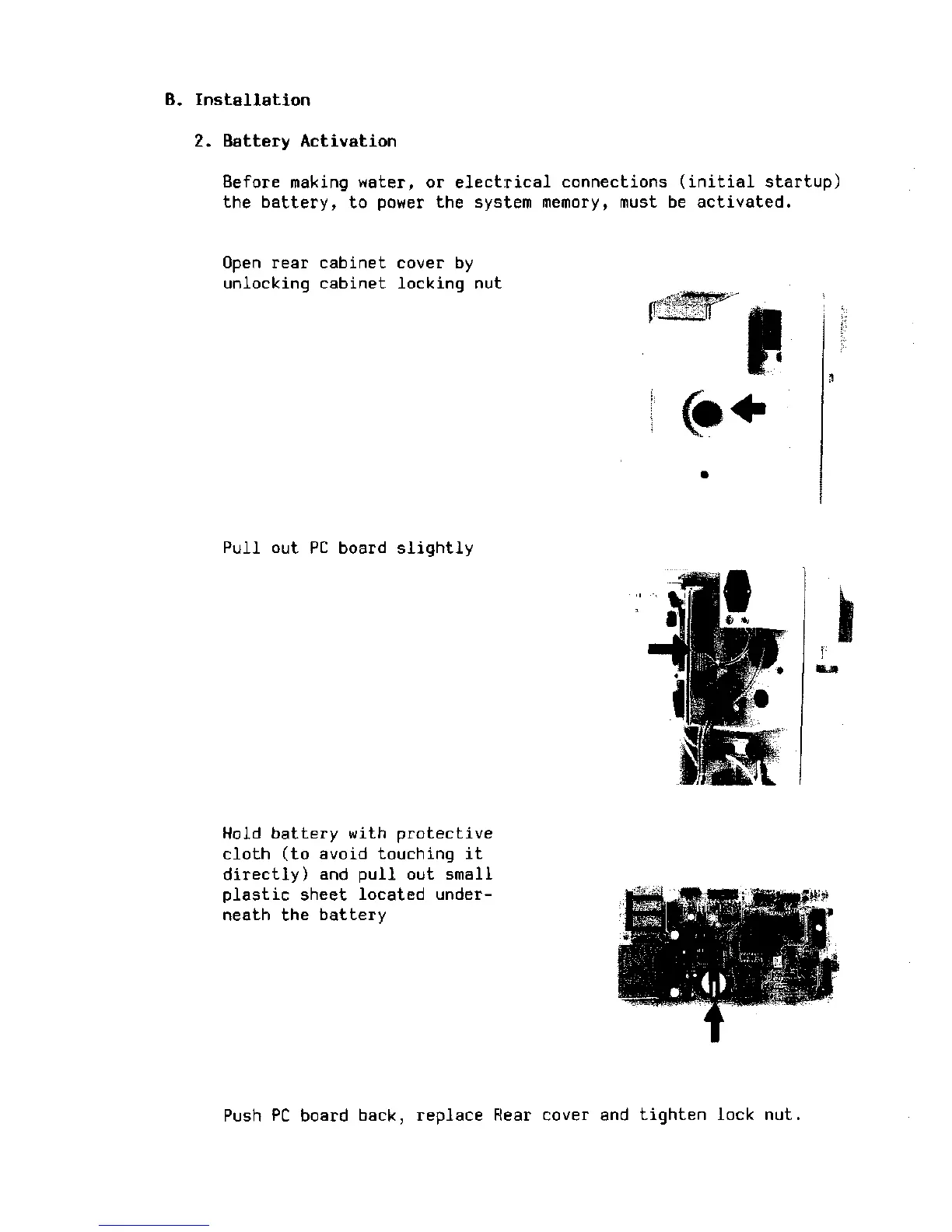
Open rear cabinet cover by
unlocking cabinet locking nut
Pull out PC board slightly
•Ml
Hold battery with protective
cloth (to avoid touching it
directly) and pull out small
plastic sheet located under-
neath the battery
Push PC board back, replace Rear cover and tighten lock nut.







 To Next Page