P0WSR
I
•
mum®.—"
OPERATE
'
STANDBY
r
C. Operation
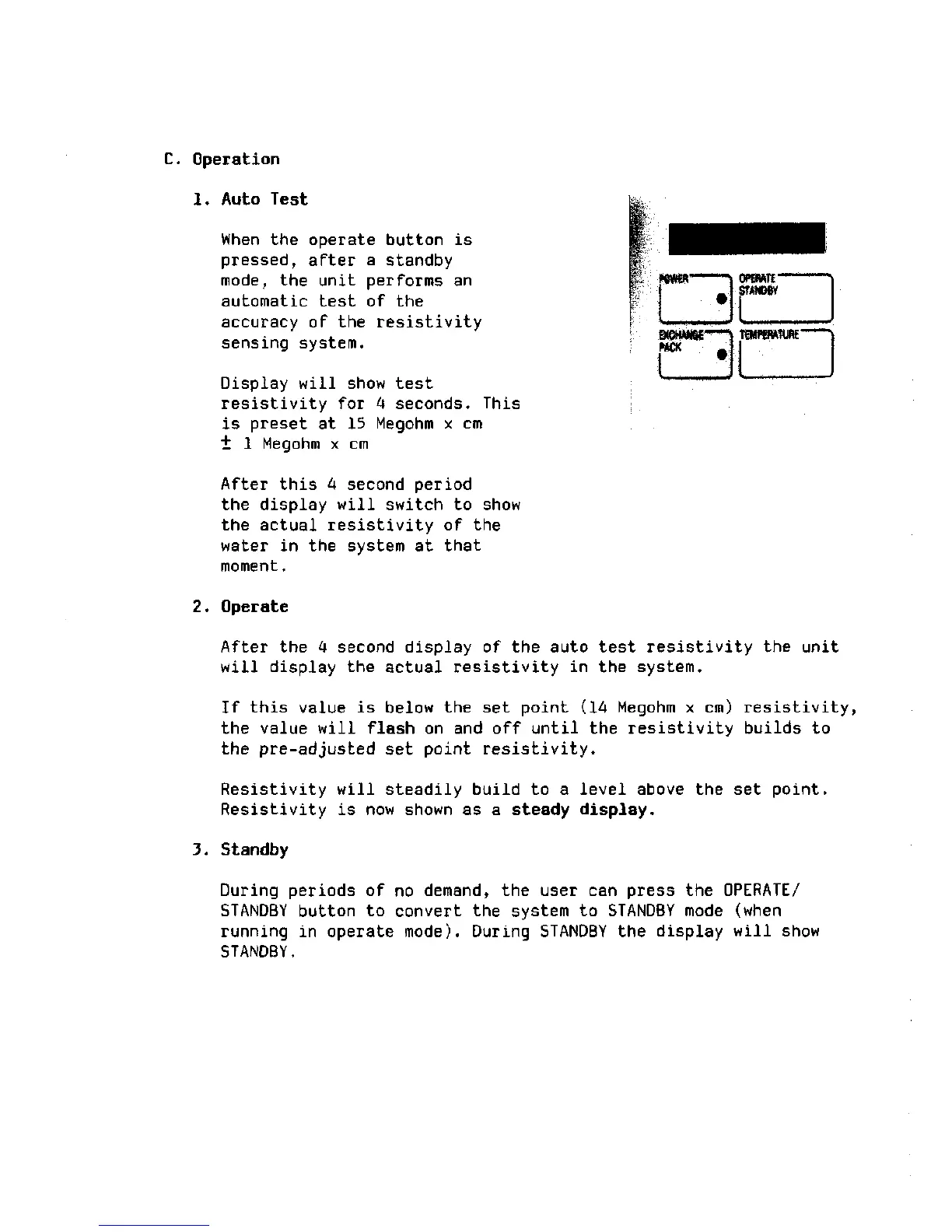
1. Auto Test
When the operate button is
pressed, after a standby
mode,
the unit performs an
automatic test of the
accuracy of the resistivity
sensing system.
Display will show test
resistivity for 4 seconds. This
is preset at 15 Megohm x cm
"t 1 Megohm x cm
After this 4 second period
the display will switch to show
the actual resistivity of the
water in the system at that
moment.
2.
Operate
After the 4 second display of the auto test resistivity the unit
will display the actual resistivity in the system.
If this value is below the set point (14 Megohm x cm) resistivity,
the value will flash on and off until the resistivity builds to
the pre-adjusted set point resistivity.
Resistivity will steadily build to a level above the set point.
Resistivity is now shown as a steady display.
3. Standby
During periods of no demand, the user can press the OPERATE/
STANDBY button to convert the system to STANDBY mode (when
running in operate
mode).
During STANDBY the display will show
STANDBY.







 To Next Page