B.
Installation
7.
Initial Start Up
Checklist: - battery in place and activated
- water connected to rear of unit
- power cable plugged into rear socket
- pack inserted/handle locked
- isolating valve on feed water line open
- switch system ON/OFF switch to ON position
to initiate Microprocessor
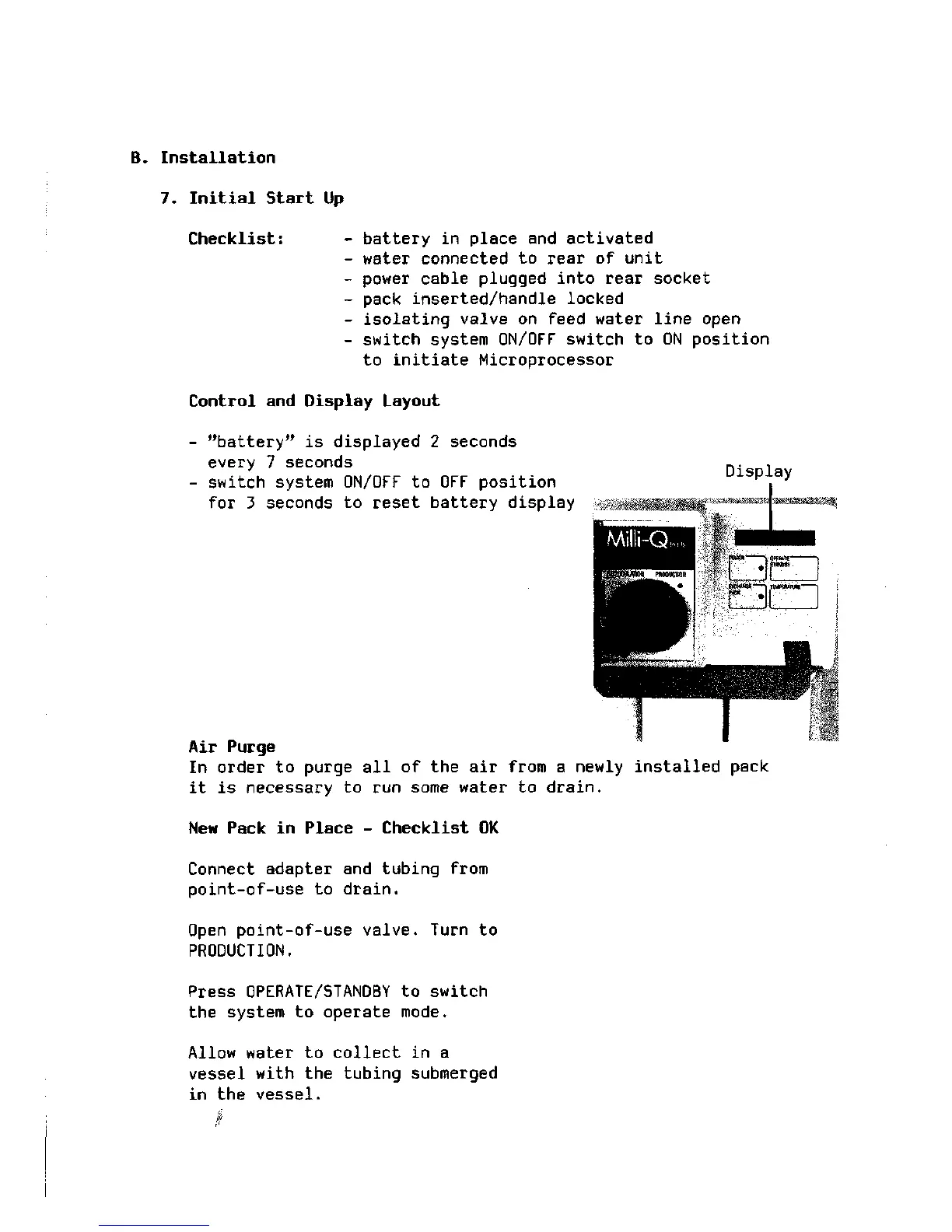
Control and Display Layout
- "battery" is displayed 2 seconds
every 7 seconds
switch system ON/OFF to OFF posi
for 3 seconds to reset battery display
every 7 seconds
- switch system ON/OFF to OFF position Display
Air Purge
In order to purge all of the air from a newly installed pack
it is necessary to run some water to drain.
New Pack in Place - Checklist OK
Connect adapter and tubing from
point-of-use to drain.
Open point-of-use valve. Turn to
PRODUCTION.
Press OPERATE/STANDBY to switch
the system to operate mode.
Allow water to collect in a
vessel with the tubing submerged
in the vessel.







 To Next Page