ALPHANUMERIC DISPLAY
Keyboard
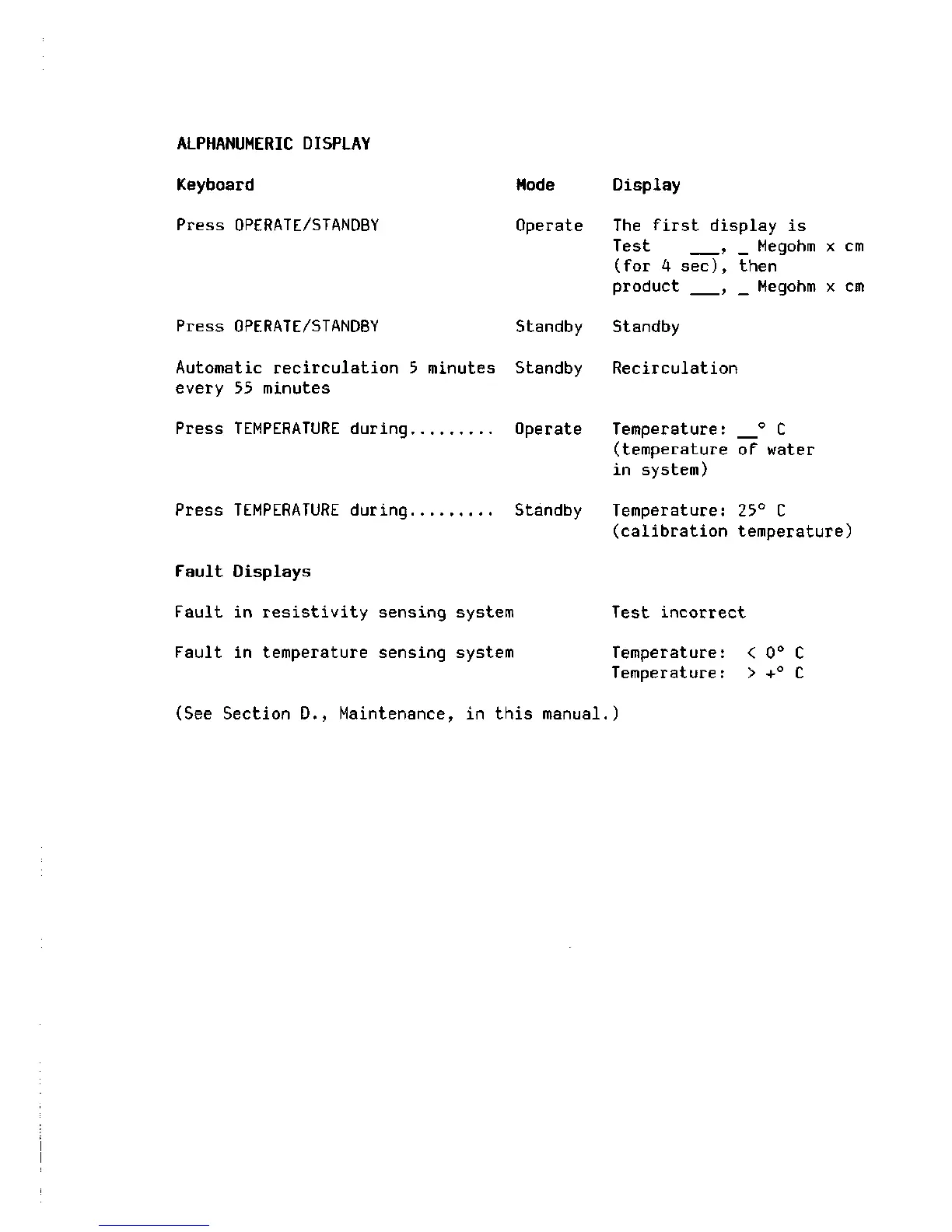
Press OPERATE/STANDBY
Mode
Operate
Press OPERATE/STANDBY Standby
Automatic recirculation 5 minutes Standby
every 55 minutes
Press TEMPERATURE during Operate
Press TEMPERATURE during Standby
Fault Displays
Fault in resistivity sensing system
Fault in temperature sensing system
Display
The first display is
Test , _ Megohm x cm
(for 4 sec), then
product , _ Megohm x cm
Standby
Recirculation
Temperature: ° C
(temperature of water
in system)
Temperature: 25° C
(calibration temperature)
Test incorrect
Temperature:
Temperature:
< 0° C
> +° C
(See Section D., Maintenance, in this manual.)







 To Next Page