7.
Remote Standby
When the system is connected to
a remote controlling unit, via
the inlet jack plug at the rear
of the unit, the display will
show REMOTE STANDBY. (Remote
control,
e.g., clinical analyzer.)
The Milli-Q Plus should initially
be switched to operate mode by
the user. In this mode the remote
unit is able to switch the
Milli-Q Plus from OPERATE to
STANDBY and vice versa when the
remote unit requires water.
During REMOTE STANDBY, the system
will continue to perform automatic
intermittent recirculation as in
normal standby. During this period,
the unit will show RECIRCULATION,
as normal.
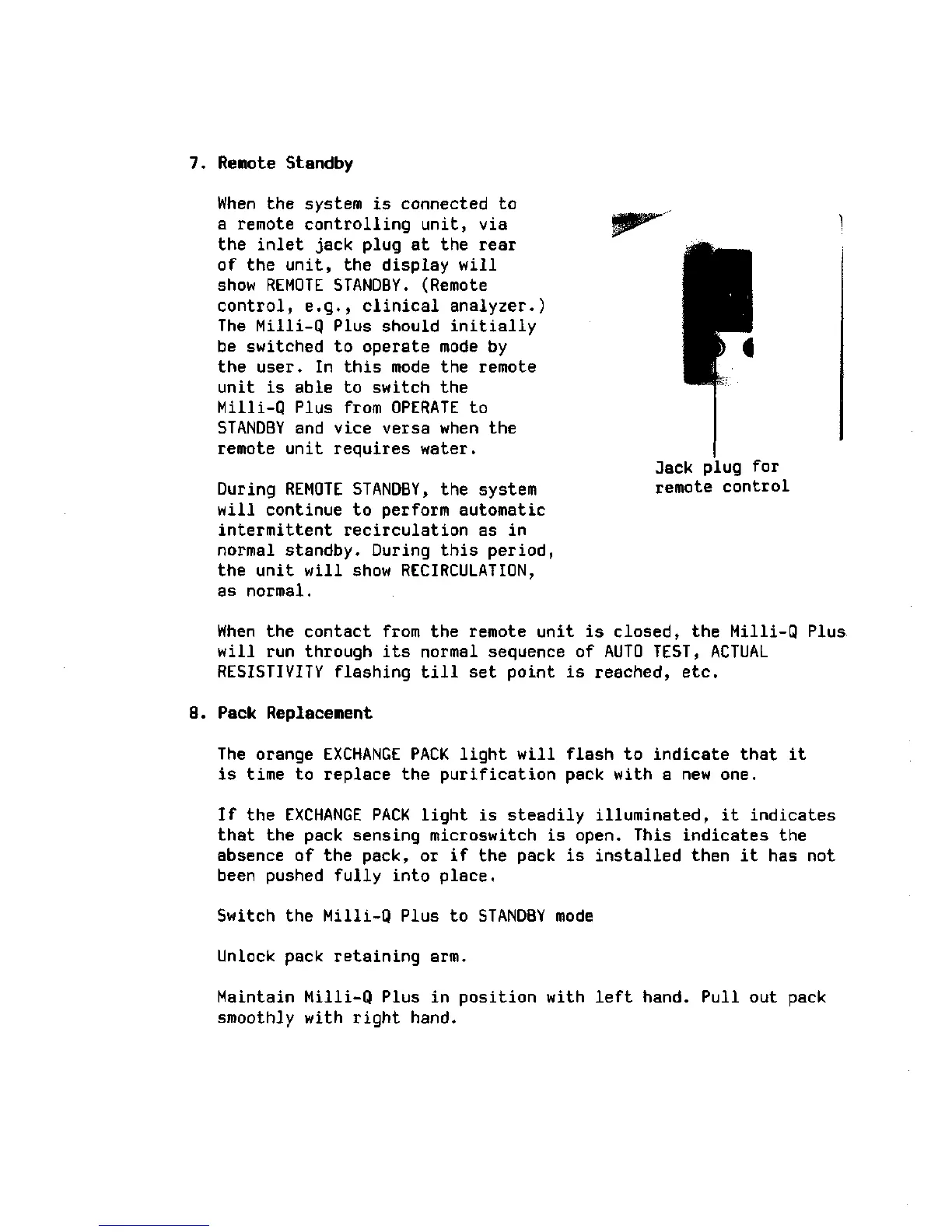
3ack plug for
remote control
When the contact from the remote unit is closed, the Milli-Q Plus
will run through its normal sequence of AUTO TEST, ACTUAL
RESISTIVITY flashing till set point is reached, etc.
8. Pack Replacement
The orange EXCHANGE PACK light will flash to indicate that it
is time to replace the purification pack with a new one.
If the EXCHANGE PACK light is steadily illuminated, it indicates
that the pack sensing microswitch is open. This indicates the
absence of the pack, or if the pack is installed then it has not
been pushed fully into place.
Switch the Milli-Q Plus to STANDBY mode
Unlock pack retaining arm.
Maintain Milli-Q Plus in position with left hand. Pull out pack
smoothly with right hand.







 To Next Page