3. Fuse Replacement
If power lamp is off, check fuses as follows:
Main ON/OFF switch, rear
of unit, and socket on
ring main.
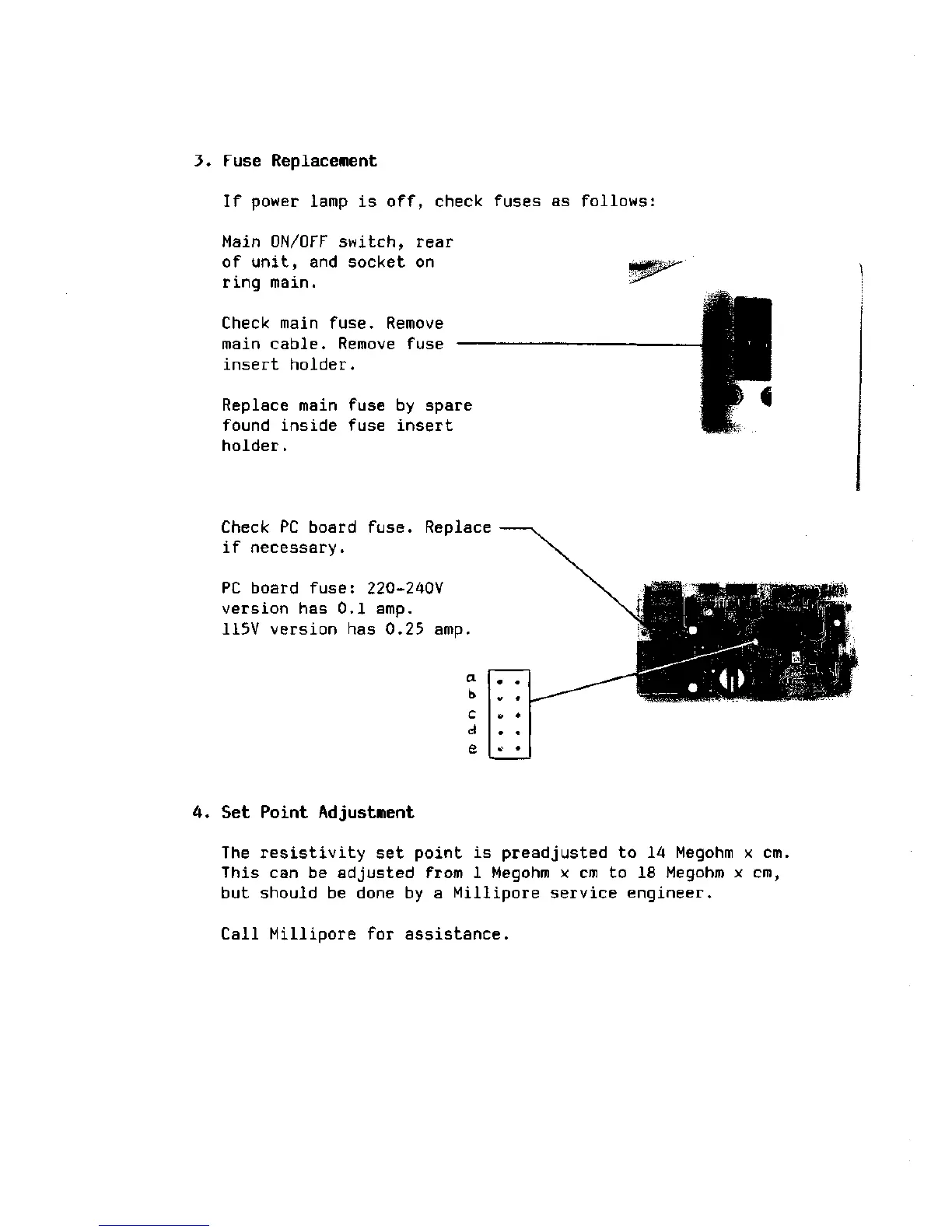
Check main
fuse.
Remove
main cable. Remove fuse —
insert holder.
Replace main fuse by spare
found inside fuse insert
holder.
Check PC board
fuse.
Replace
if necessary.
PC board
fuse:
220-240V
version has 0.1 amp.
115V version has 0.25 amp.
a
b
c
d
e
m #
** # *--—"
a -
> t
*!
*>?l
4. Set Point Adjustment
The resistivity set point is preadjusted to 14 Megohm x cm.
This can be adjusted from 1 Megohm x cm to 18 Megohm x cm,
but should be done by a Millipore service engineer.
Call Millipore for assistance.







 To Next Page