Allow water to purge air from
Millipak.
Close Millipak vent by replacing
cap.
Close point-of-use valve. Turn
to RECIRCULATION.
Press OPERATE/STANDBY to go into
standby mode.
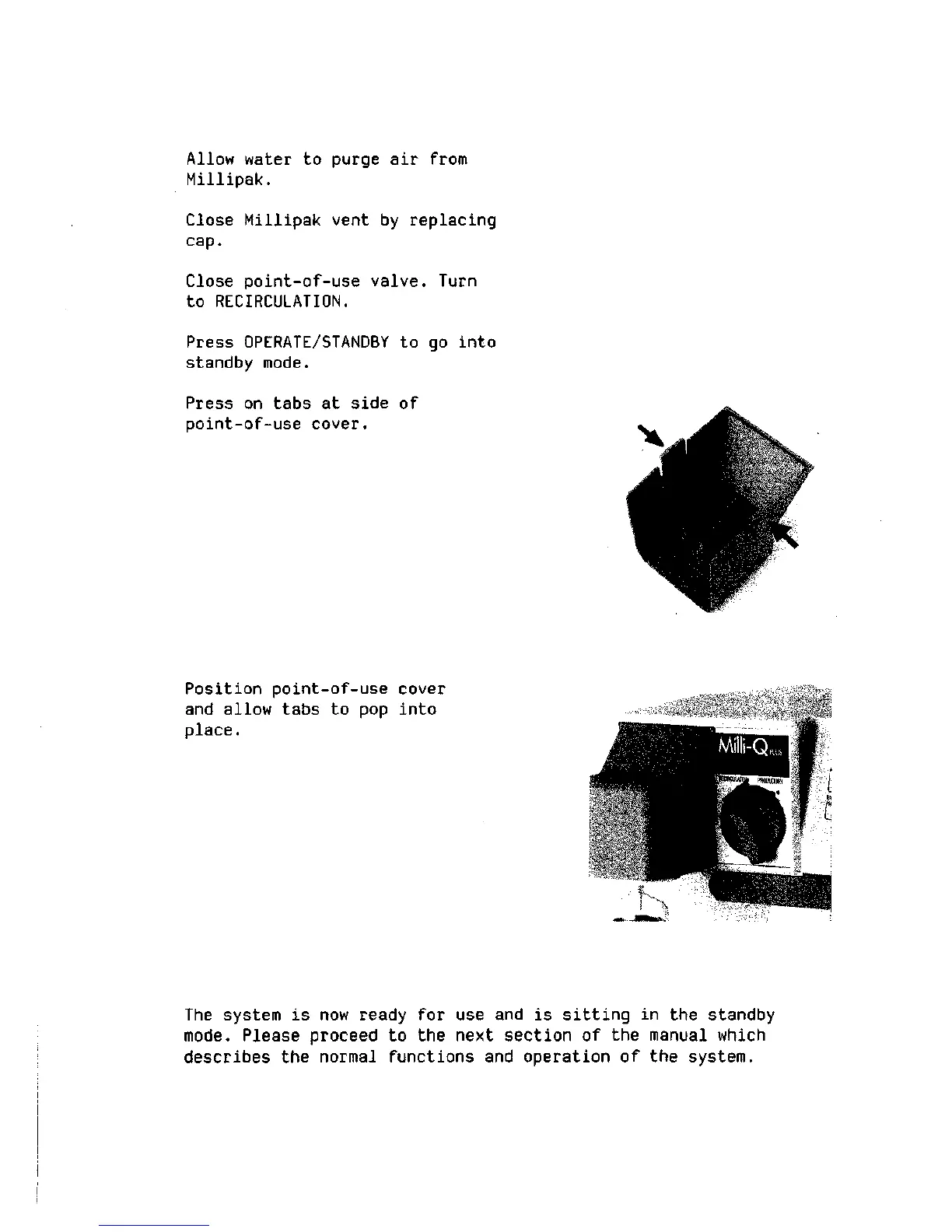
Press on tabs at side of
point-of-use cover.
Position point-of-use cover
and allow tabs to pop into
place.
The system is now ready for use and is sitting in the standby
mode.
Please proceed to the next section of the manual which
describes the normal functions and operation of the system.







 To Next Page