
 Need help?
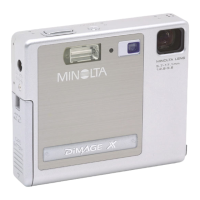
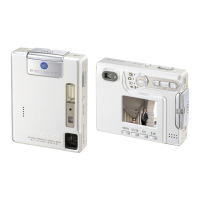
Do you have a question about the Minolta Dimage Dimage Xt and is the answer not in the manual?
Instructions for correctly installing the NP-200 lithium-ion battery into the camera.
Steps for charging the lithium-ion battery using the supplied charger.
How to access and change camera settings using the setup menu interface.
Process for erasing all data on a memory card to prepare it for use.
Step-by-step guide for establishing a connection between the camera and a PC.
Solutions for common problems encountered while operating the camera.
Guidelines for maintaining and storing the camera to ensure longevity.
 General
| Optical Zoom | 3x |
|---|---|
| Digital Zoom | 4x |
| Battery Type | Lithium-Ion |
| Shutter Speed | 4 - 1/1000 sec |
| LCD Screen Size | 1.5-inch |
| Storage Media | SD |
| Lens | 37-111mm (35mm equivalent) |
| ISO Sensitivity | 100, 200, 400 |
| Effective Pixels | 3.2 megapixels |





 To Next Page