4. Getting Started
MiR Fleet PC Getting Started (en) 01/2021 - v.1.5 ©Copyright 2019-2021: Mobile Industrial Robots A/S. 18
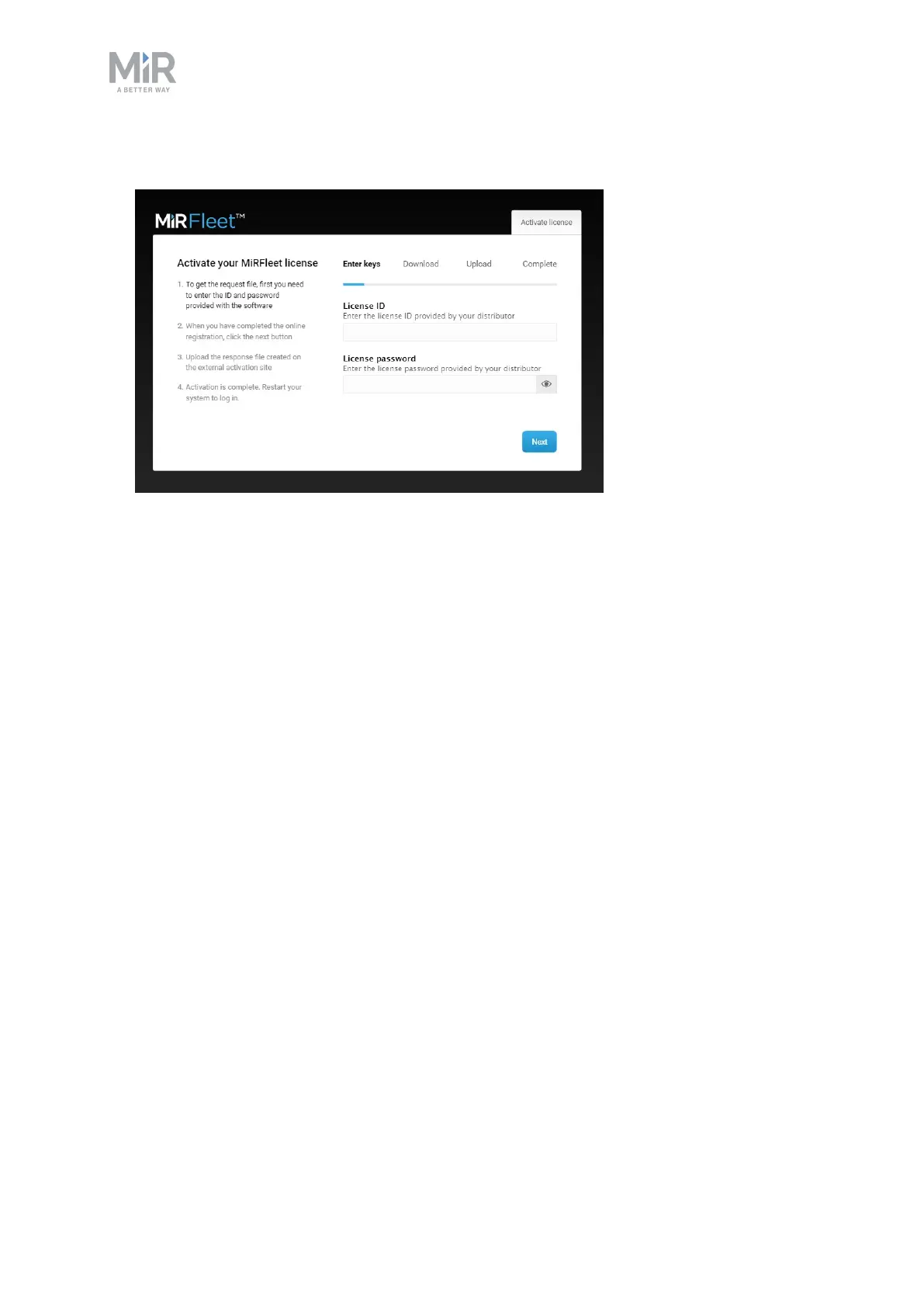
2. Enter the License ID and password that you have received from MiR.
3. Wait while the system attempts to activate the license.
4. If you work online, you are finished activating your license and can continue to step 9.
If you work offline, the attempt to activate the license will fail, and you are directed to a
page where you can download a request file. If the download does not start
automatically, select the link Download it here.
5. Transfer the request file to a computer with internet access, for example, via a USB pen.



 To Next Page