5. Commissioning
MiR Fleet PC Getting Started (en) 01/2021 - v.1.5 ©Copyright 2019-2021: Mobile Industrial Robots A/S. 32
5.7 Creating groups
You can create two types of groups in the MiRFleet interface: Robot groups and Charging
groups. Each robot can only be assigned to one Robot group and one Charging group.
Robot groups
In MiRFleet, any number of robots can be assigned to a Robot group. Each Robot group is
used to collect a number of Mission groups that all robots in the group are able to execute.
For example, you can use robot and Mission groups to restrict a group of MiR Hook robots to
only perform missions for transporting carts.
The efficiency of the Robot groups and Mission groups setup depends on how you have set
up missions and Mission groups. When you create a Robot group, you select the Mission
groups that robots in the Robot group can execute.
You can view and modify your Mission groups under Setup > Missions.
To create a Robot group, follow these steps:
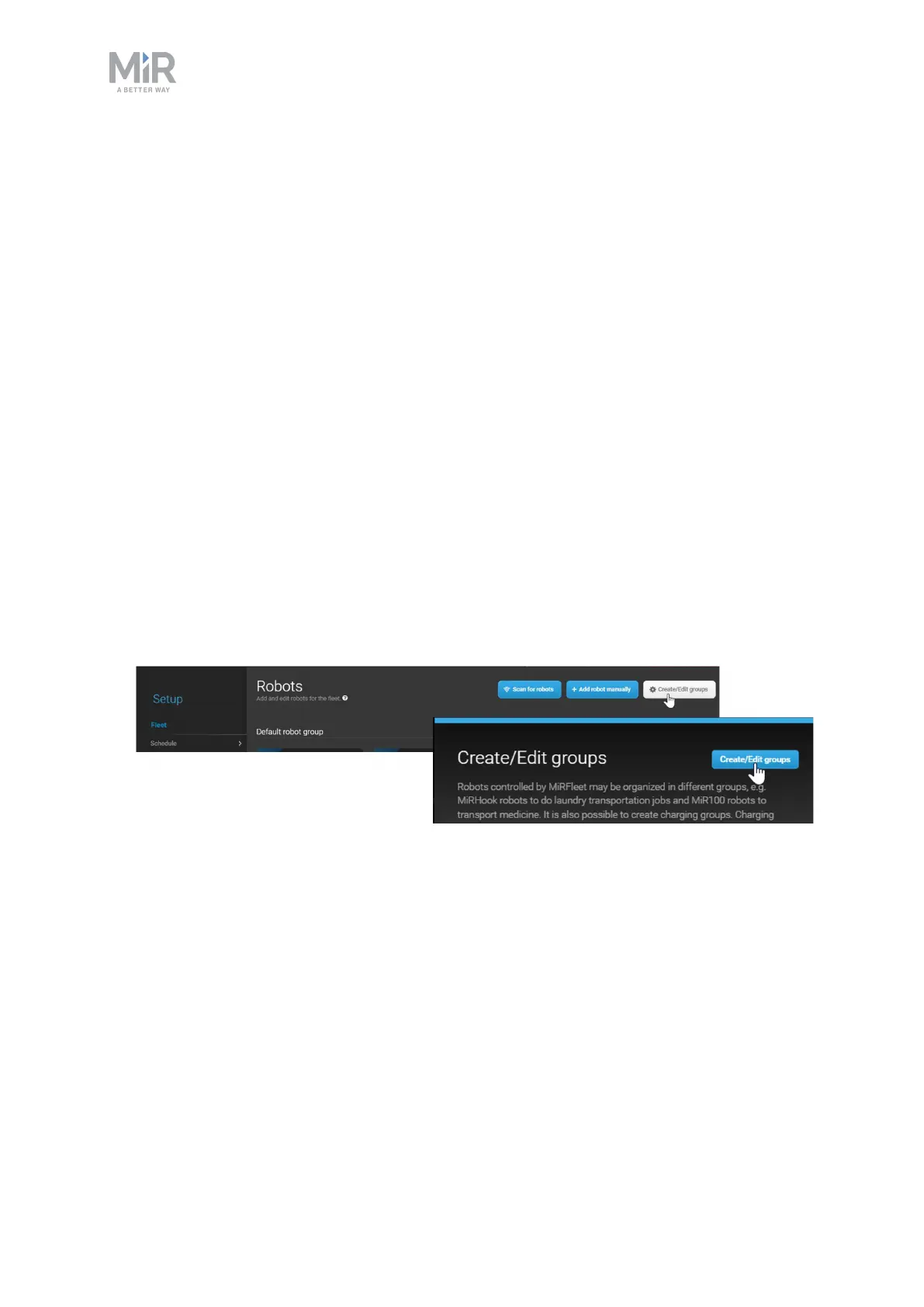
1. Go to Setup > Robots, and select Create/Edit groups. Select Create/Edit groups in the
next window.



 To Next Page