5. Commissioning
MiR Fleet PC Getting Started (en) 01/2021 - v.1.5 ©Copyright 2019-2021: Mobile Industrial Robots A/S. 23
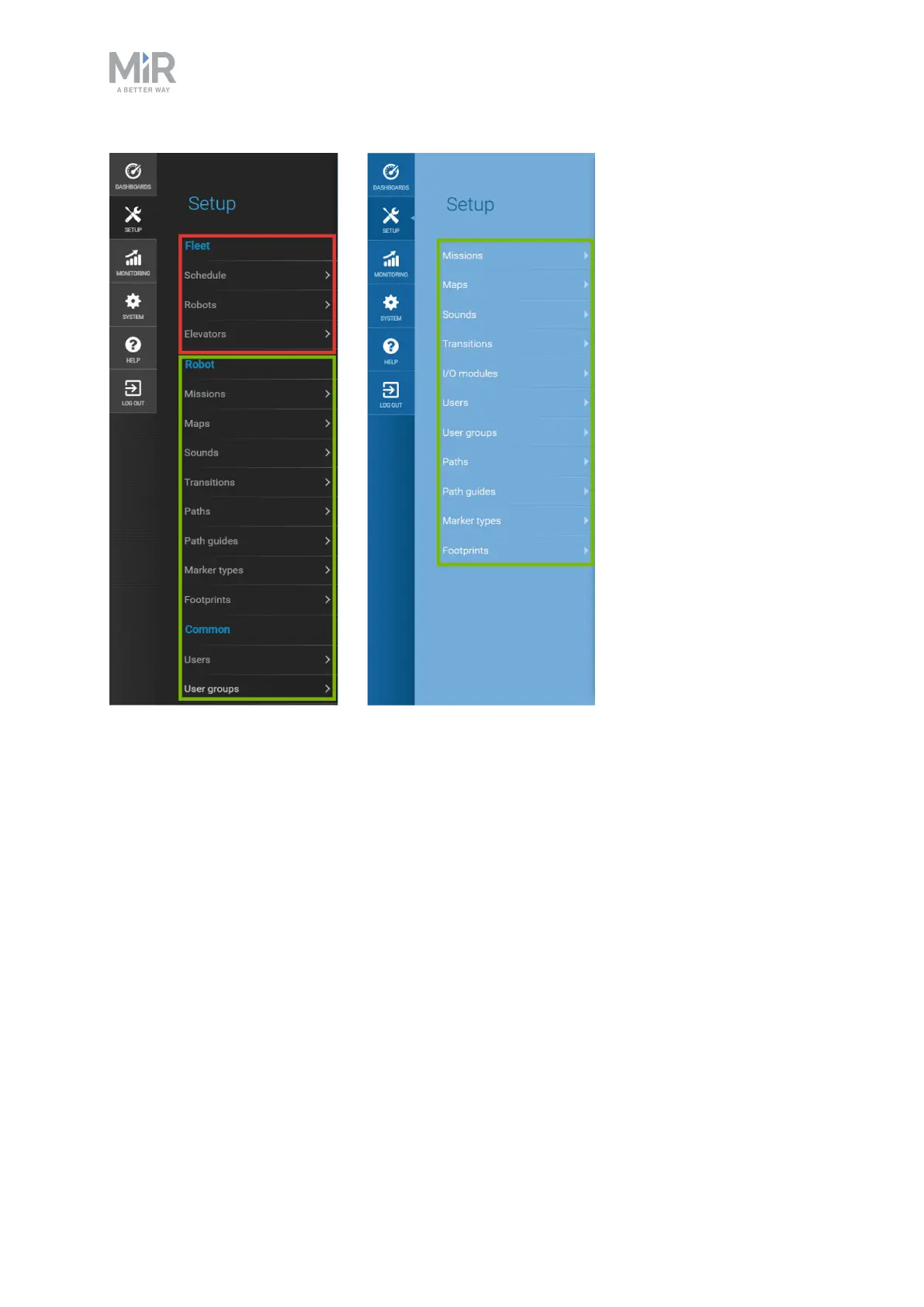
Figure 5.1. The items that are boxed in green are synchronized between the robots through the fleet. The items
boxed in red are not synchronized and are specific to the fleet.
5.2 Adding robots to the fleet
The first robot you should add to your MiRFleet is the model robot where you have created
a complete site. Once you add it, MiRFleet synchronizes data with the robot and retrieves
all the site data. The data that is synchronized includes:
• Maps, including positions and markers with all their offsets, walls, floors, and all types of
zones
• Missions and Mission groups
• Users and User groups
• User group permissions
• Paths and path guides



 To Next Page