5. Commissioning
MiR Fleet PC Getting Started (en) 01/2021 - v.1.5 ©Copyright 2019-2021: Mobile Industrial Robots A/S. 50
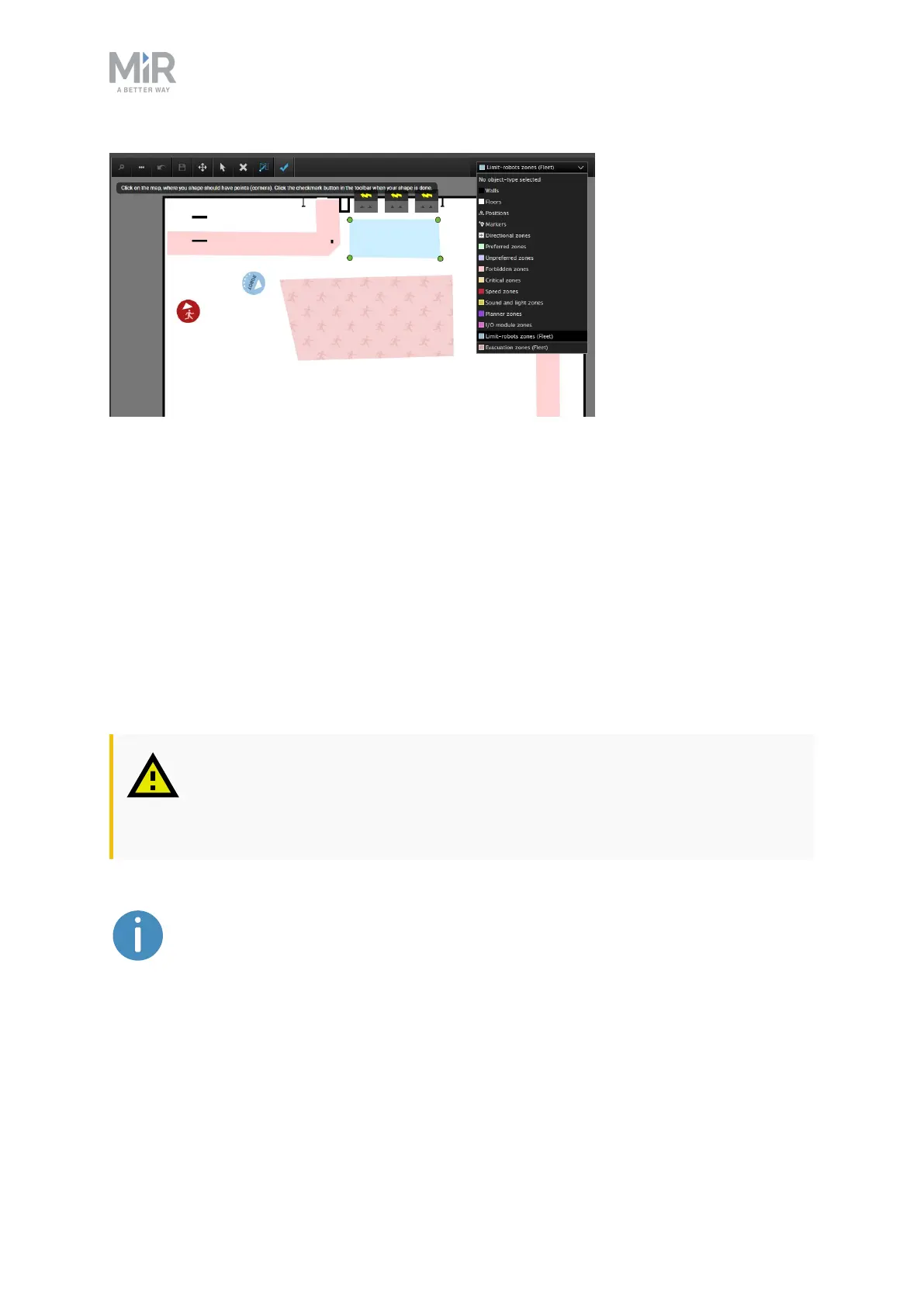
Figure 5.3. A Limit-robots zone (in blue) placed just in front of the line of charging stations.
If necessary, contact your distributor for the guide How to use zones on a map for more
information on Limit-robots zones.
5.13 Using Evacuation zones
An Evacuation zone is one of two fleet-specific zones you can use.
By adding Evacuation zones and Emergency positions to a map, you can clear an area of
robots from the MiRFleet interface. Evacuation zones may be used in connection with, for
example, fire alarms.
CAUTION
Only use Evacuation zones in case of an emergency as all missions are
discontinued or paused.
There should be an Emergency position for each robot in the fleet. If
necessary, contact your distributor for the guide How to set up evacuation
zones and fire alarms for more information about Evacuation zones.
You evacuate the zones by selecting EVACUATEALLZONES in the upper-right corner in the
MiR Fleet interface.



 To Next Page