5. Commissioning
MiR Fleet PC Getting Started (en) 01/2021 - v.1.5 ©Copyright 2019-2021: Mobile Industrial Robots A/S. 51
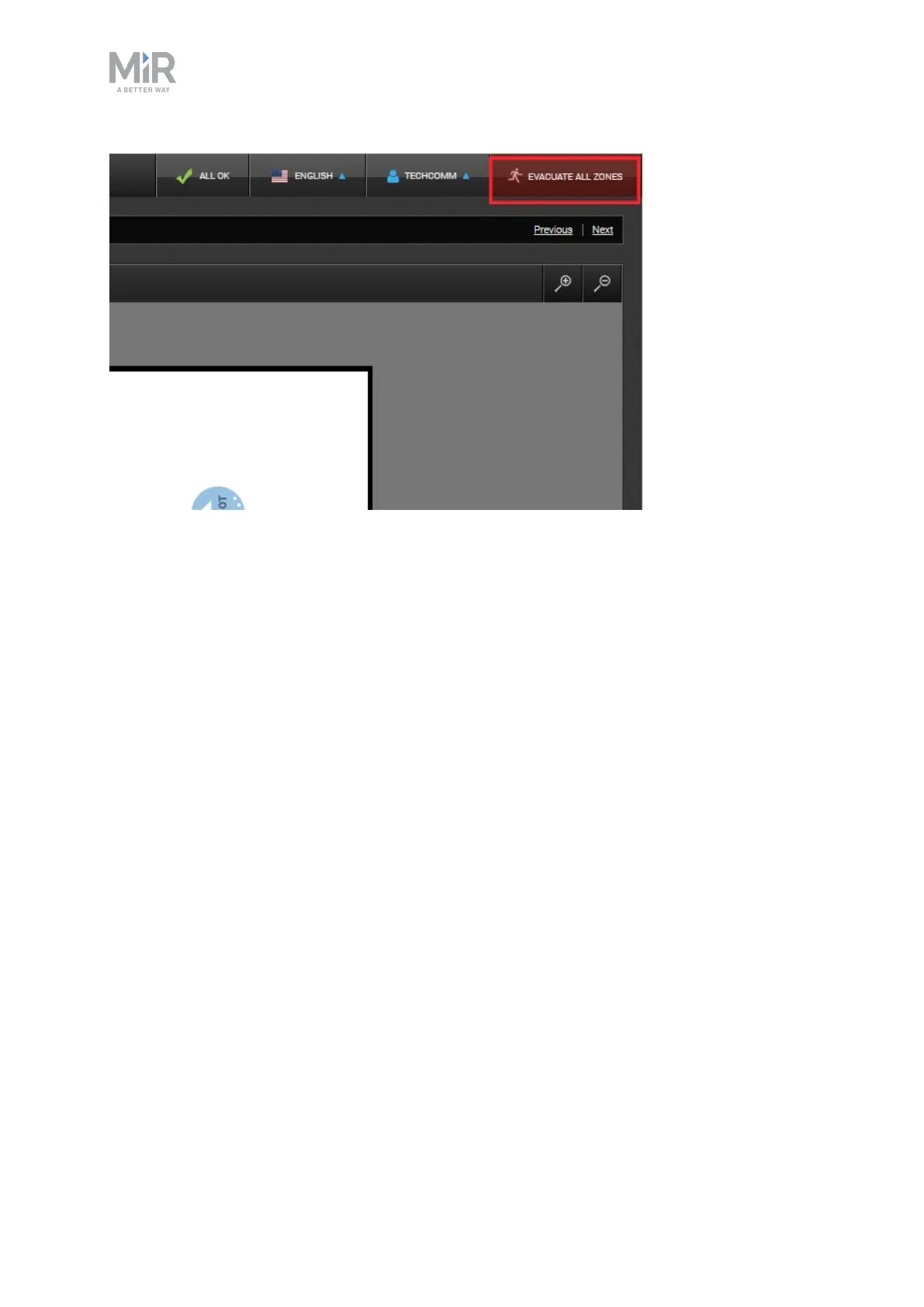
Figure 5.4. Select EVACUATEALLZONES in the upper-right corner to start an evacuation.
It is only possible to evacuate all Evacuation zones at once. All robots in Evacuation zones
leaves the zones and go to the nearest Emergency positions, and all robots in the fleet that
are not in an Evacuation zone pauses.
For a robot to be evacuated, it must be active in the fleet and either in Ready state or
executing a mission.
By default, all users with administrator permissions or above have permission to trigger or
end an evacuation. You can restrict which user groups are allowed to control evacuations.



 To Next Page