5. Commissioning
MiR Fleet PC Getting Started (en) 01/2021 - v.1.5 ©Copyright 2019-2021: Mobile Industrial Robots A/S. 45
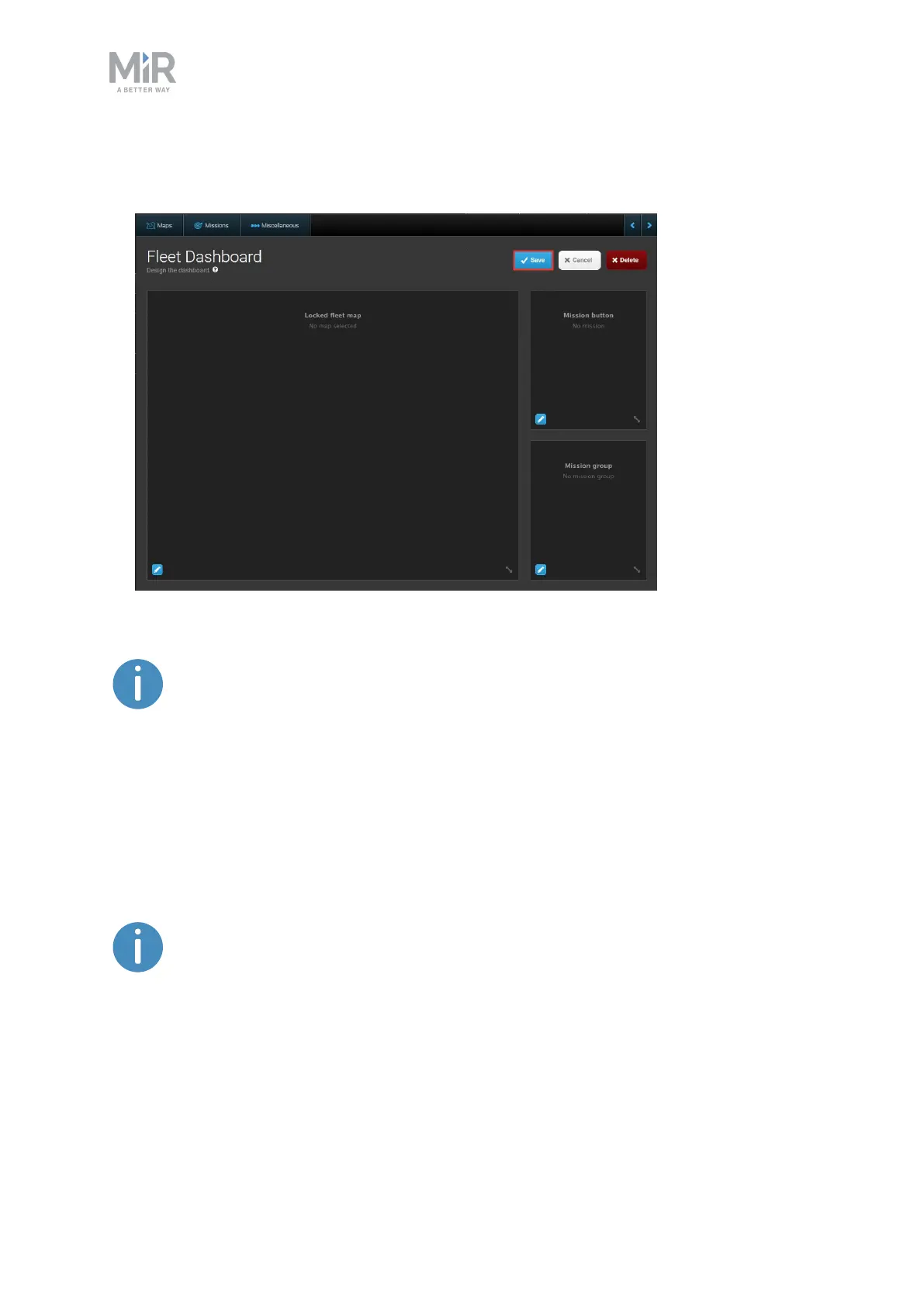
4. Select Save when you are done editing the dashboard. The dashboard is now accessible
from the Dashboards menu.
The only fleet-specific widget is Locked fleet map. It corresponds to the
Locked robot map widget from the robot interface, but it shows all fleet
robots that are on the selected map.
5.10 Enabling automatic charging and staging
MiRFleet is able to automatically send robots to charging stations when they begin to reach
low power and send them to Staging positions to park when idle.
For Auto charging and Auto staging to work optimally, the total number of
charging stations and Staging positions must be equal to the number of robots
plus one or there must be at least one charging station per robot.



 To Next Page