5. Commissioning
MiR Fleet PC Getting Started (en) 01/2021 - v.1.5 ©Copyright 2019-2021: Mobile Industrial Robots A/S. 43
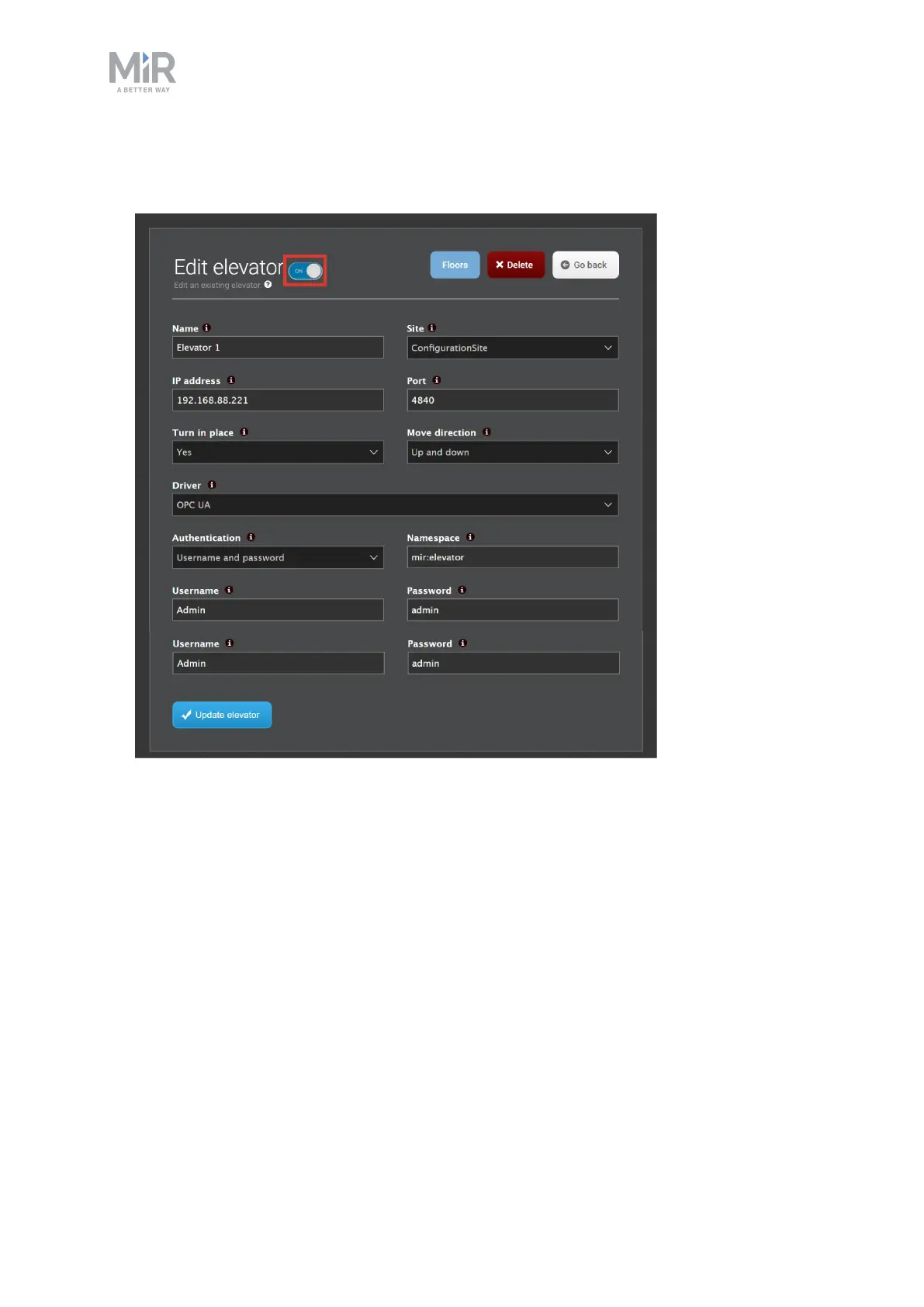
6. When you have finished adding floors, activate your elevator.To do this, select Elevator,
and set the ON/OFFtoggle switch to ON.
5.9 Setting up fleet dashboards
Fleet dashboards are set up the same way as in the robot interface, though with a different
set of available widgets.
To set up a dashboard, follow these steps:
1. Go to Dashboards > Dashboards and select Create dashboard. Name the dashboard,
and select Create dashboard.



 To Next Page