5. Commissioning
MiR Fleet PC Getting Started (en) 01/2021 - v.1.5 ©Copyright 2019-2021: Mobile Industrial Robots A/S. 28
5.3 Removing robots from the fleet
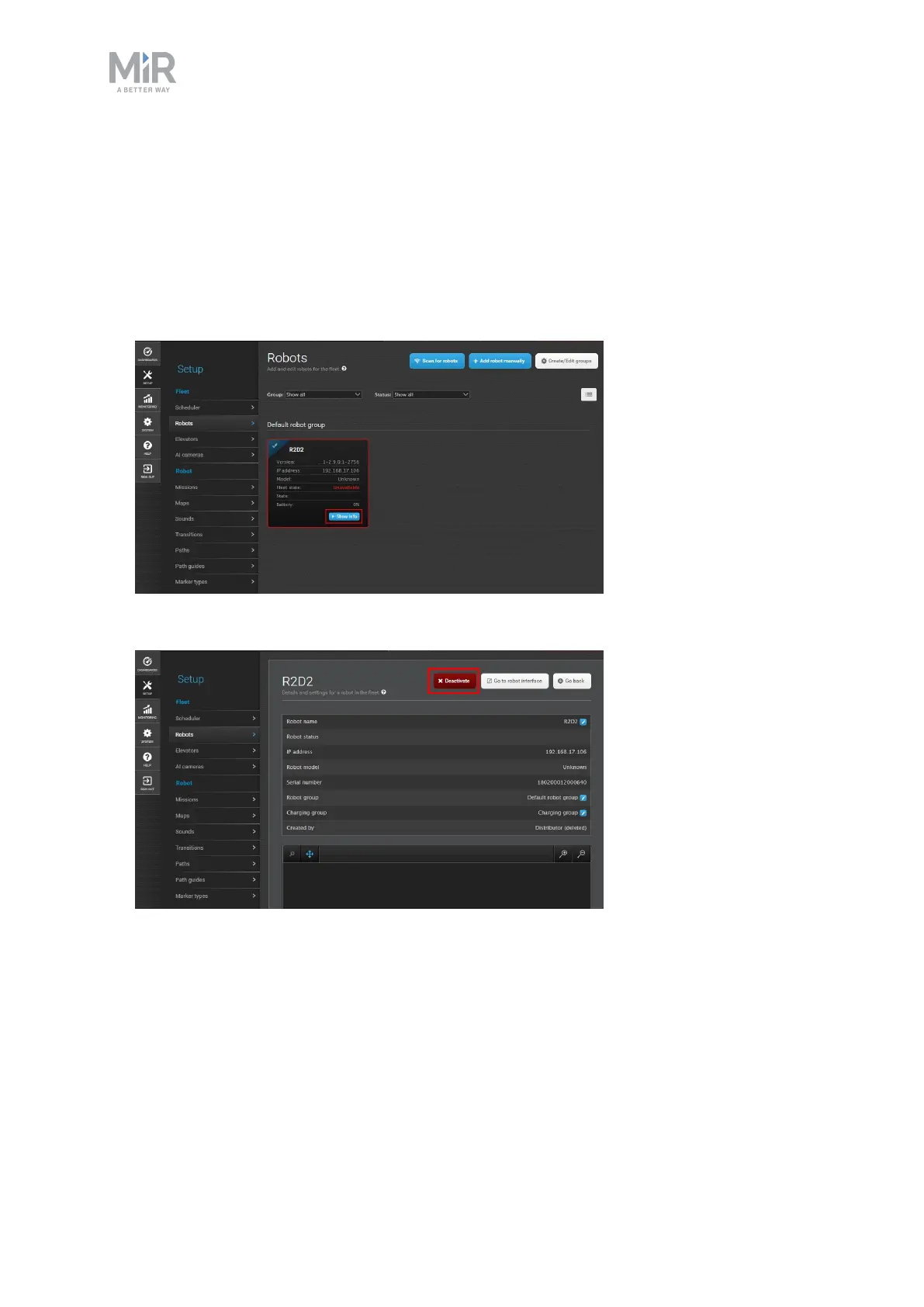
To remove a robot from MiRFleet, follow these steps:
1. Pause the robot you want to remove.
2. In the fleet interface, go to Setup > Robots and select Show info on the robot you want
to remove.
3. Select Deactivate.



 To Next Page