5. Commissioning
MiR Fleet PC Getting Started (en) 01/2021 - v.1.5 ©Copyright 2019-2021: Mobile Industrial Robots A/S. 24
• Transitions
• Sounds
• I/O modules
• Carts, cart types, and calibrations
• Marker types
• Footprints
• Dashboards
• Widgets
If you add other robots to MiRFleet before the model robot, the data will still
synchronize from the model robot to MiRFleet and all other connected robots.
But it is recommended to add the model robot first to ensure no data is lost or
overwritten.
To add a robot to MiRFleet, follow these steps:
1. Pause the robot you want to add.
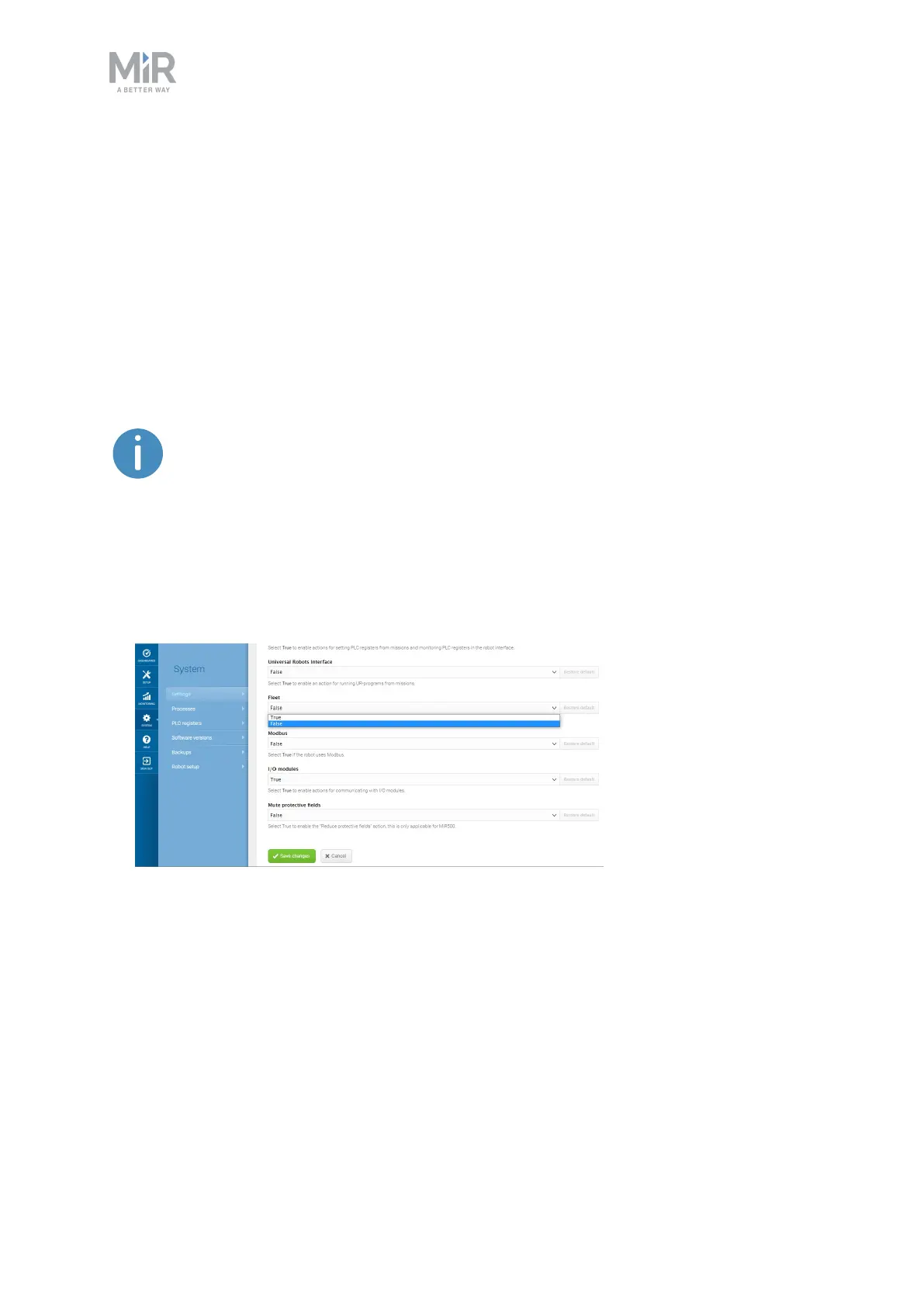
2. In the robot interface, go to System > Settings > Features and set Fleet to True.



 To Next Page